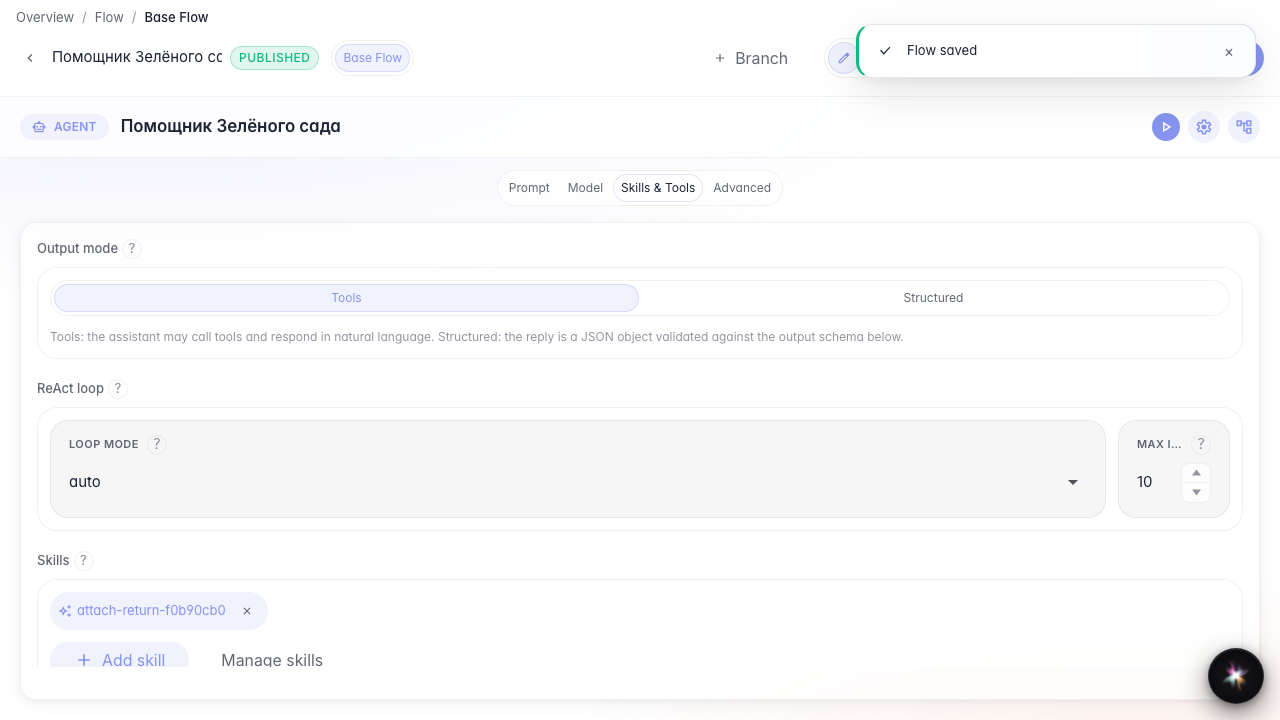
Attach a Skill to the agent
What for: this guide shows how to attach a Skill to the answer node in Tools mode.
Problems it solves: the Skill exists in the library but the agent does not see it — you must attach it on the node.
Result: the Green Garden Assistant has a Skill chip in Tools mode; in Structured mode the Skills section is hidden.
Step 1. Open the agent in Tools mode
Open agent Studio, the Skills and tools section, and choose Tools mode. The Skills section appears only here — not in Structured. Skill load meta-tools appear after attach and are not standing Tools chips.
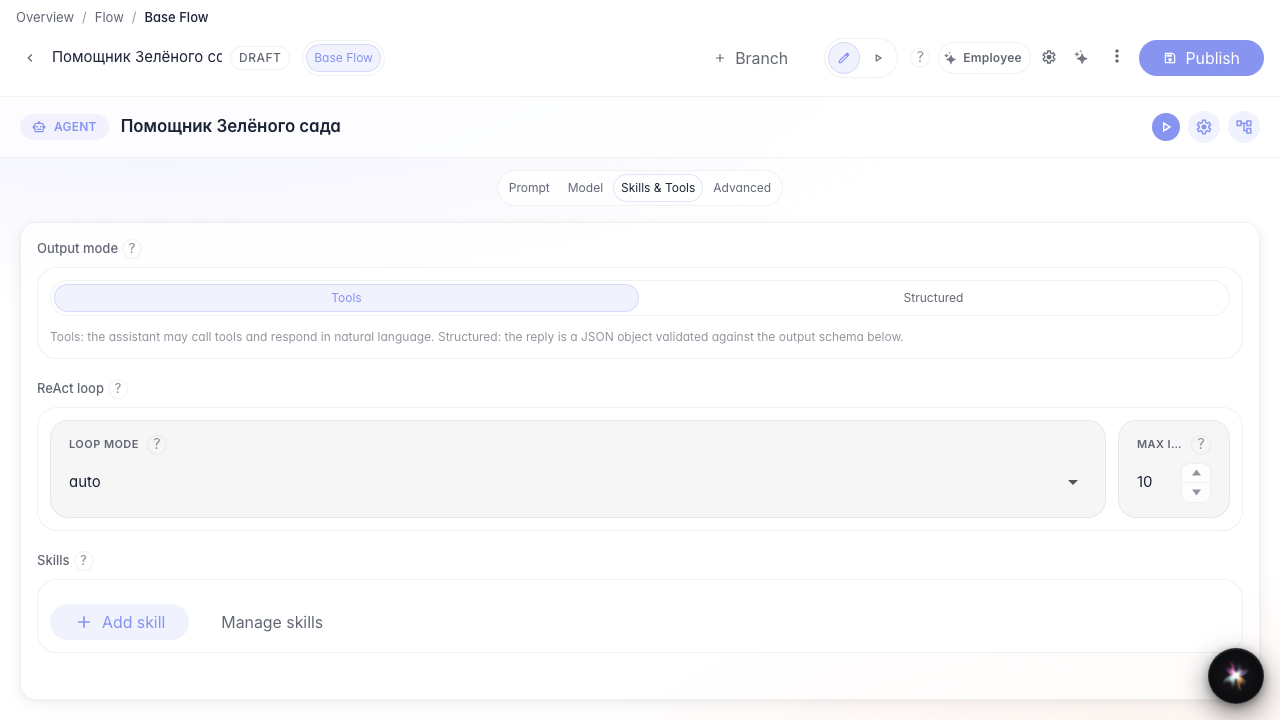
Step 2. Add the Skill from the library
Click Add skill, pick the return Skill, and confirm. A Skill chip appears on the node.
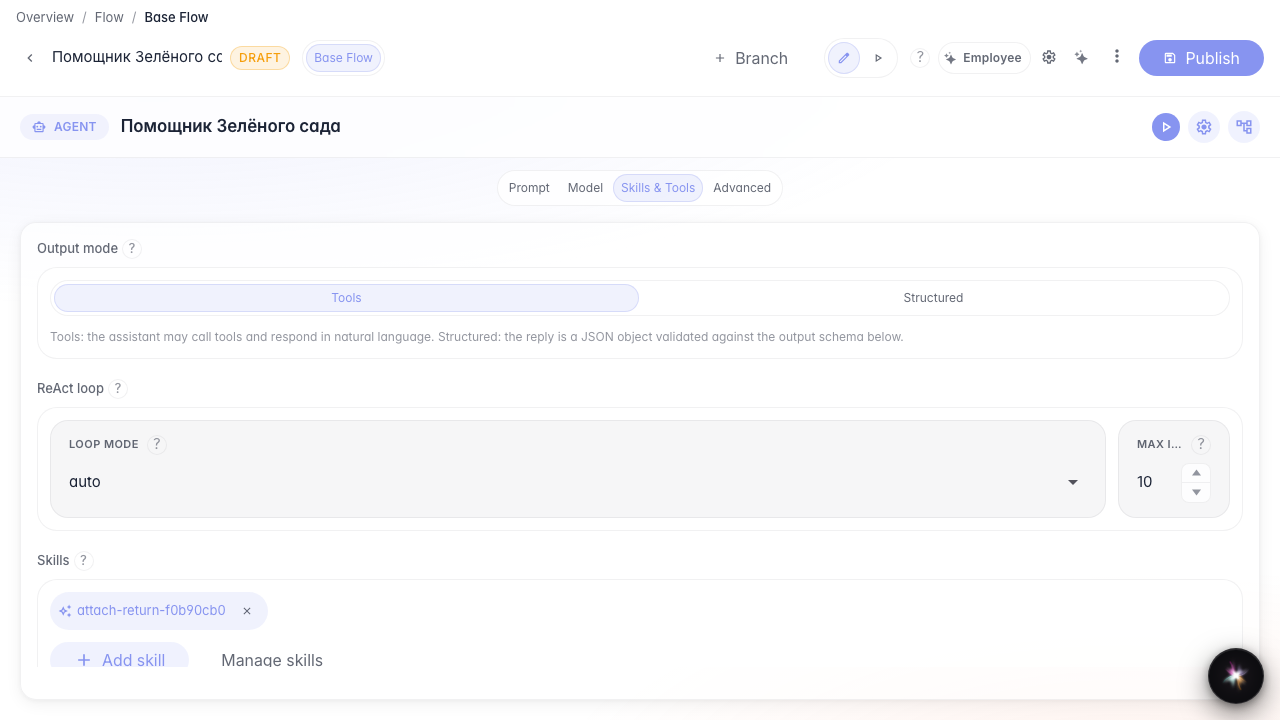
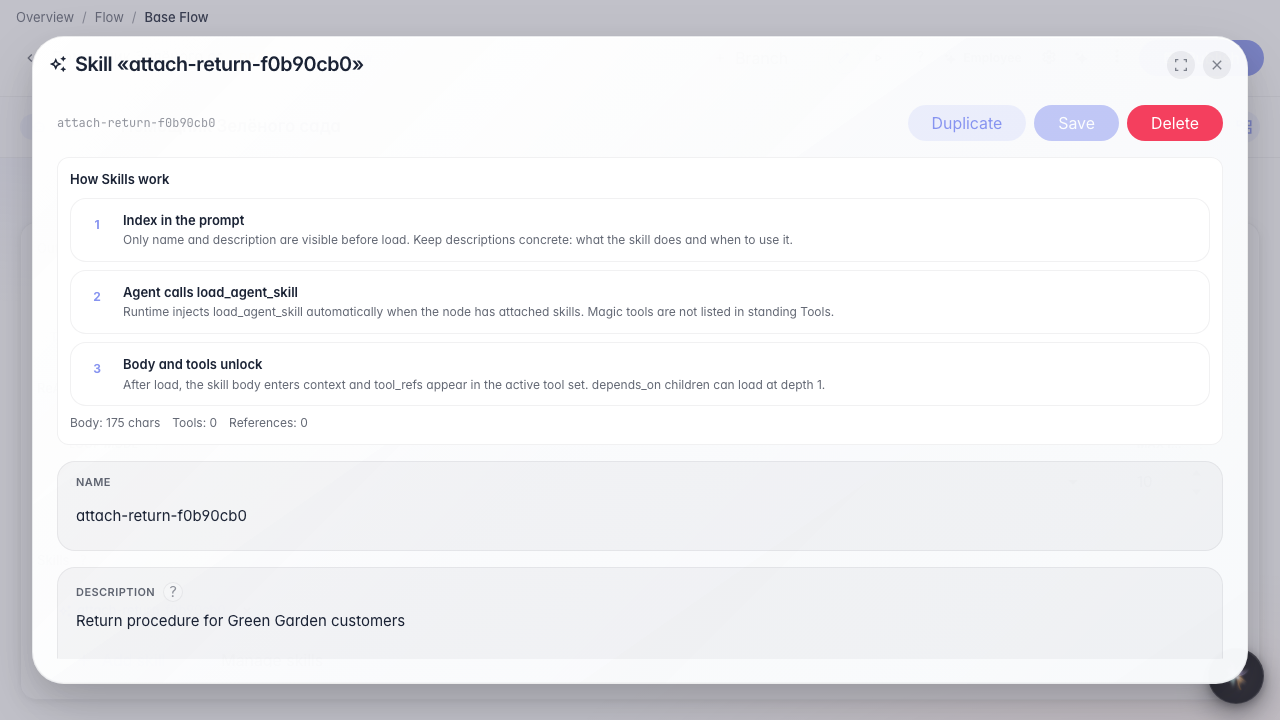
Step 3. Open the Skill from the chip
Clicking the chip opens the procedure editor so you can fix steps without leaving the node.
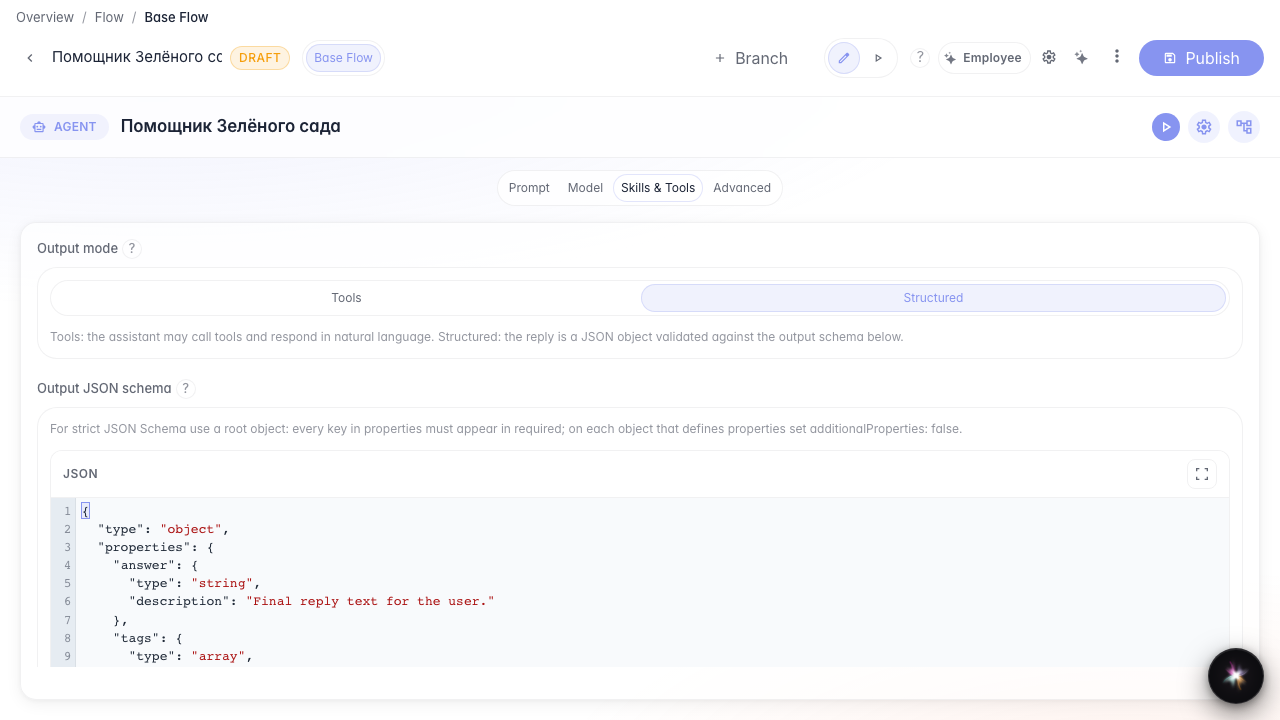
Step 4. Switch to Structured — Skills section hidden
In Structured mode the Skills section is hidden: the agent returns JSON, not loaded procedures. The attach stays in the config.
Step 5. Return to Tools and publish
Result demonstration. Back in Tools mode the Skill chip remains; after publish the attach is saved.
Summary. You can attach a Skill in Tools mode and know Structured hides the Skills section.