Single operator reply and HITL complete
What for: this guide shows single-reply mode: the operator answers the customer via Reply and complete, not via Activity comments.
Problems it solves: internal team notes are easy to confuse with a customer reply — then the message never appears in the agent chat.
Result: after Reply and complete the customer sees the answer in their chat and the task closes.
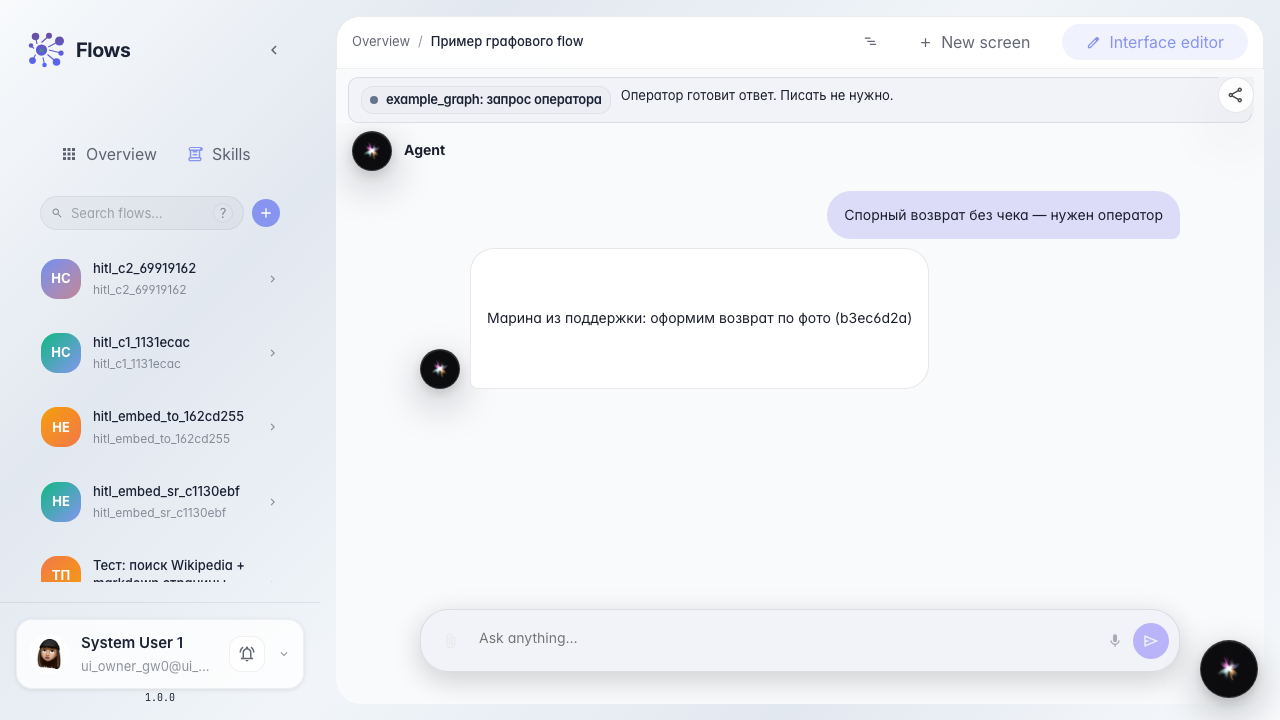
Step 1. Open the task with the single-reply hint
The card shows Conversation with user and a hint: reply to the customer only via Reply and complete. Activity comments are not visible to the user.
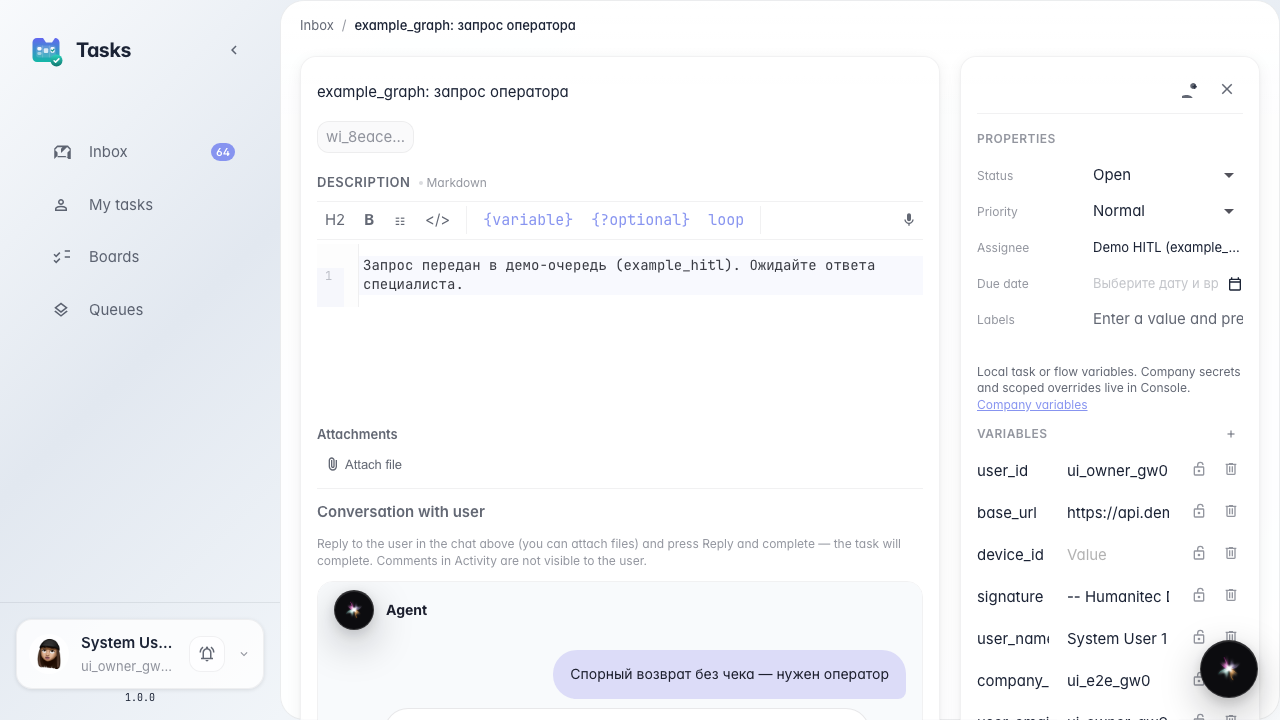
Step 2. Reply and complete the task
Type the reply under the conversation and click Reply and complete. The task closes and the answer goes to the customer — not via the activity thread.
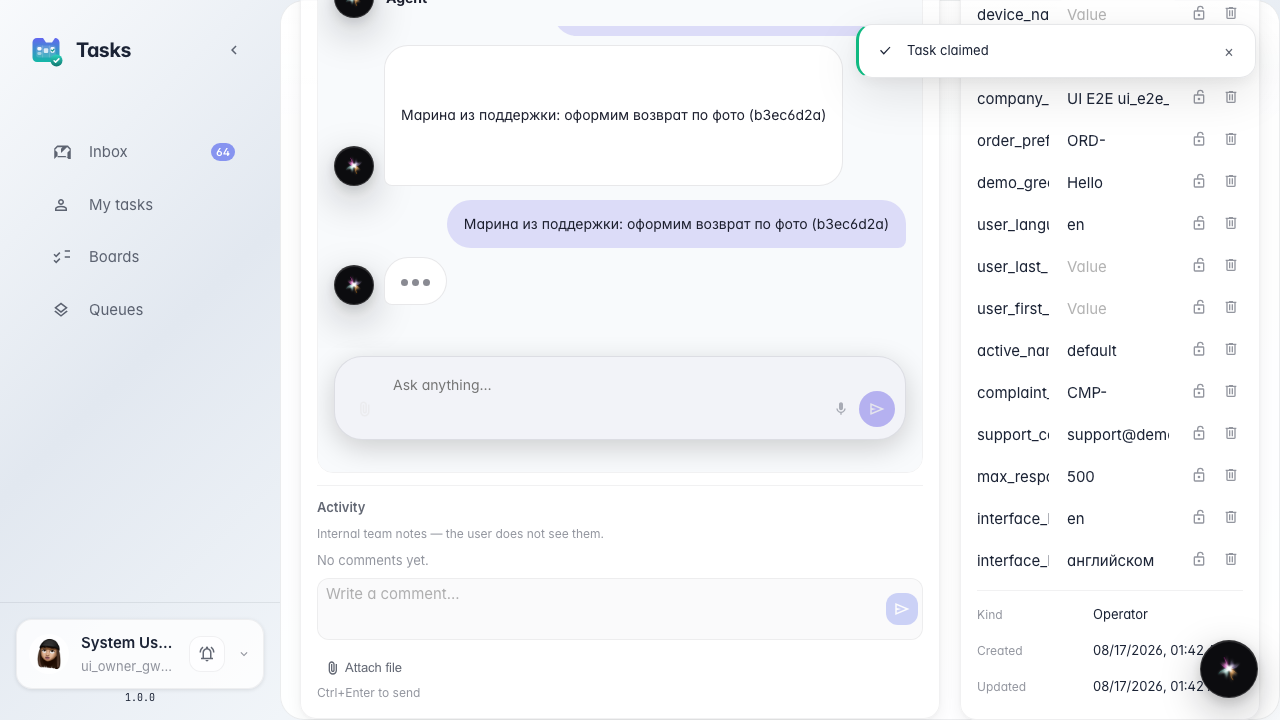
Step 3. Verify the reply in the customer chat
Result demonstration. The customer chat shows the operator reply. The waiting banner clears after the task completes.
Summary. In single-reply mode write only in Reply and complete; Activity is for internal team notes.