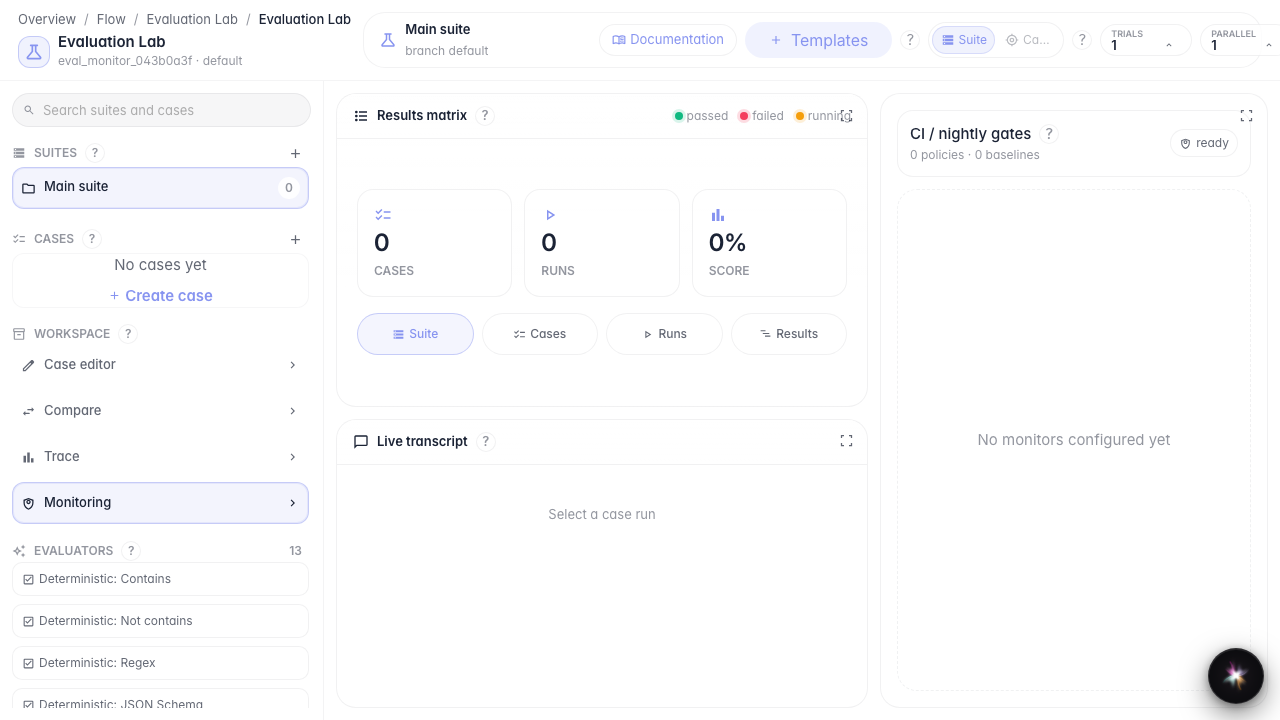
Monitor quality in production
What for: this guide shows where to review quality monitoring and gate policies.
Problems it solves: after launching an agent, it is unclear how to track answer degradation on real conversations.
Result: the monitoring panel with baselines and gate policies is open.
Step 1. Open Evaluation Lab
Evaluation Lab is the single place for manual checks and in-production quality monitoring.
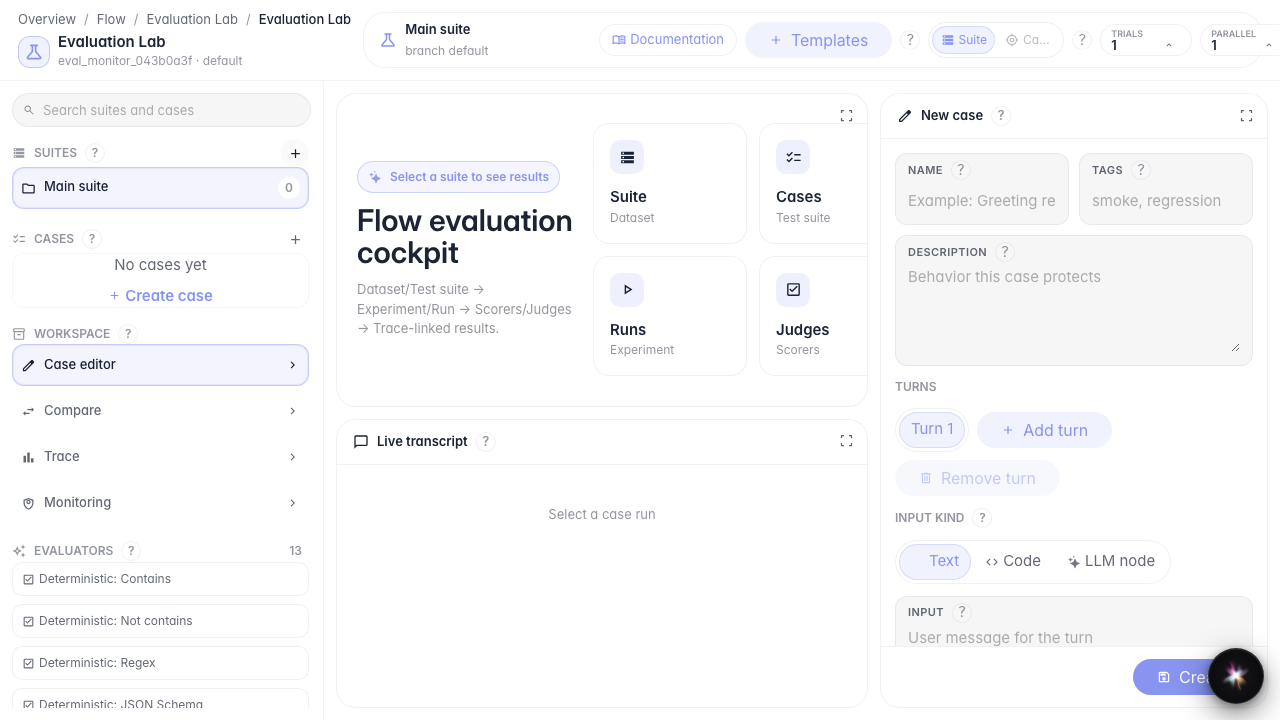
Step 2. Open the monitoring panel
In the Workspace block, choose Monitoring. Gate policies, baselines, and online monitors for quality observation are collected here.
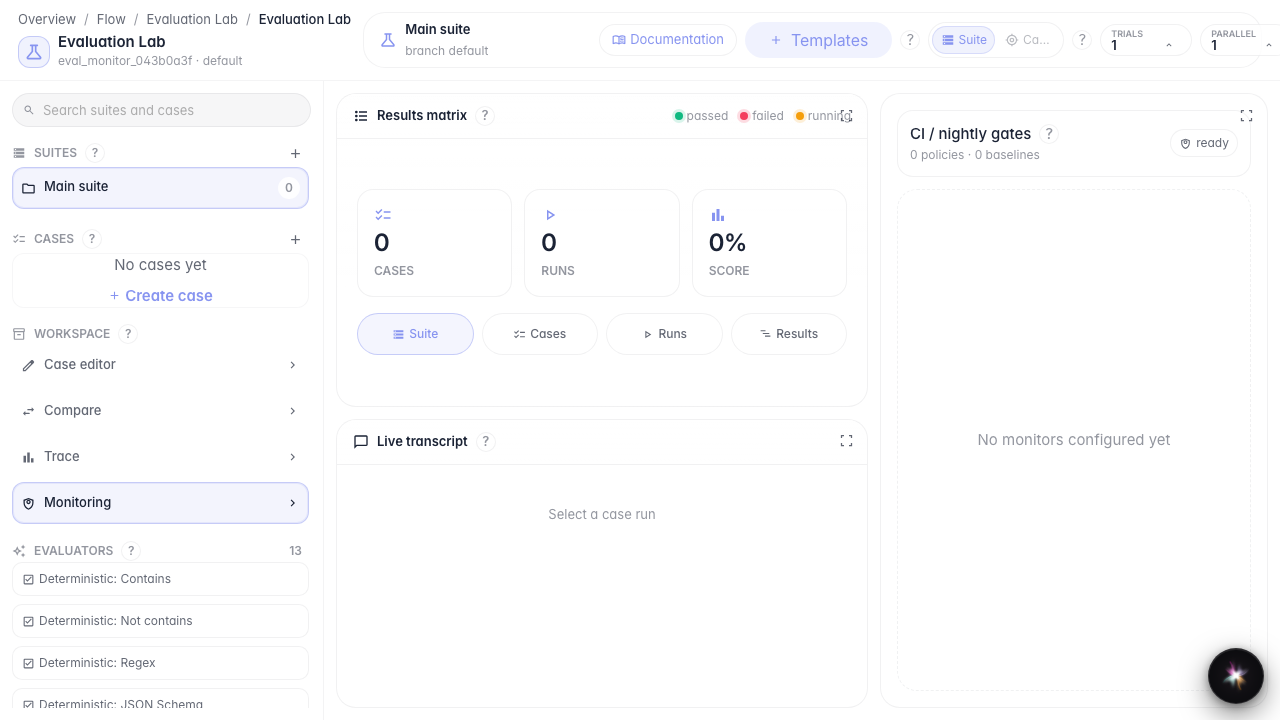
Step 3. Find the gate policies block
On the panel find the gate policies and baselines section. Here you set quality thresholds that trigger alerts when answers degrade.
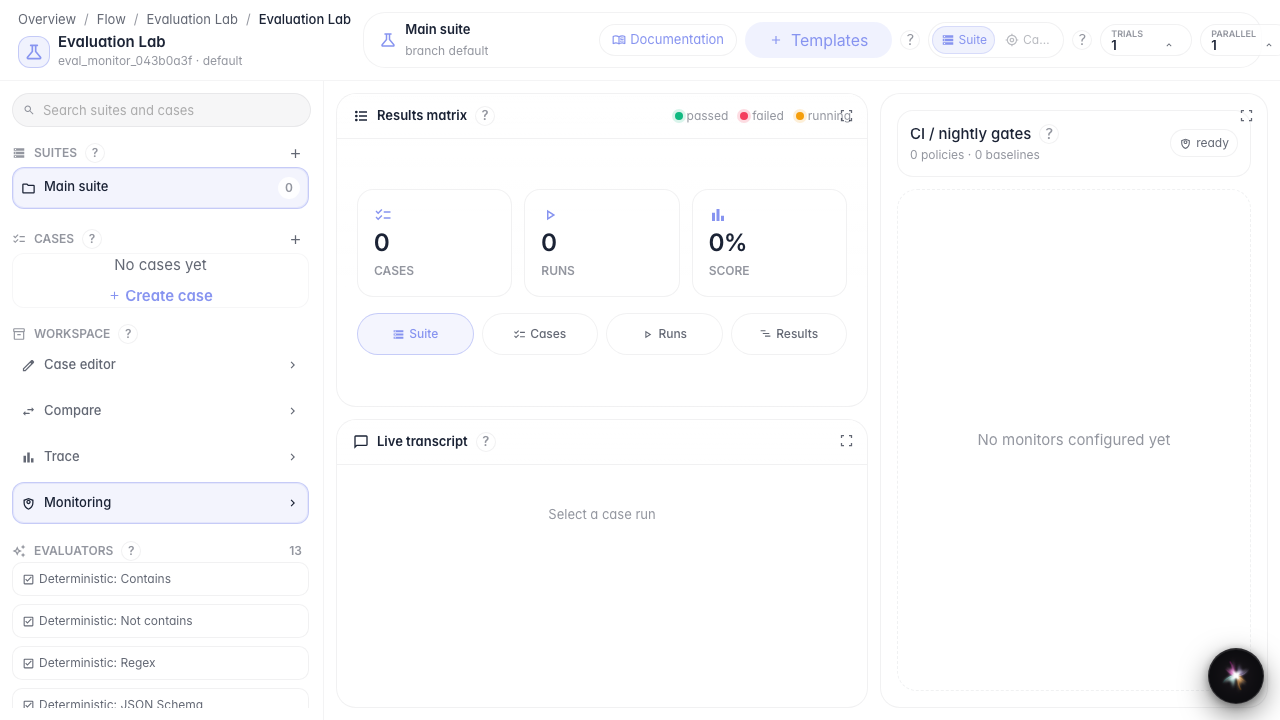
Step 4. Check monitoring status
Result demonstration. The panel shows baselines and monitoring status — the quality observation layer is ready to configure.
Summary. You now know where to open quality monitoring and what to look for before configuring gate policies.