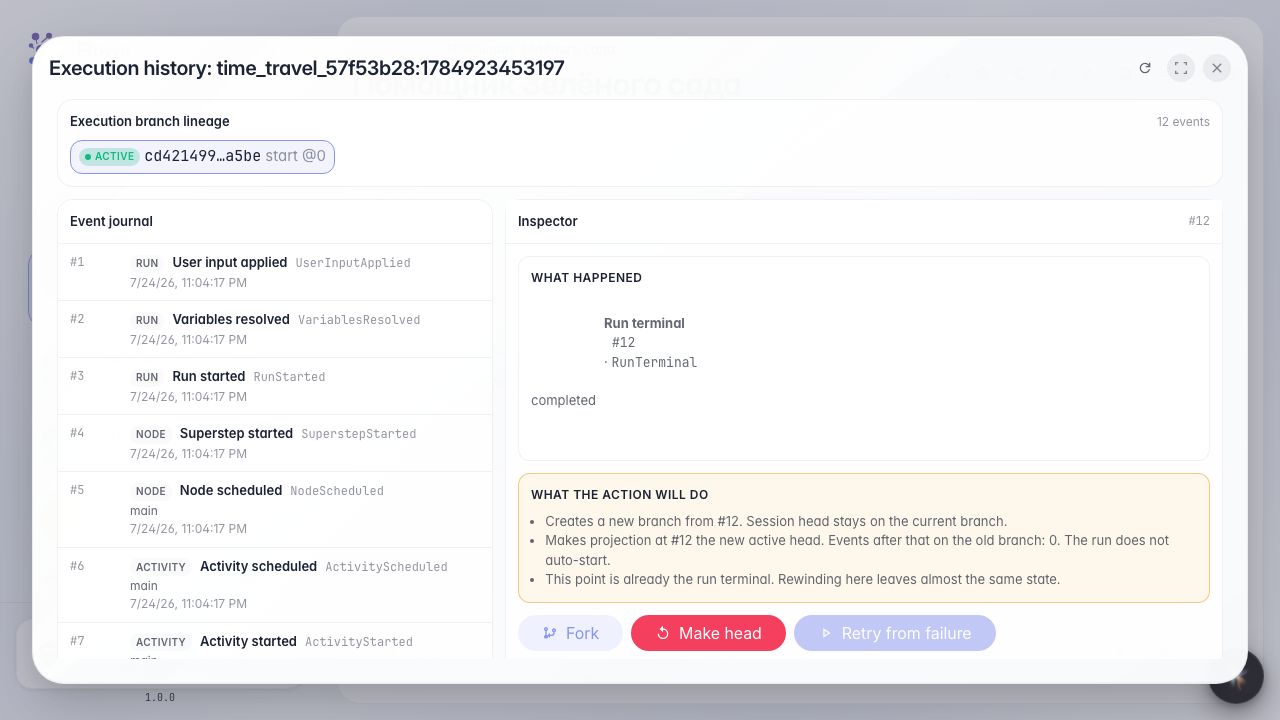
Time-travel the run history
What for: this guide helps you review dialog execution history and find the moment to replay from.
Problems it solves: after a failure it is unclear which step failed and you have to restart the whole dialog.
Result: execution history is open with a list of events from the last run.
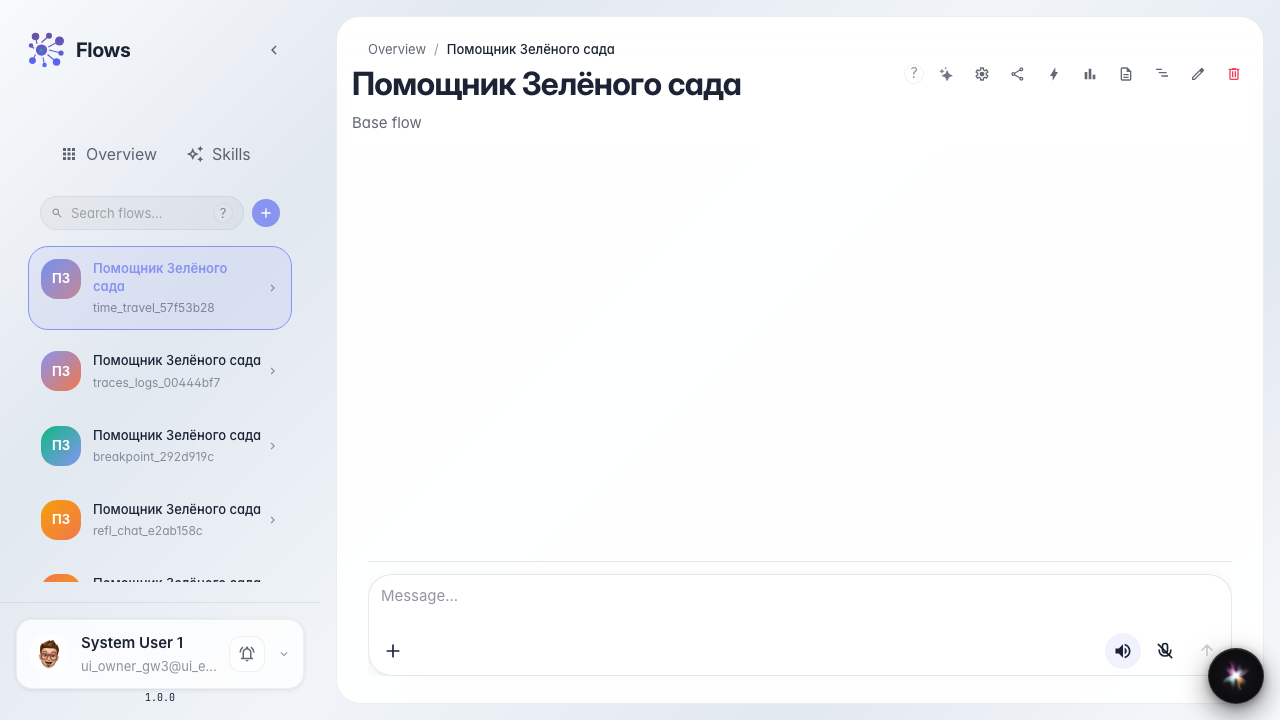
Step 1. Open the agent chat
Open the Green Garden Assistant chat. Execution history is available for dialogs that have run at least once.
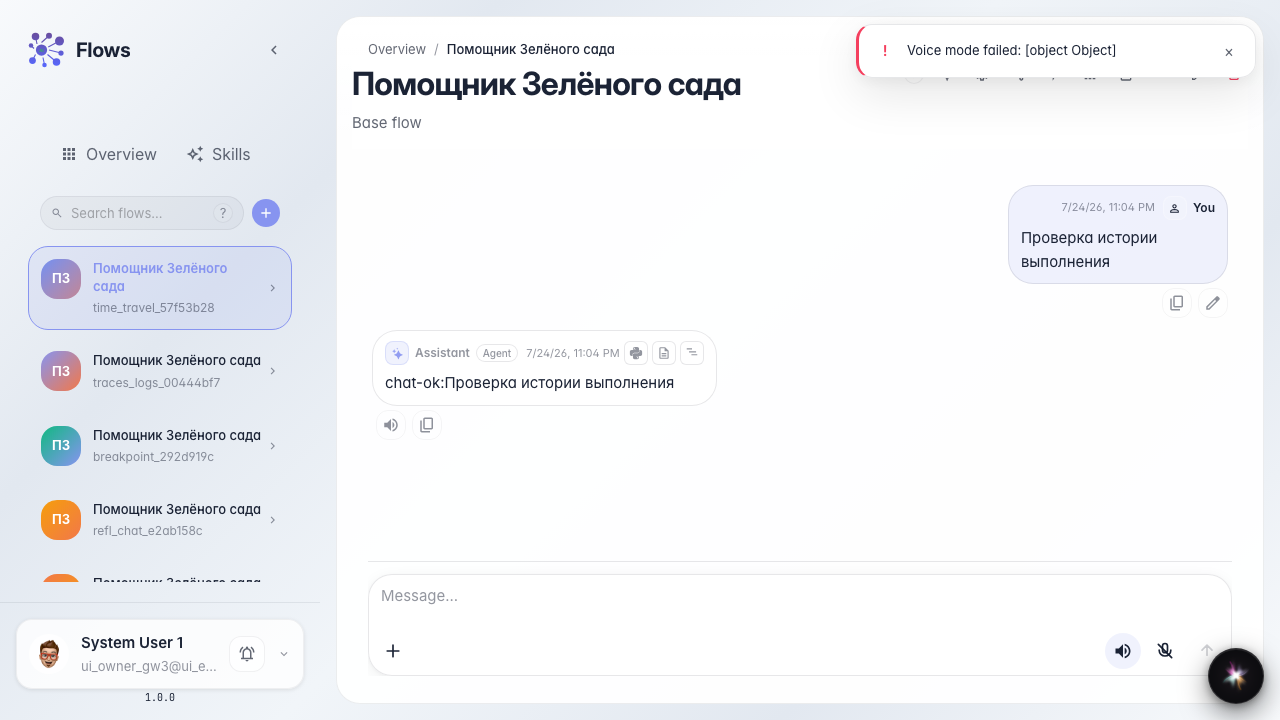
Step 2. Run the dialog
Send a message and wait for the reply. After the run completes, the system stores the event chain you can navigate.
Step 3. Open execution history
Click the execution history button in the chat or choose the menu item. A modal opens with the event chain from the last run.
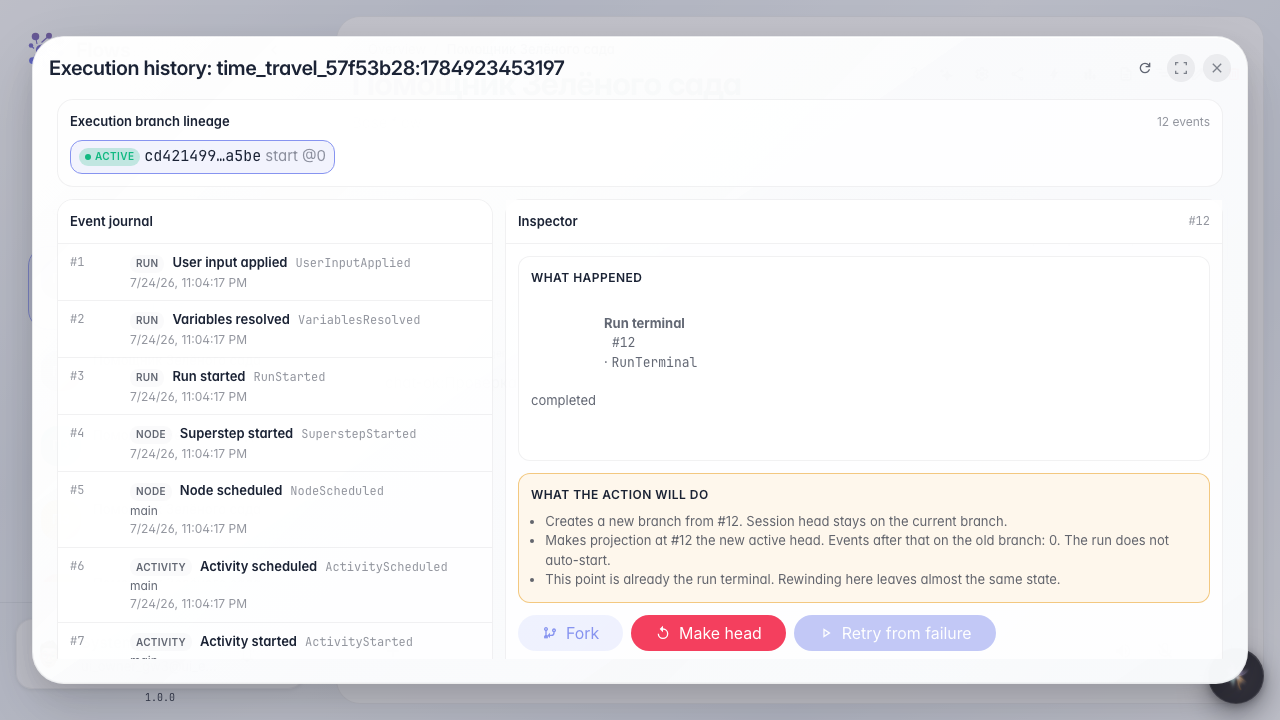
Step 4. Review the event list
Result demonstration. The list shows events from the last run — you can pick a moment to replay or branch from.
Summary. You can now review Green Garden agent execution history and find the step you need.