Getting to know Flows: home and agent catalog
What for: this guide helps you get comfortable on the Flows home page and learn how to find an agent and open a chat with it.
Problems it solves: new users often can't tell where the agent list is, how to open a dialog or the editor, and what to click first.
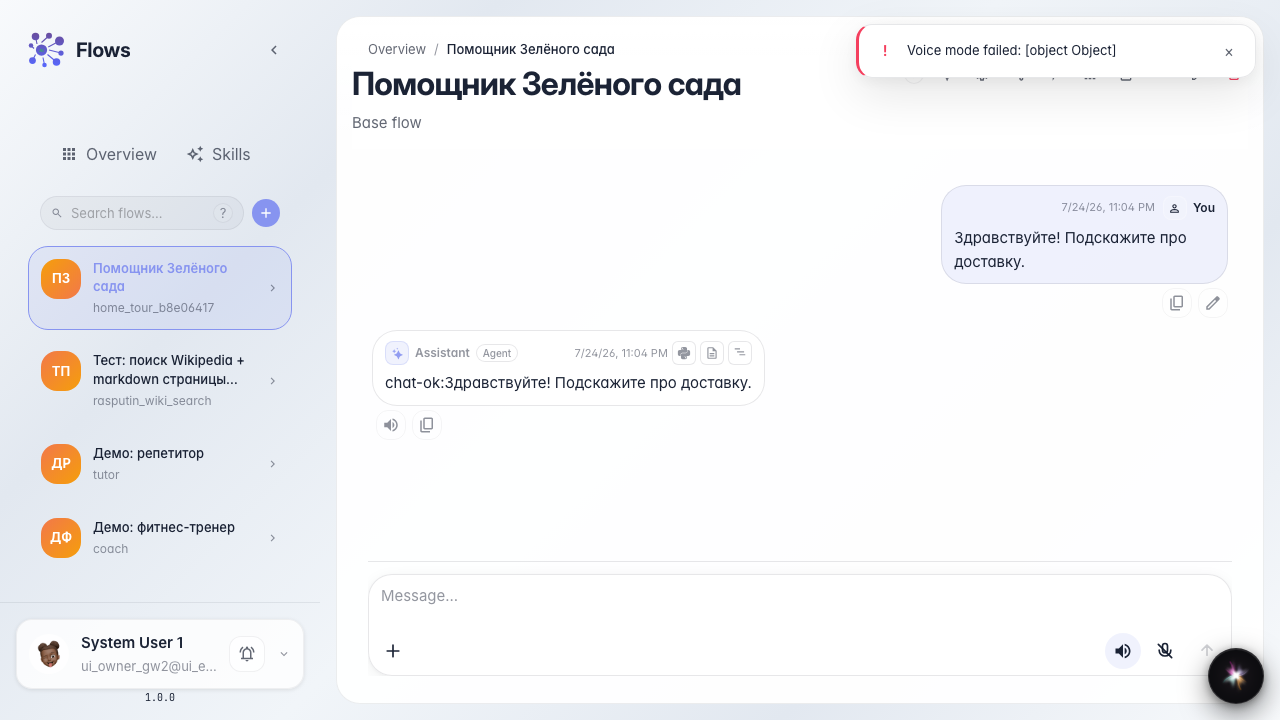
Result: you will find the Green Garden Assistant in the catalog and open a working chat with it.
Step 1. Open the Flows home page
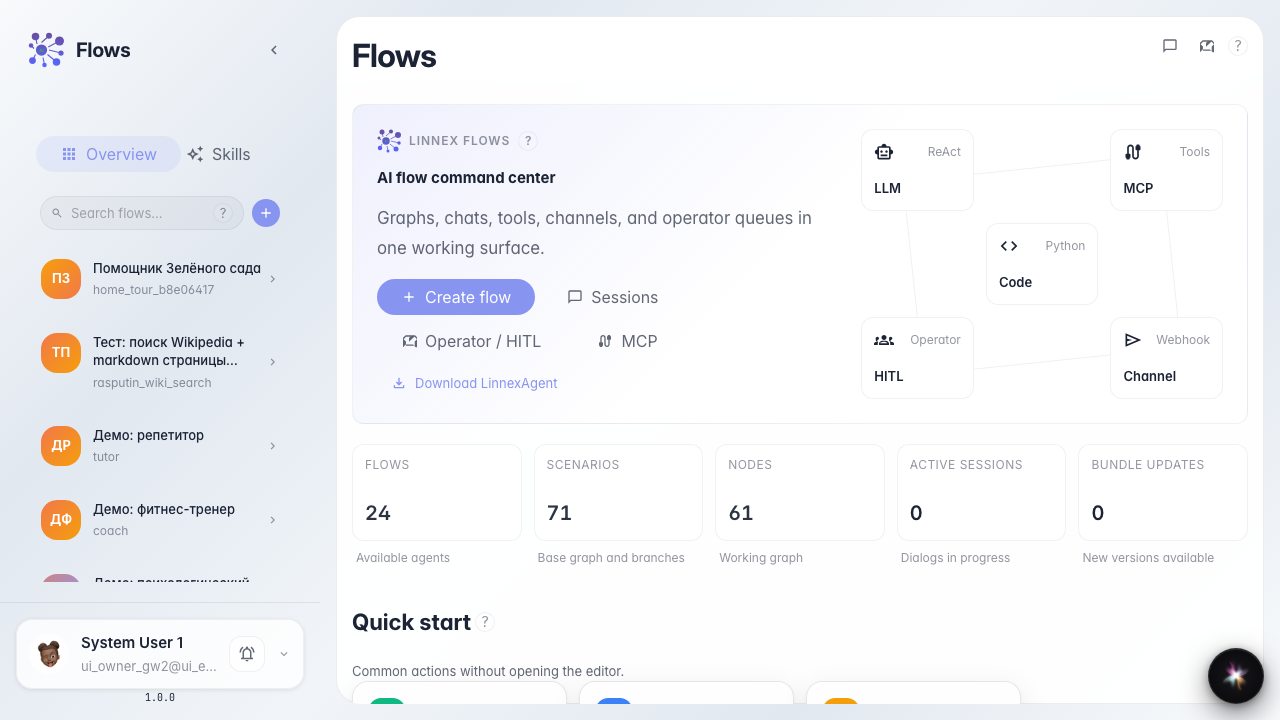
Open Flows. The welcome block and quick actions are in the center; your agent catalog is on the left.
Step 2. Open recent sessions
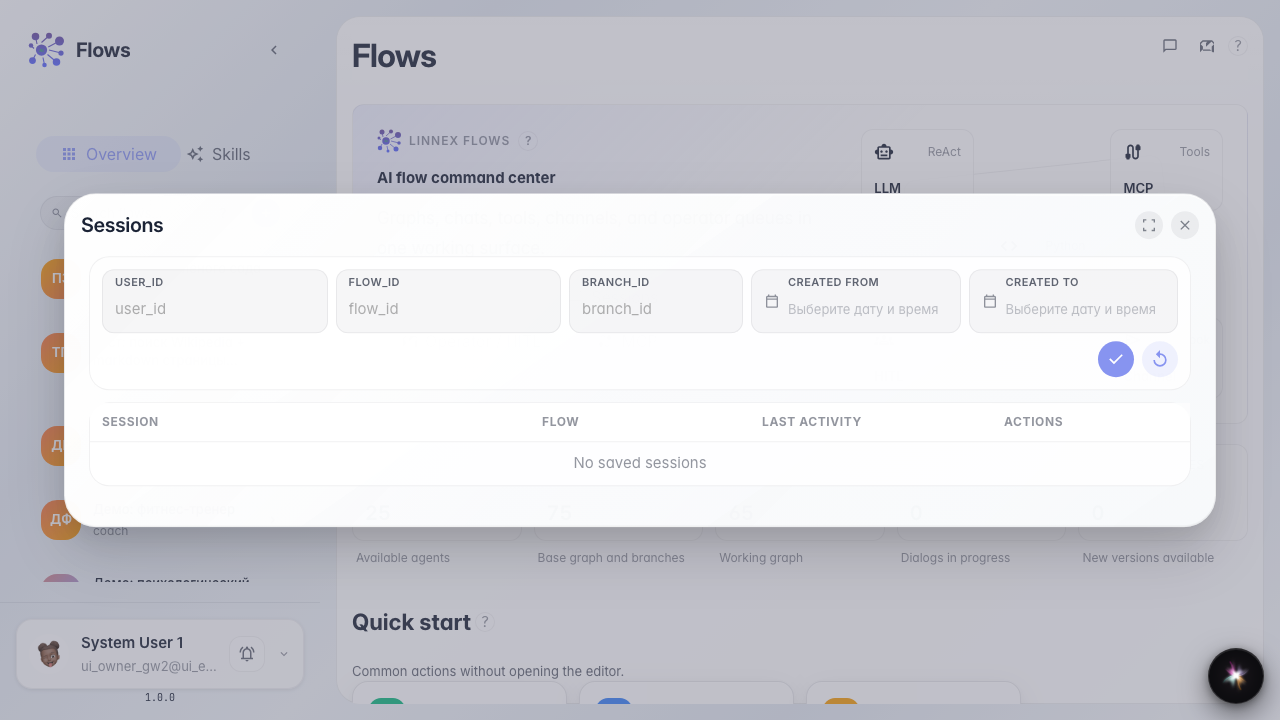
Sessions opens recent agent conversations. Use the list to resume a dialog or see which agents ran recently.
Step 3. Review the Skills card and platform assistant
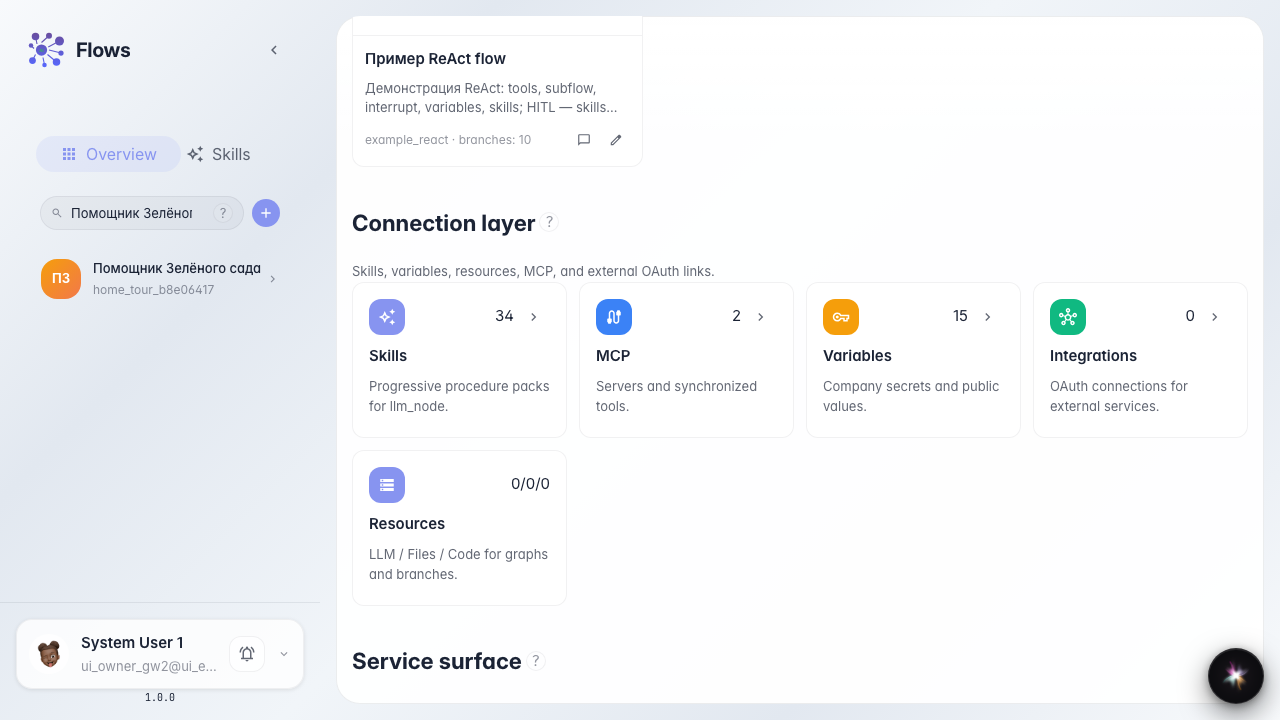
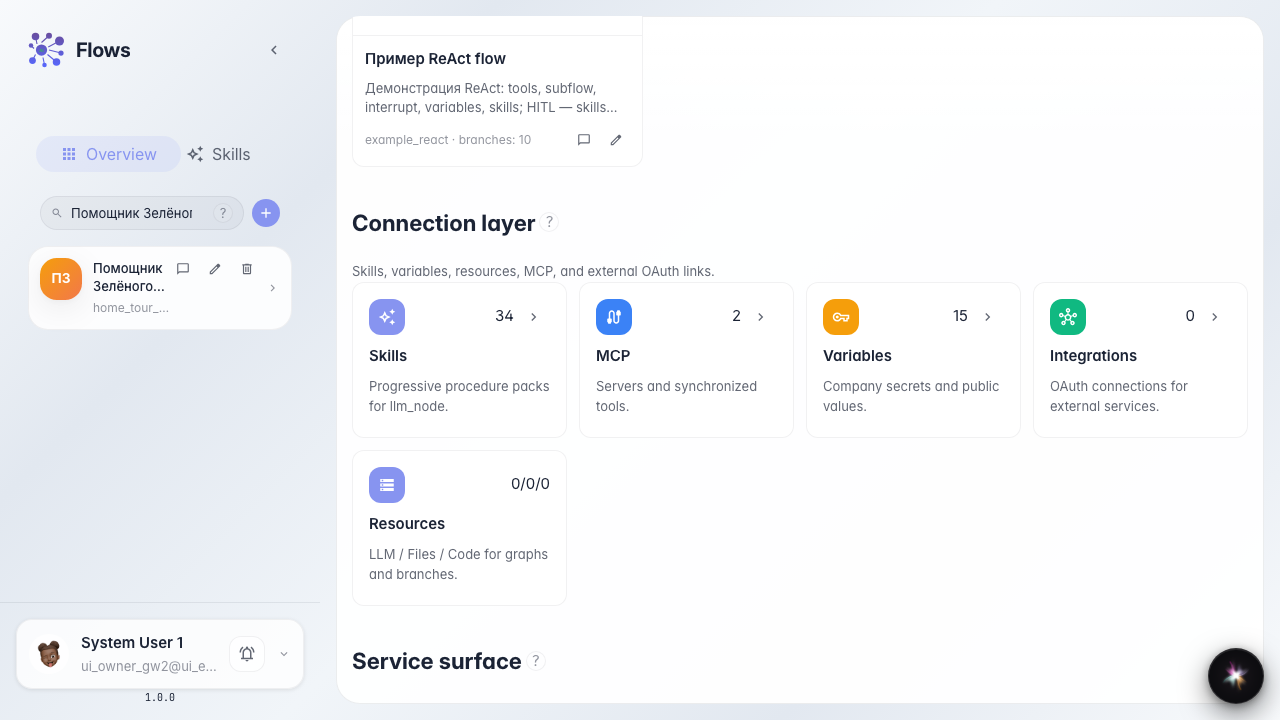
In the connections block, Skills opens the agents' procedure library. The built-in Lara assistant is available from chat.

Step 4. Find the agent in the catalog
Type part of the name into catalog search. The narrowed list shows the Green Garden Assistant card.
Step 5. Reveal agent card actions
Hover over the agent card. Chat tests the agent; Editor configures its graph.
Step 6. Open the agent chat
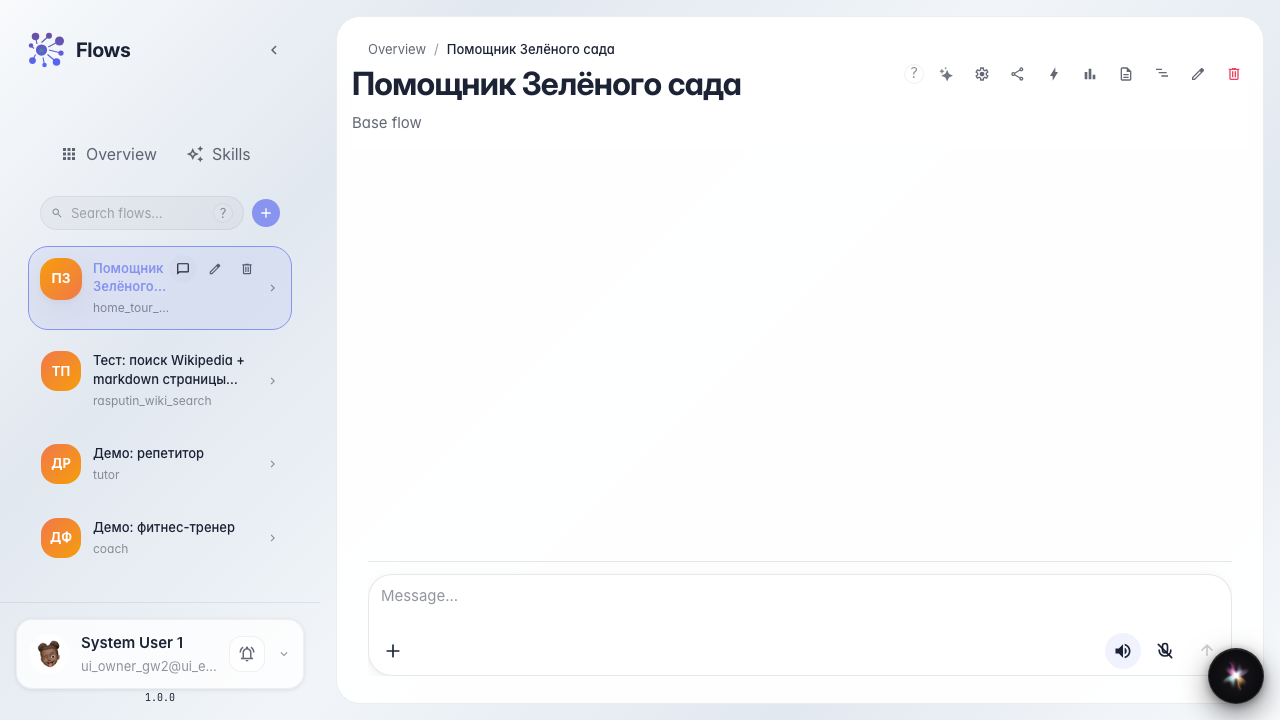
Click Chat on the card. The dialog lets you test the assistant as a customer.
Step 7. Check the agent reply
Result demonstration. Send a question and wait for the reply in the chat feed; a visible answer confirms the agent is found and working.
Summary. You can now navigate the Flows home, use quick actions and sessions, find an agent in the catalog, and open a working chat with it.