Create your first agent from a template
What for: this guide helps you create your own agent without building a graph from scratch.
Problems it solves: beginners aren't sure which template to start from and which fields to fill in when creating an agent.
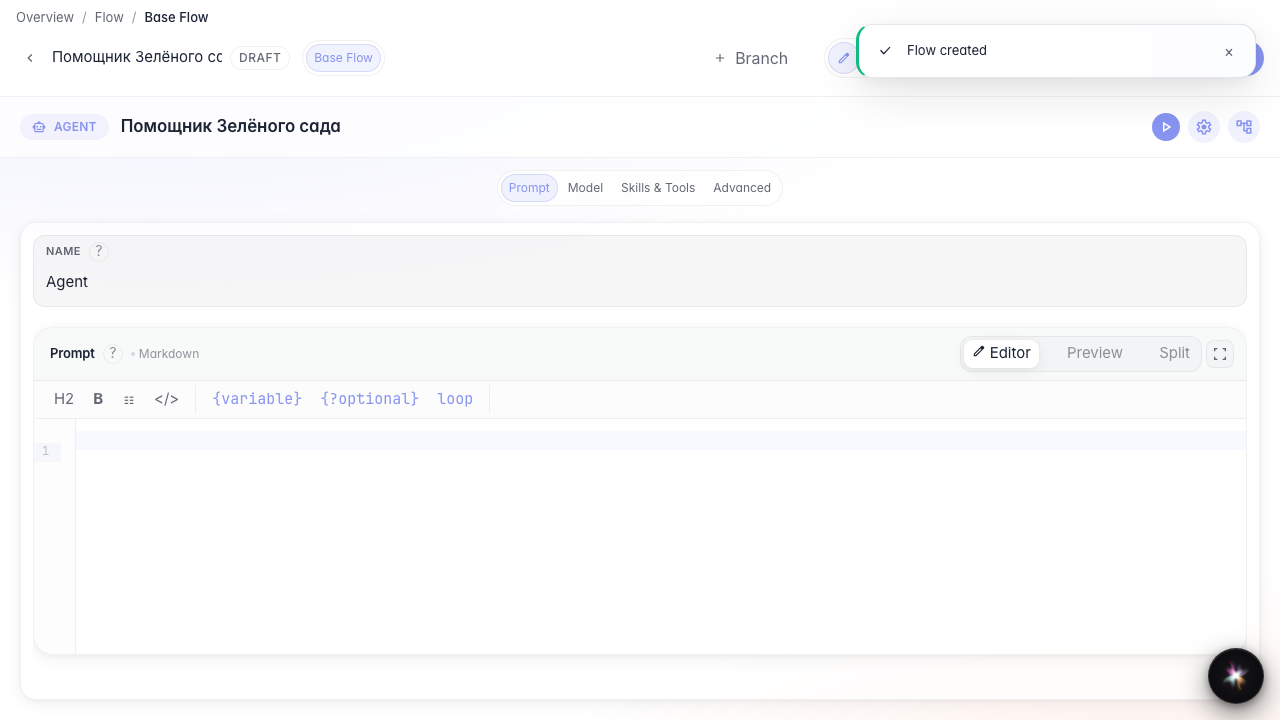
Result: the Green Garden Assistant is created and opened in the editor with ready-made nodes.
Step 1. Open the agent catalog
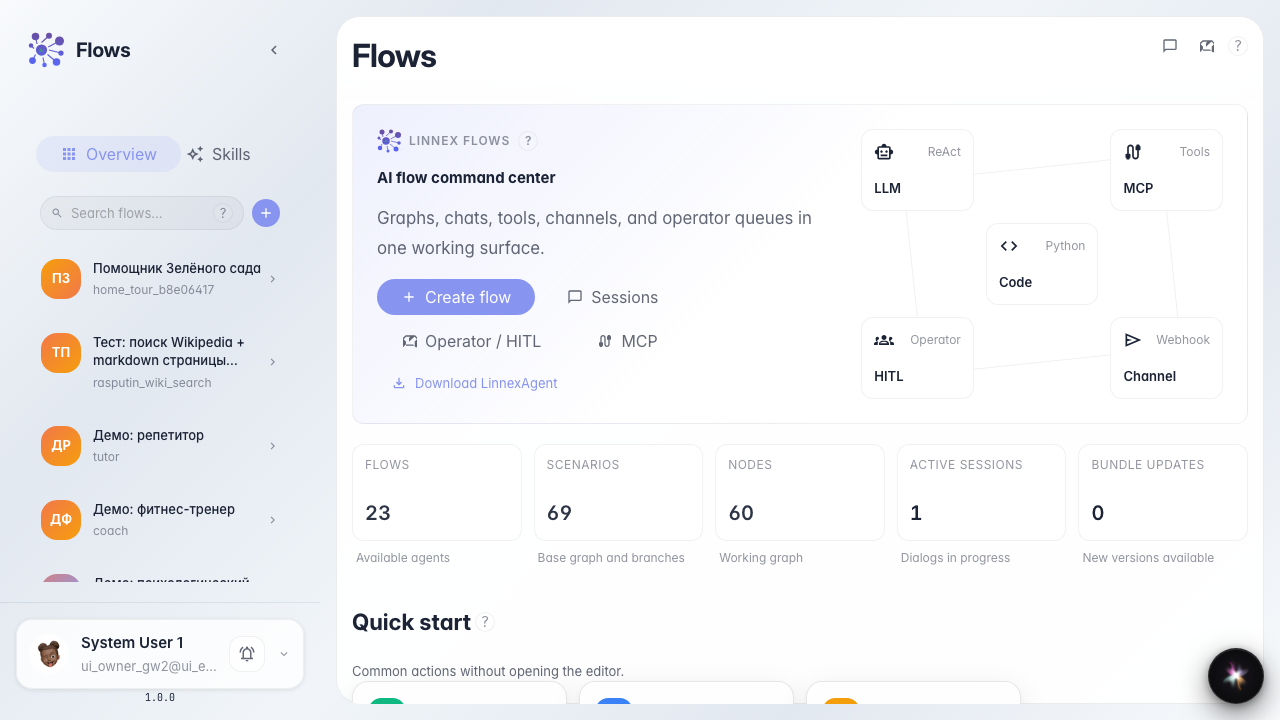
On the Flows home, the agent catalog is on the left. Here you can not only search existing assistants but also create a new one.
Step 2. Choose an agent template
The creation wizard opens. Pick the plain agent template — it already contains an answer node, so the agent can reply to customers immediately.

Step 3. Fill in name and description
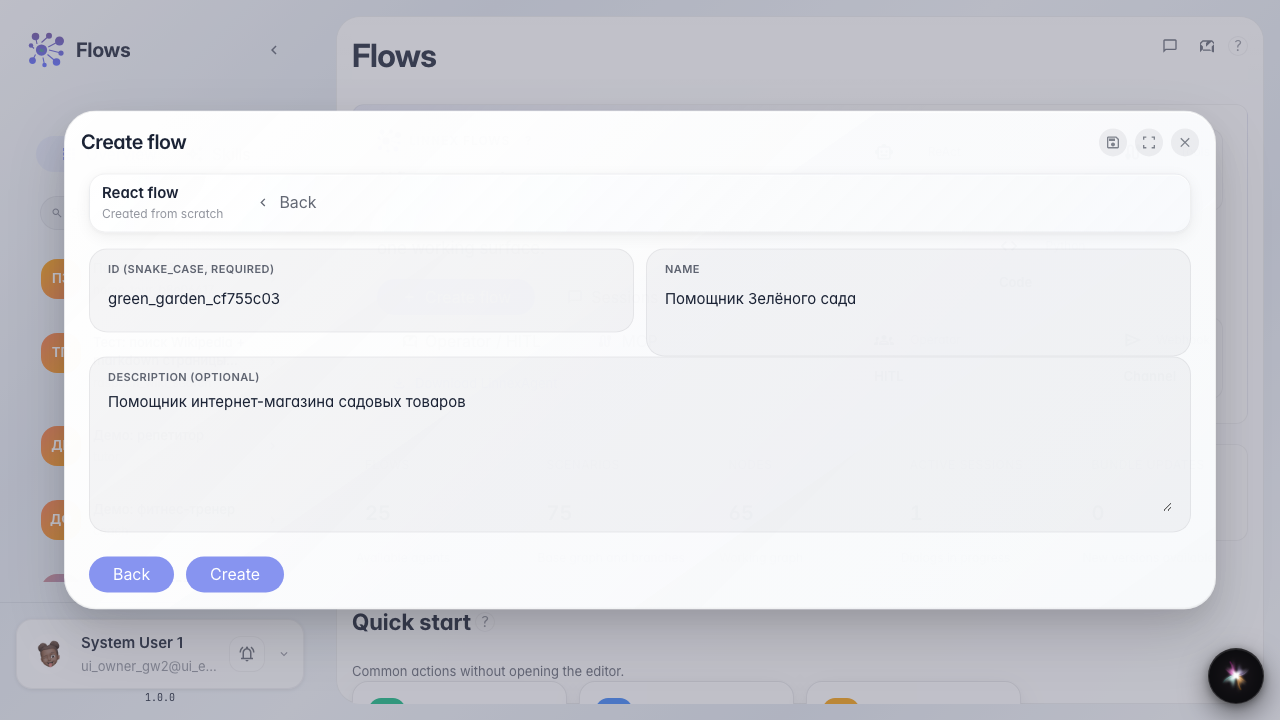
Enter an identifier, the name Green Garden Assistant, and a short description. The identifier is for the system, while the name and description are what colleagues see in the catalog.
Step 4. Check the new agent in the editor
Result demonstration. After creation you land in the editor: a single-LLM template usually opens Studio (prompt, model, Skills and tools on one screen). Switching to the canvas graph is covered in the two editor modes guide.
Summary. You can create an agent from a template and recognize which editor opened.