Configure voice and limits
What for: this guide helps you set a time limit and speech profile for the agent.
Problems it solves: it is unclear where to enable voice settings and cap long runs without editing the graph.
Result: the agent has a timeout and speech options set in the UI.
Step 1. Open agent limits and speech
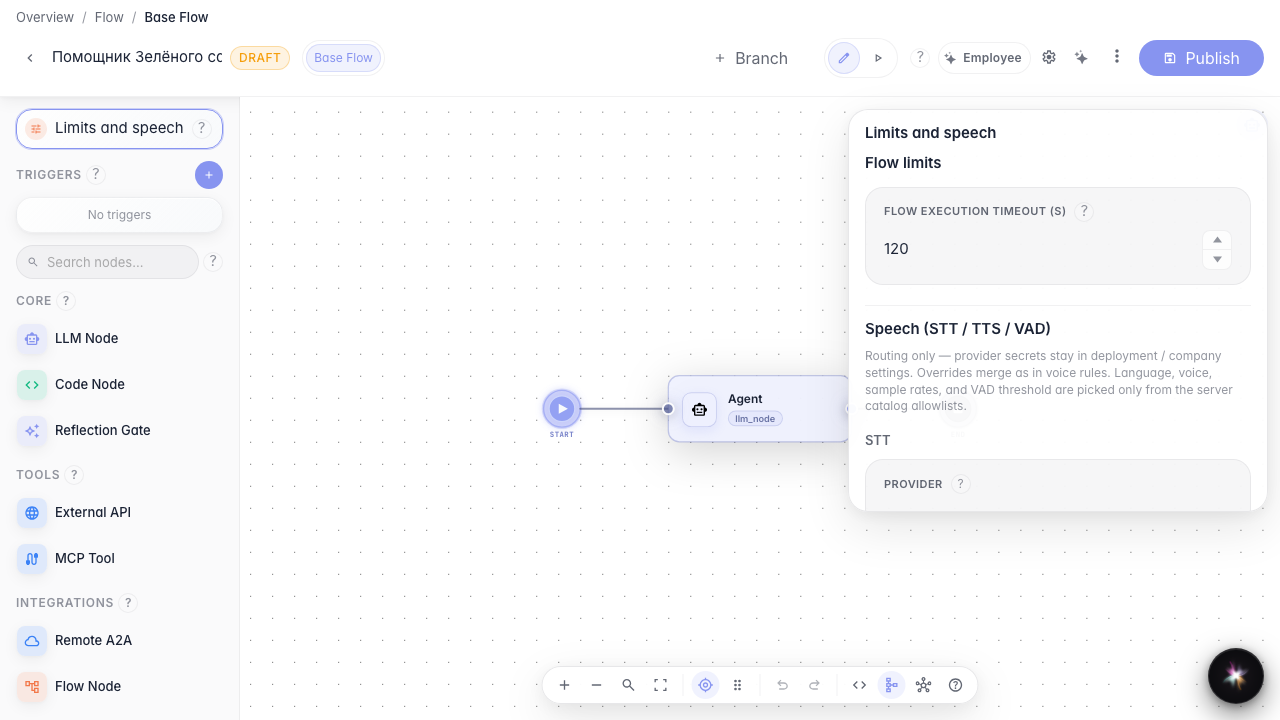
In the editor left column, open Limits and speech. Here you set the maximum runtime and STT/TTS/VAD profile.
Step 2. Review the speech settings block
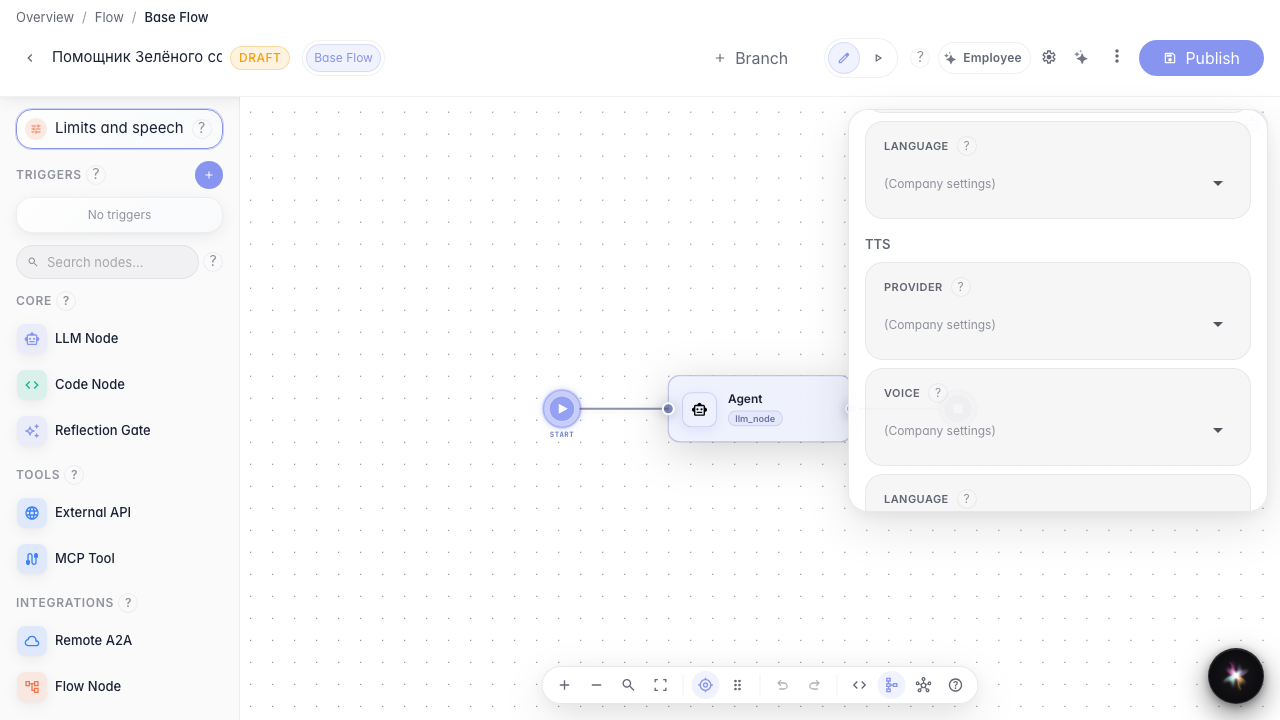
Scroll the panel to the speech section. Here you choose TTS provider, voice, and language — profile setup only, without a real voice call.
Step 3. Create a branch for separate settings
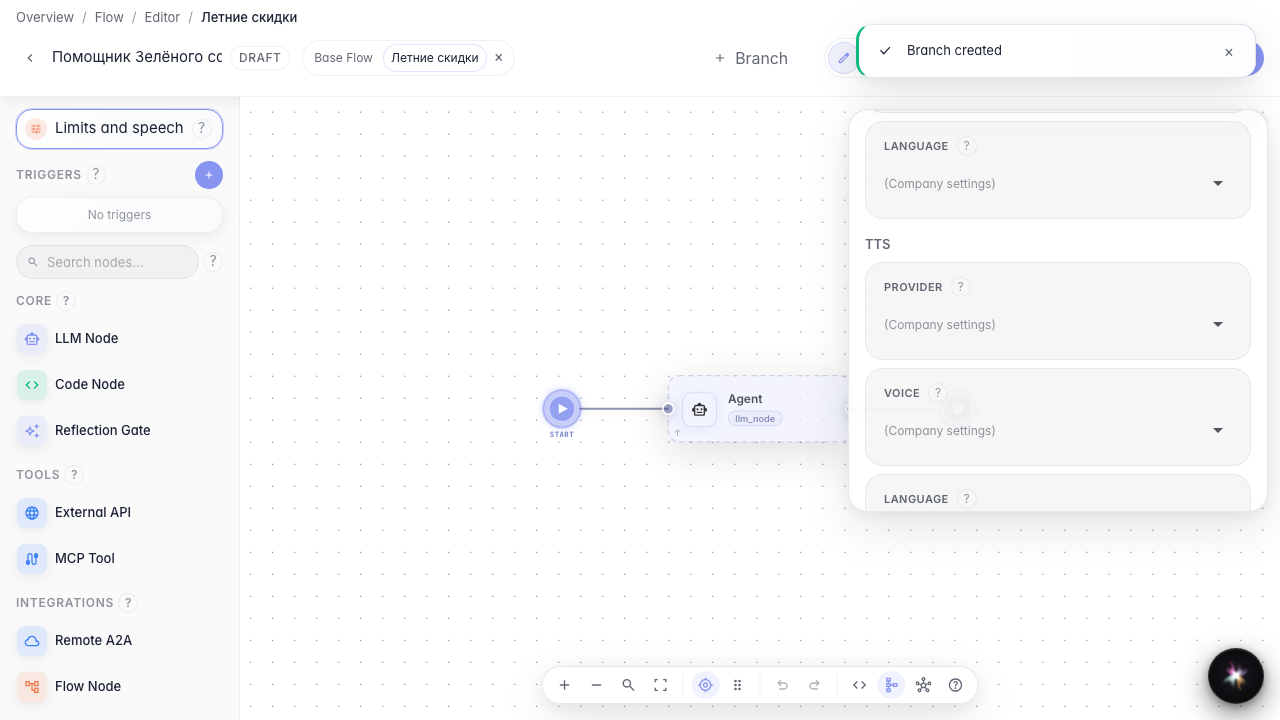
Add the Summer sale branch and switch to it. Different scenarios can have their own limits and speech profile on top of agent-wide settings.
Step 4. Override speech in the branch
Result demonstration. In the Summer sale branch you see a separate branch speech block — voice and limits can be tuned per branch.
Summary. You now know where to set the agent timeout and how to override the speech profile at branch level.
