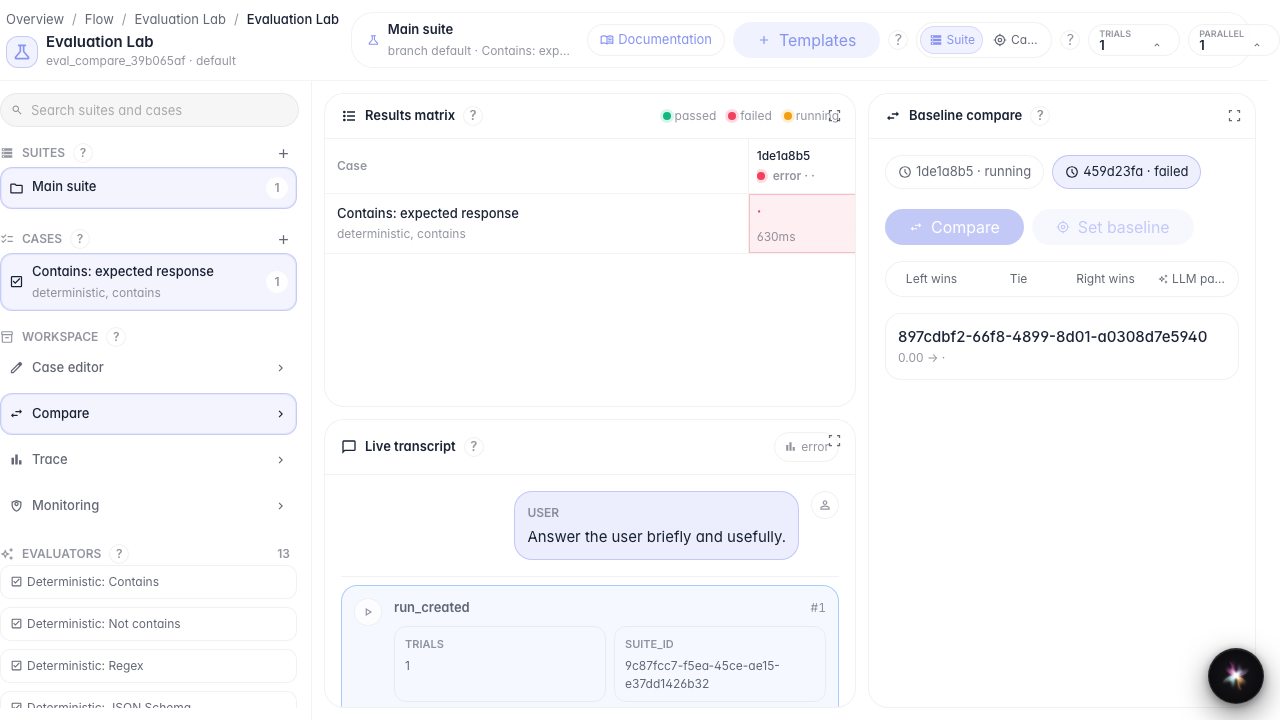
Run tests and compare versions
What for: this guide helps you run checks and compare two execution runs.
Problems it solves: after changing an agent, it is unclear whether quality improved and how to set a baseline.
Result: two runs completed, comparison opened, baseline selected.
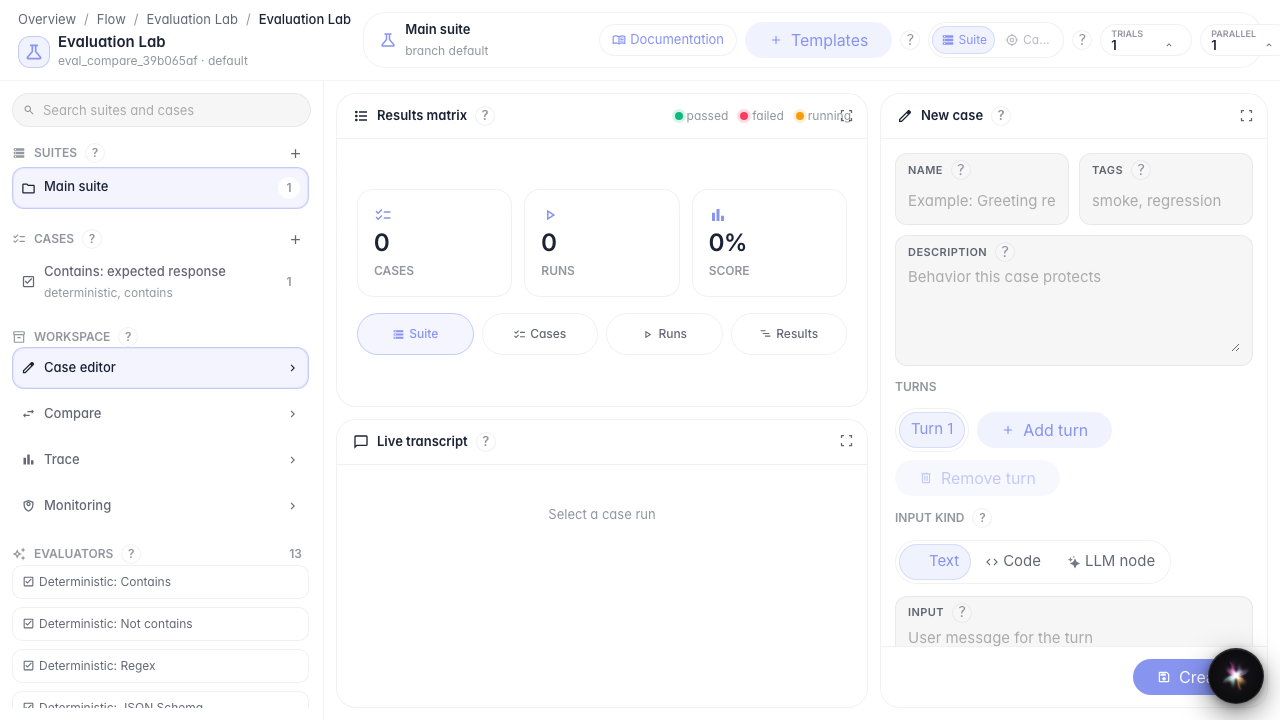
Step 1. Prepare a suite with a case
Create a suite and add a case from a template. Before running, make sure the right suite and case are selected.
Step 2. Run the first evaluation
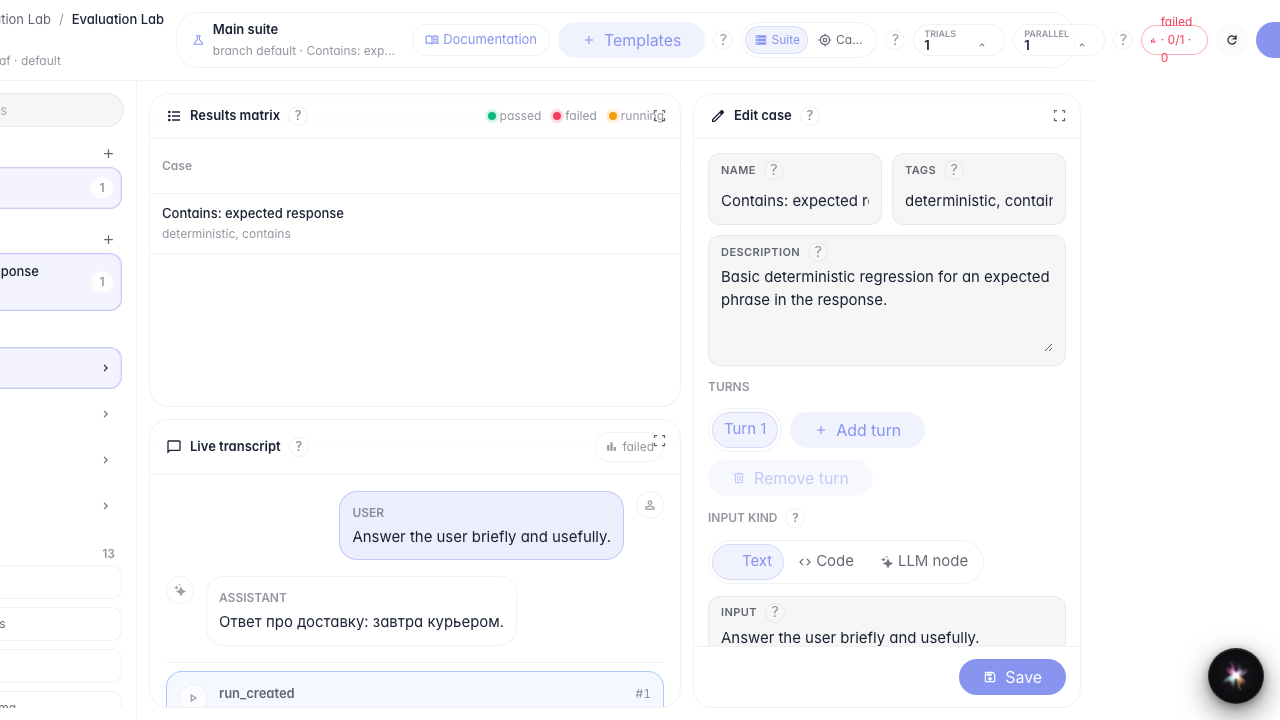
Click Run. Evaluation Lab submits the check in the background and shows status in the top toolbar and results matrix.
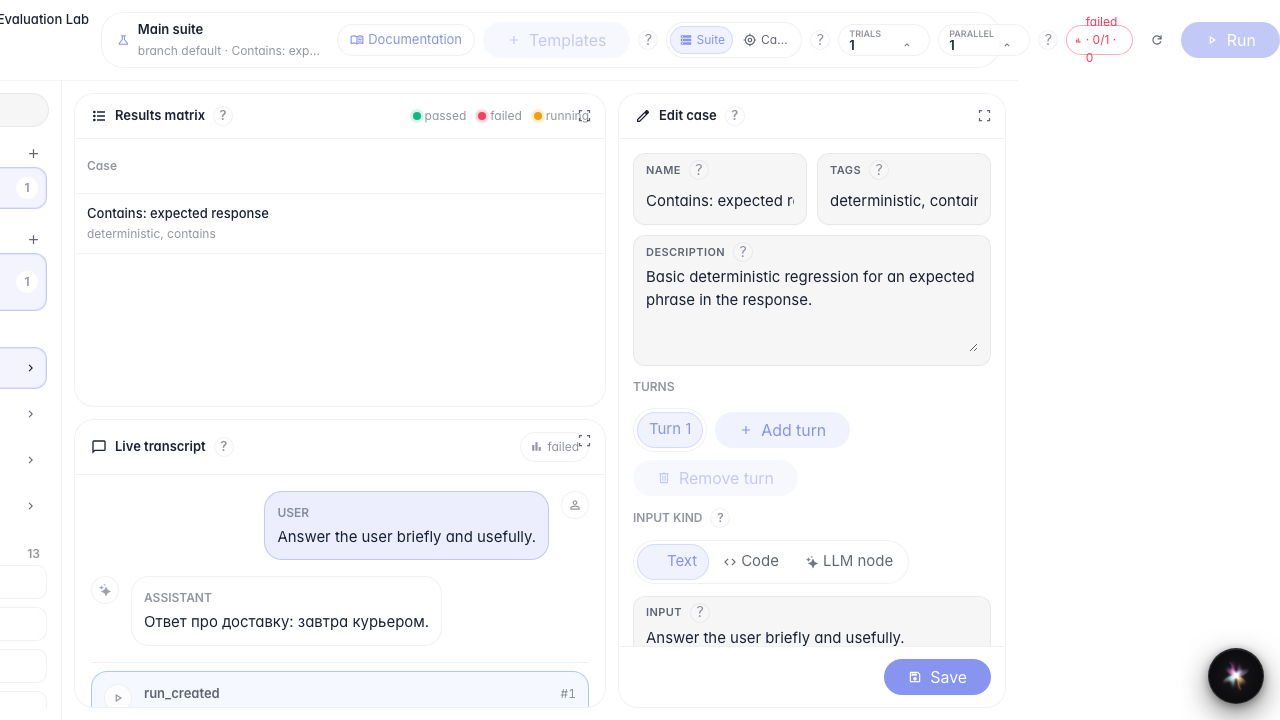
Step 3. Run a second evaluation for comparison
Run again with the same case. The matrix shows two runs — you can compare them and pick a baseline.
Step 4. Compare runs and set baseline
Result demonstration. The Compare panel is open and a baseline is set — you can now track regressions between agent versions.
Summary. You can run checks, compare two runs, and assign a baseline for the branch.