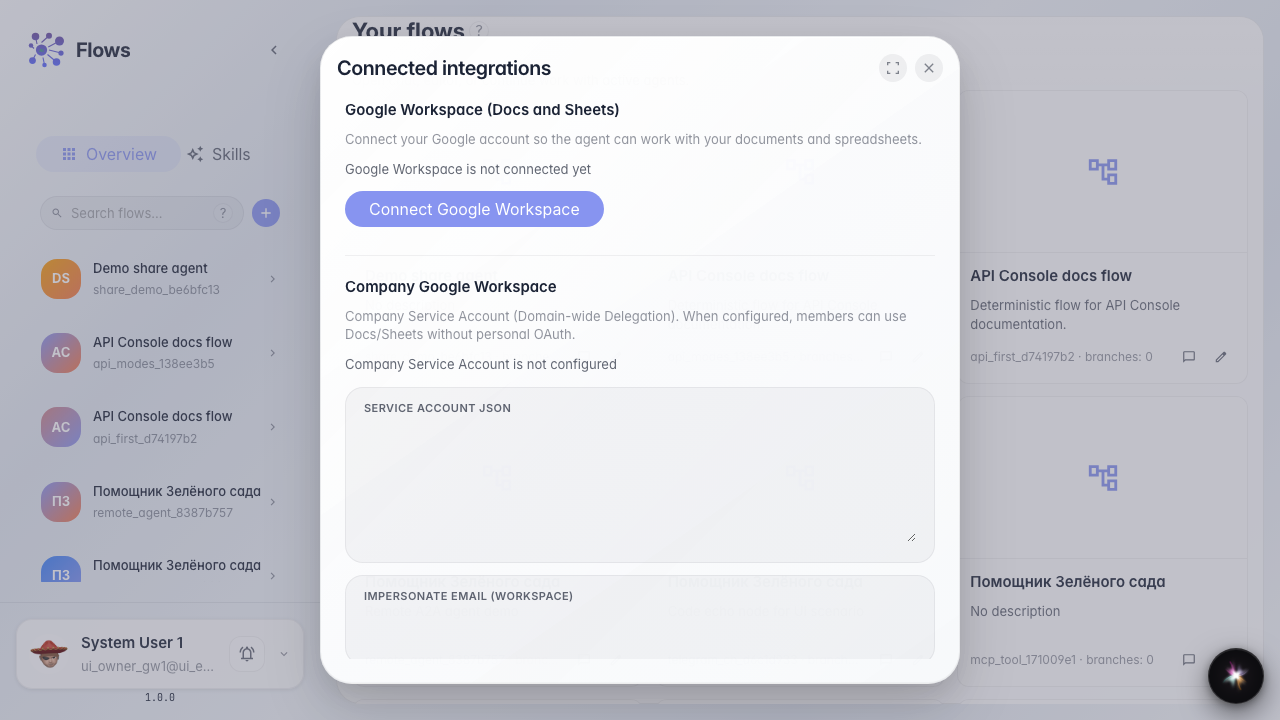
Connect external accounts
What for: this guide shows where to review company OAuth integrations.
Problems it solves: it is unclear whether an external service is connected and where to manage credentials.
Result: the integrations list with search and connection table is open.
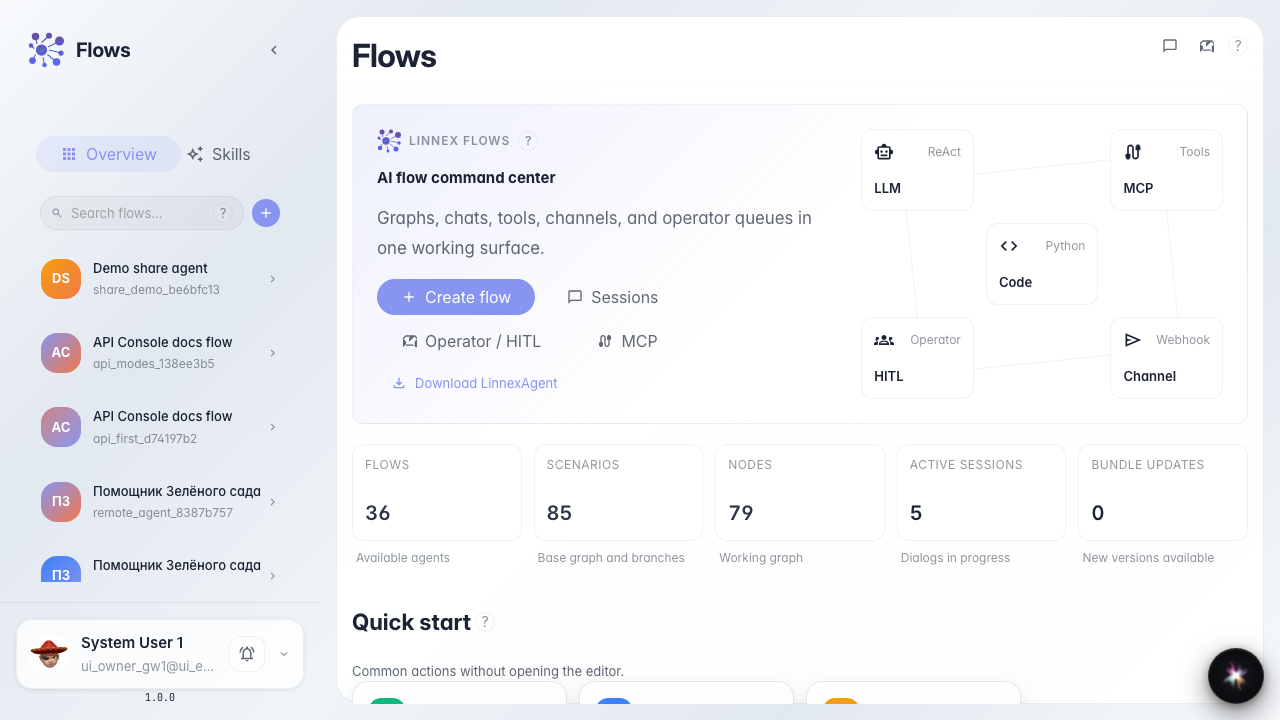
Step 1. Find the integrations block on home
On the Flows home page, the connections section has an Integrations card. It leads to company OAuth credentials.
Step 2. Open the integrations list
A modal opens with search and a table: provider, service, status, and actions. You can see which accounts are already connected.
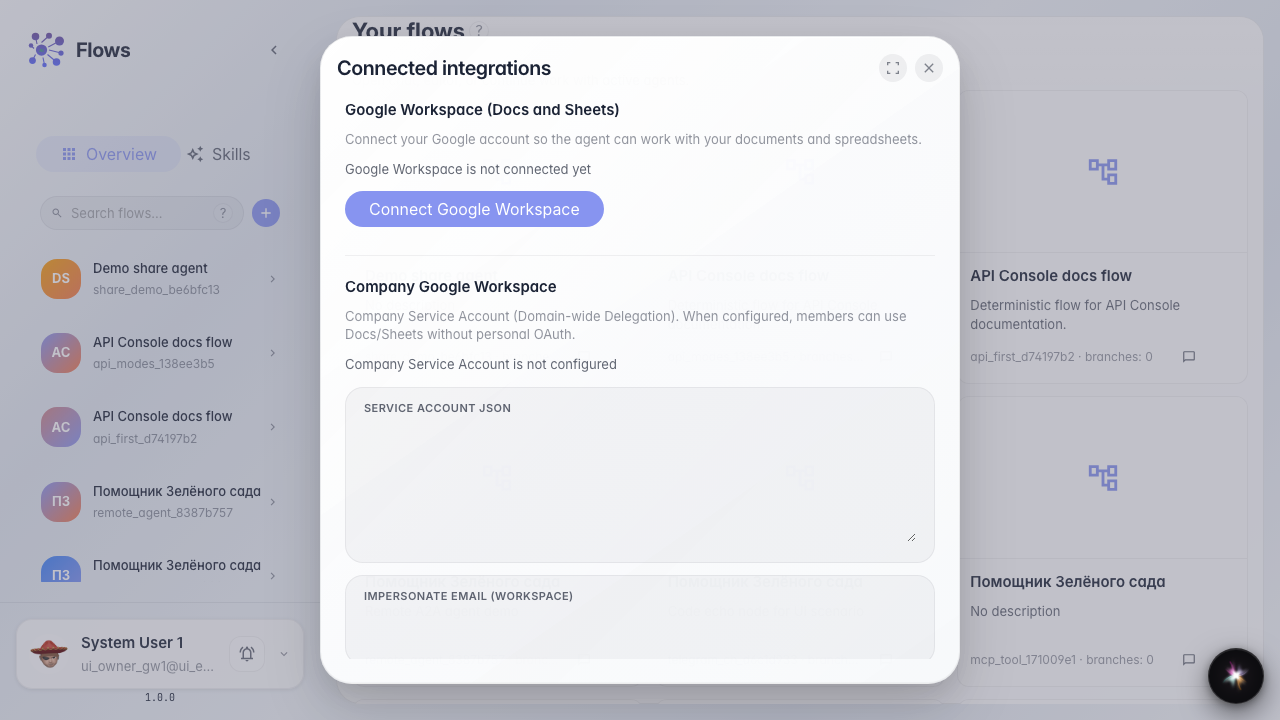
Step 3. Review the connections table columns
Confirm the table has provider, service, and status columns. They show which external account is connected and its state.
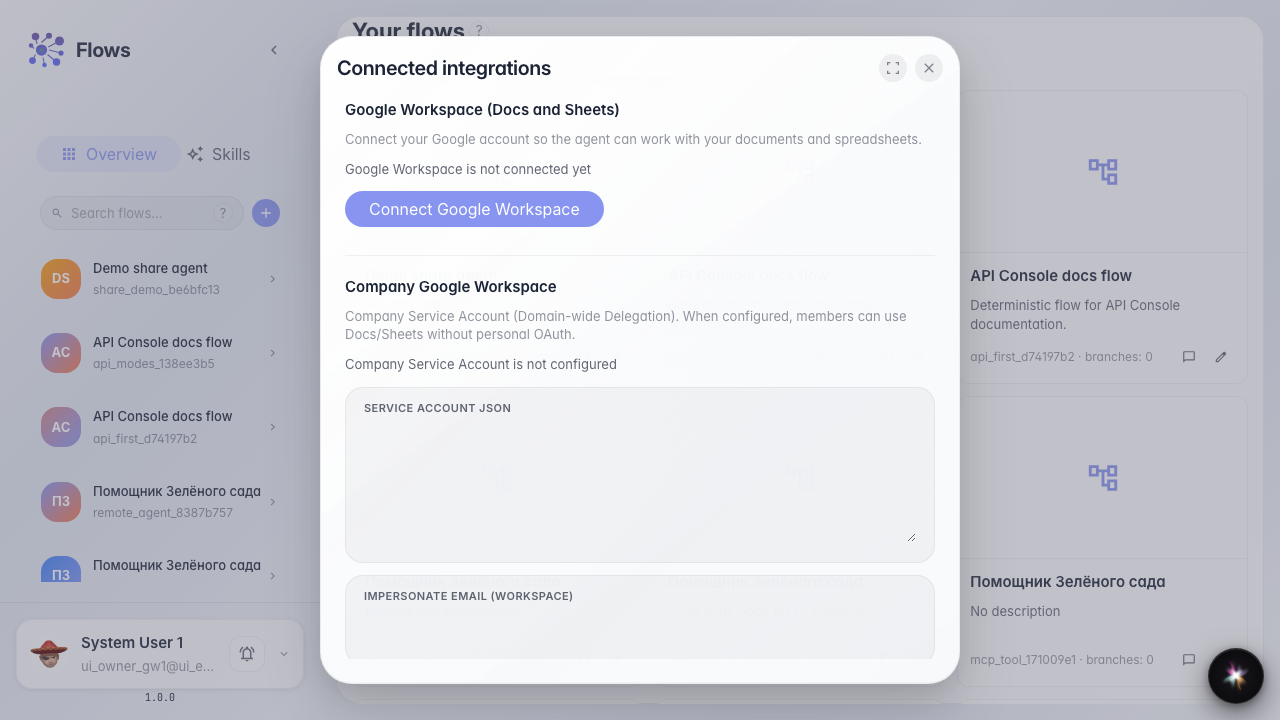
Step 4. Review the connected accounts list
Result demonstration. Search, table columns, and rows or a clear empty state are visible — the UI is ready for connecting external accounts.
Summary. You now know where to open company integrations and how to check connected service status.