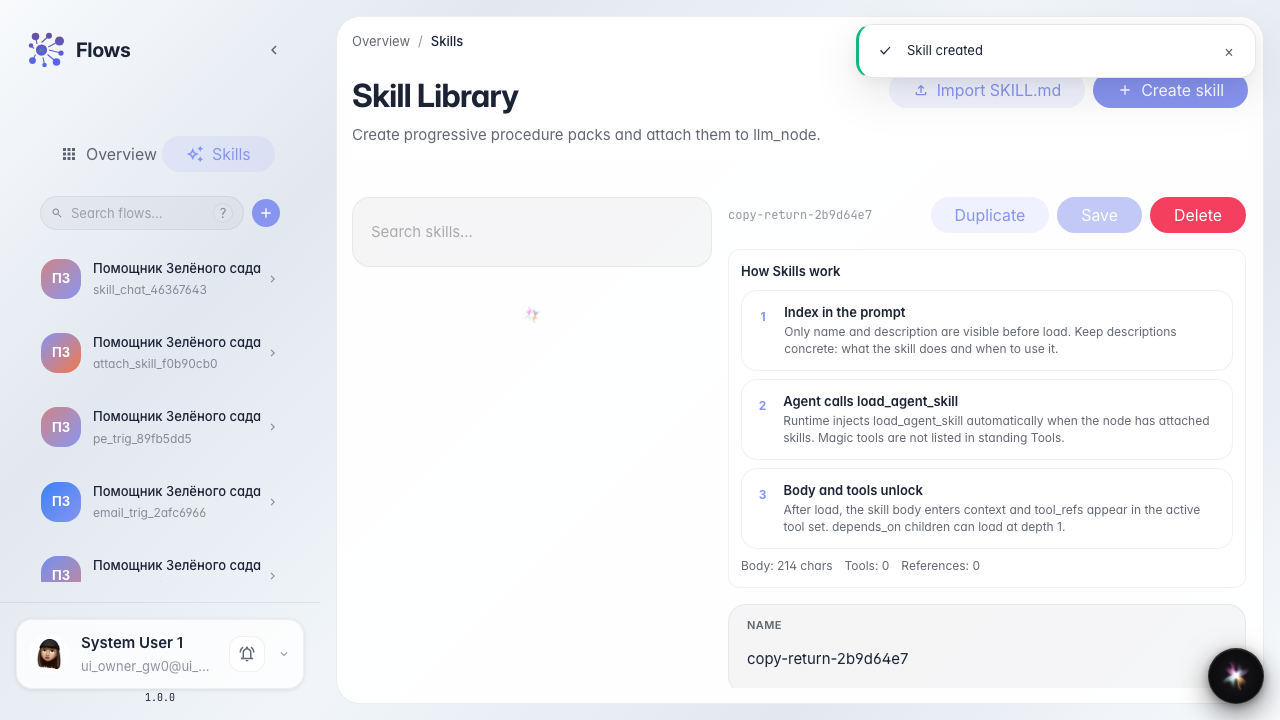
Duplicate and edit a Skill
What for: this guide helps you copy a Skill and adjust the procedure for another store case.
Problems it solves: a similar scenario already exists, but you must not change the original — you need a copy with a new id.
Result: the library has a Skill copy with updated text.
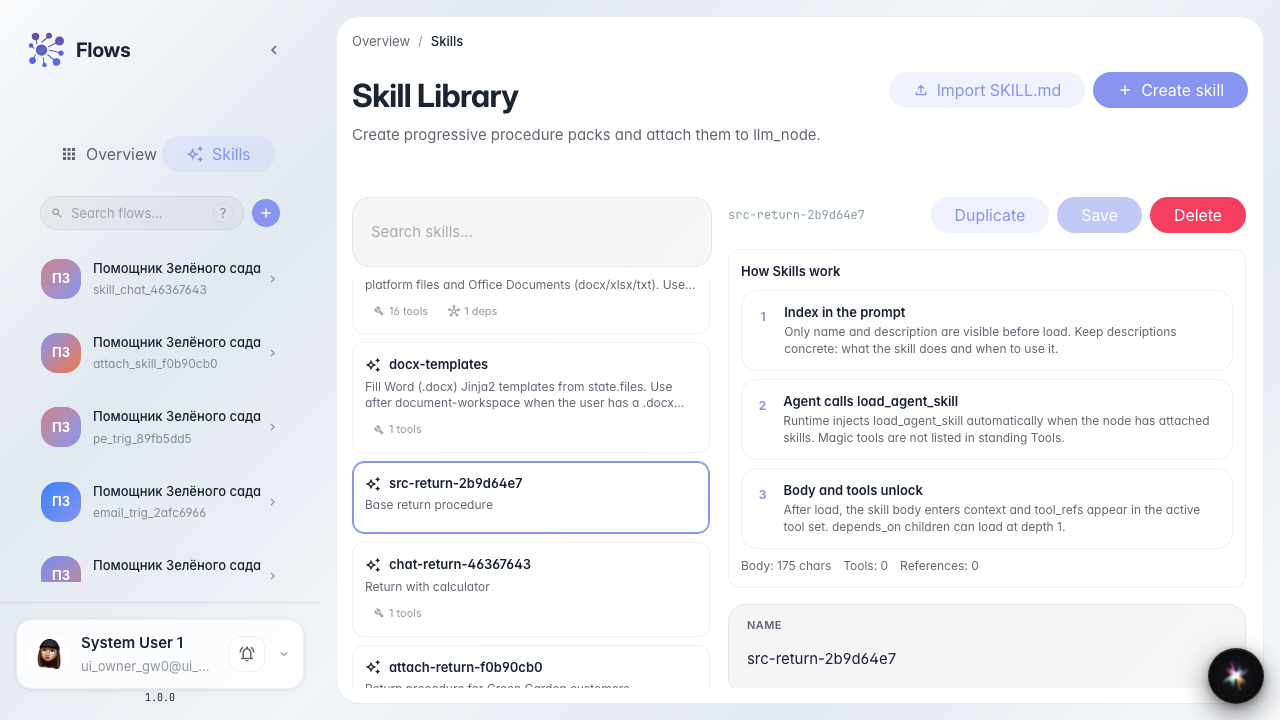
Step 1. Open the source Skill
In the library pick Order return. The editor opens on the right — from here you can duplicate without changing the original.
Step 2. Open the duplicate form
Click Duplicate. Fields for the new id and copy name appear.
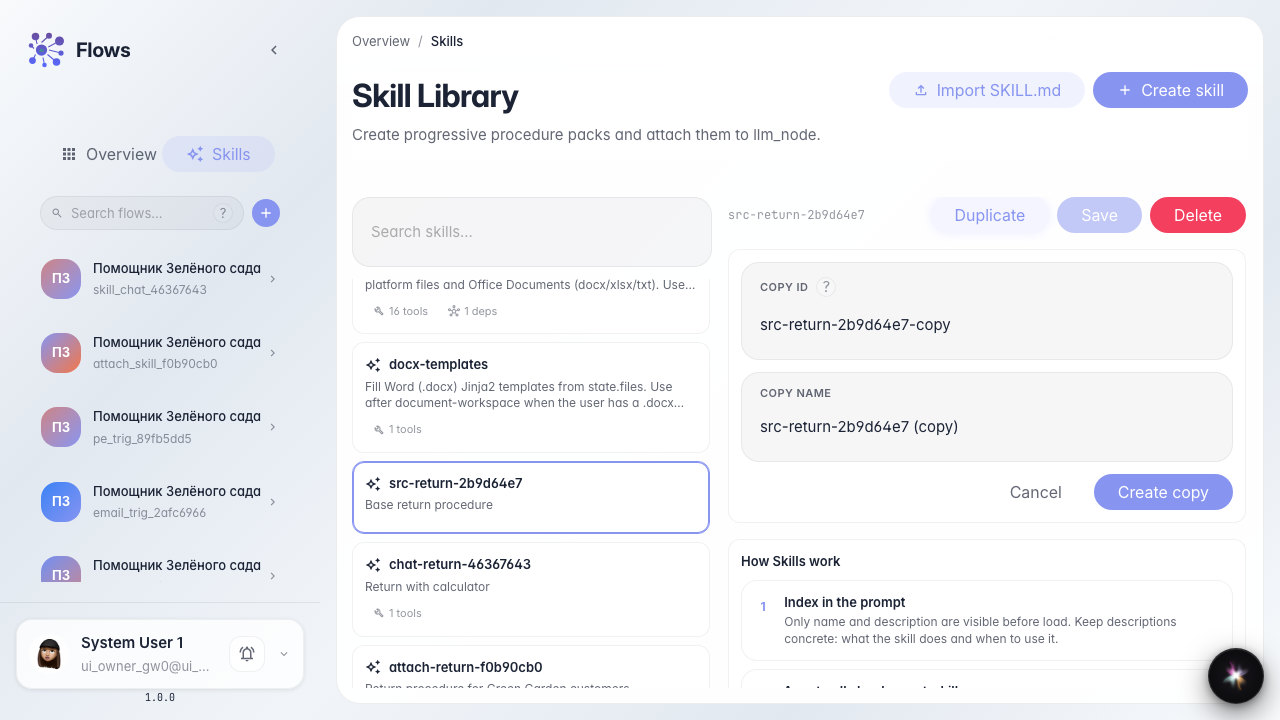
Step 3. Set the copy id and name
Enter a new id and a name such as Order return (summer) and confirm. The editor switches to the copy.
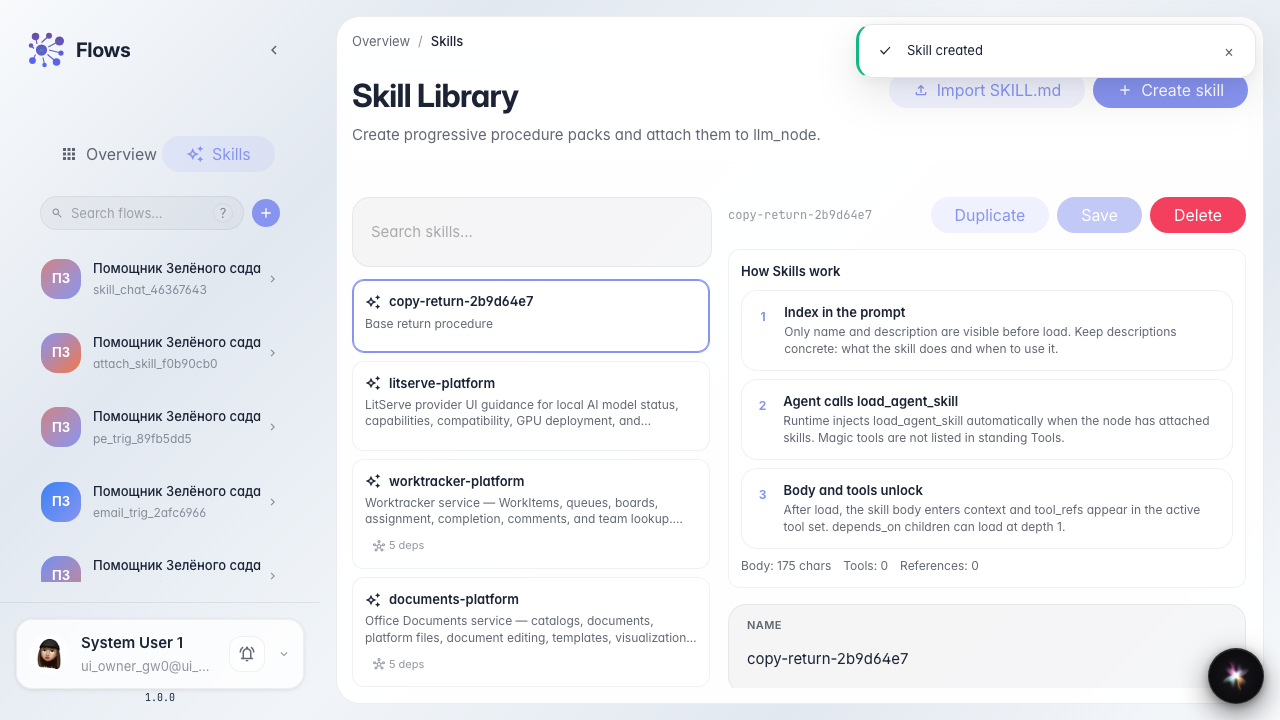
Step 4. Edit the copy and find it in the list
Result demonstration. Extend the steps for the summer case, save — the library shows a separate copy card.
Summary. You can duplicate a Skill and edit the copy without changing the original.