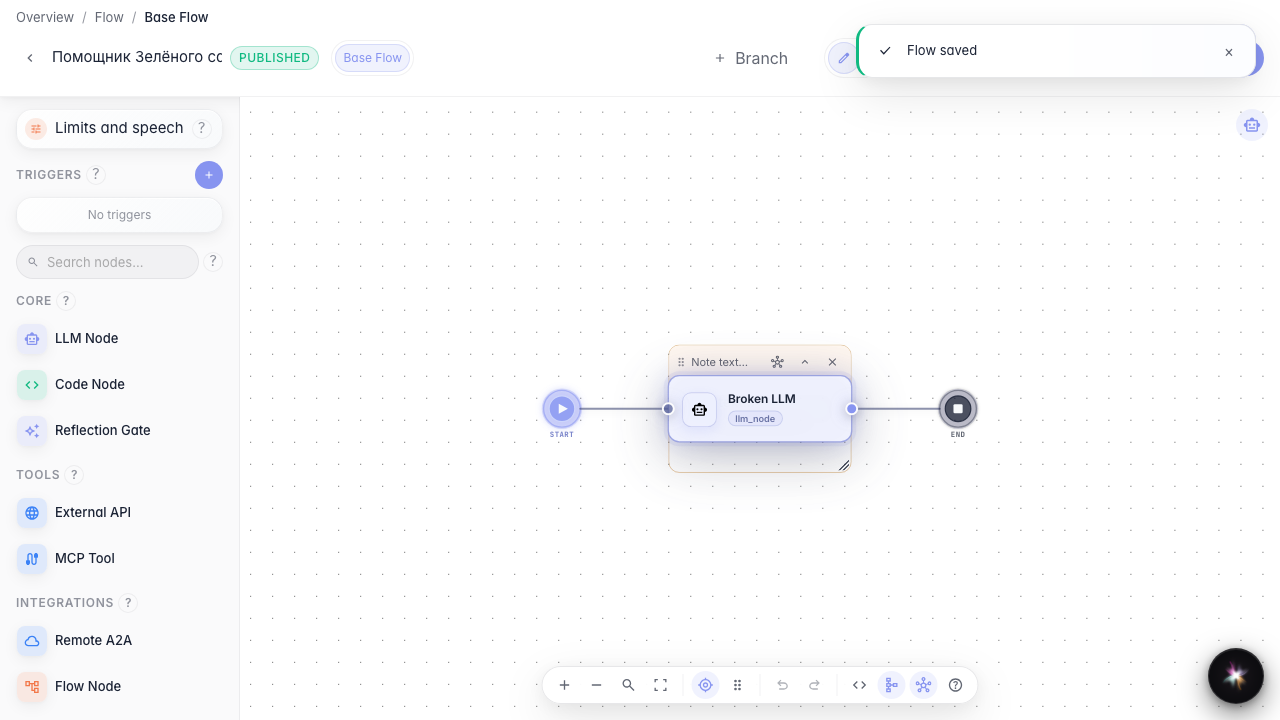
Keep a large graph readable
What for: this guide helps keep a complex Green Garden agent readable and find data wiring issues quickly.
Problems it solves: the graph grows, data links get lost, and warnings appear about missing inputs.
Result: the graph is annotated with notes, the broken link is found and fixed, and the warnings list is empty.
Step 1. Fit the canvas view
On the bottom toolbar, click Fit view so all Green Garden Assistant blocks fit on screen. This makes a large graph easier to navigate.
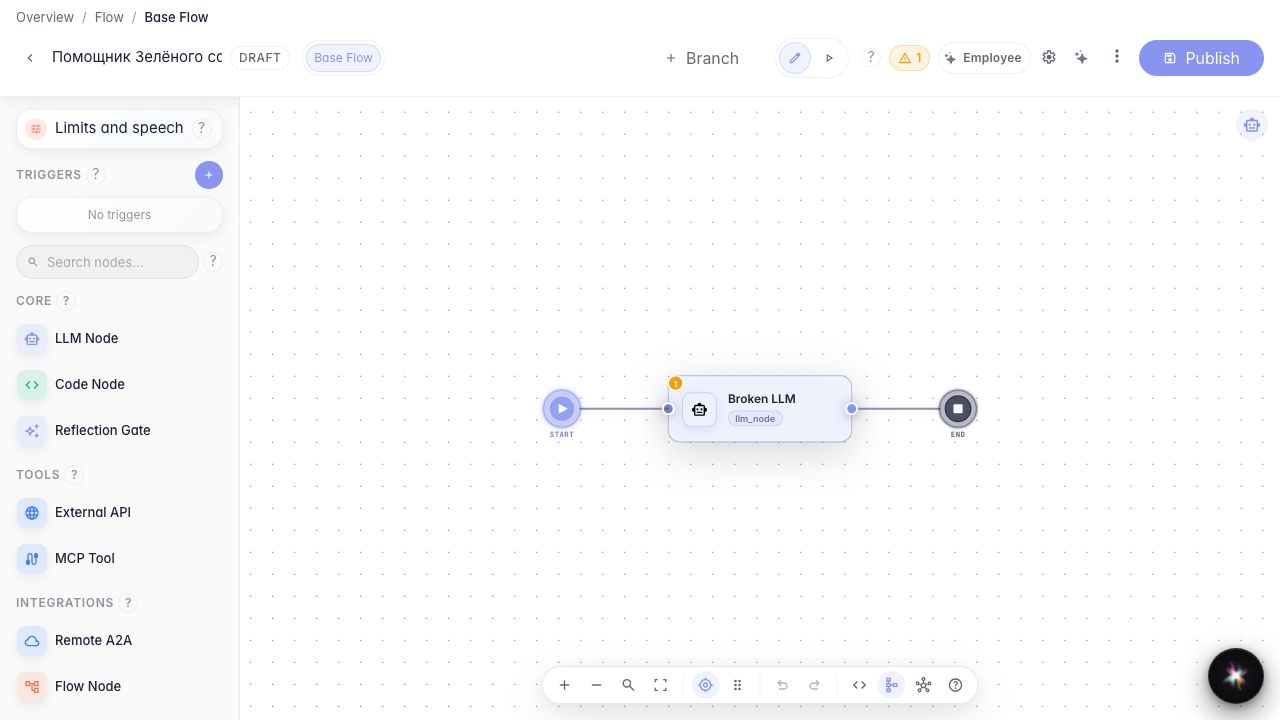
Step 2. Add an explanatory sticky note
Add a note next to the answer block and briefly describe its role — for example, that delivery is clarified here. Notes help teammates understand a large graph without extra questions.
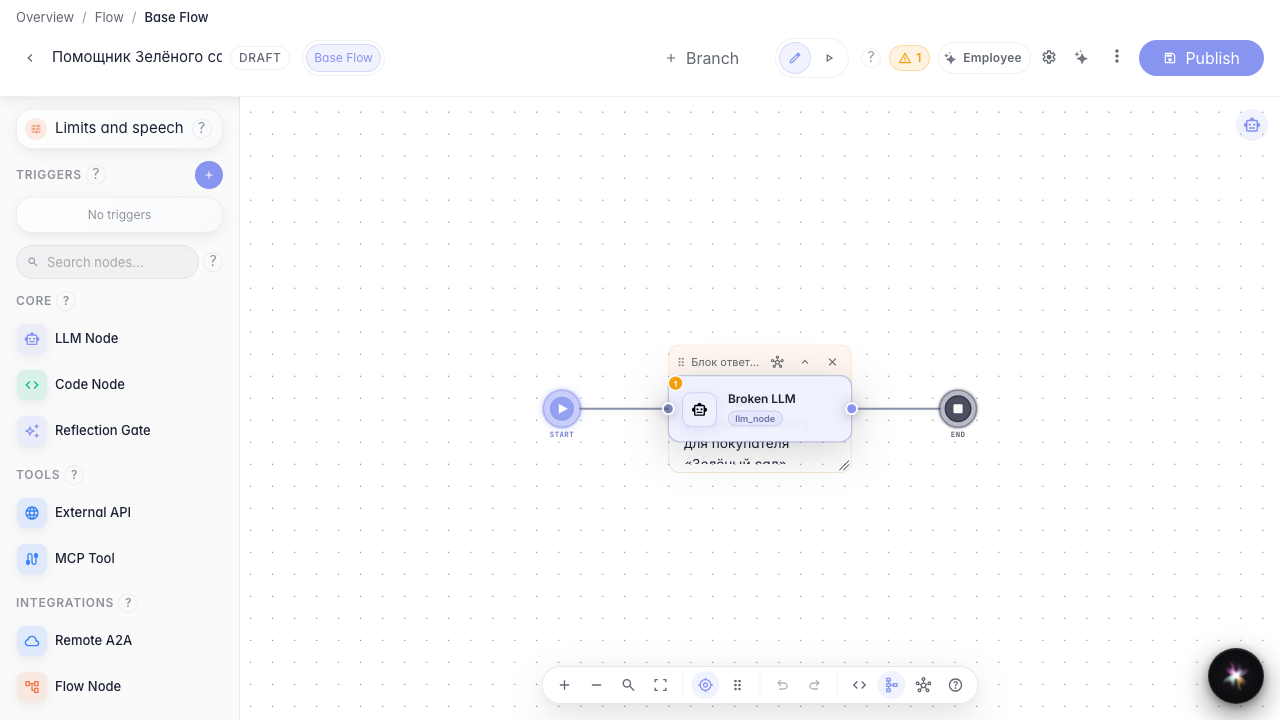
Step 3. Show data links
On the bottom toolbar, turn on data link display — the chain icon. You can see which variables pass between blocks and where a link is still missing.
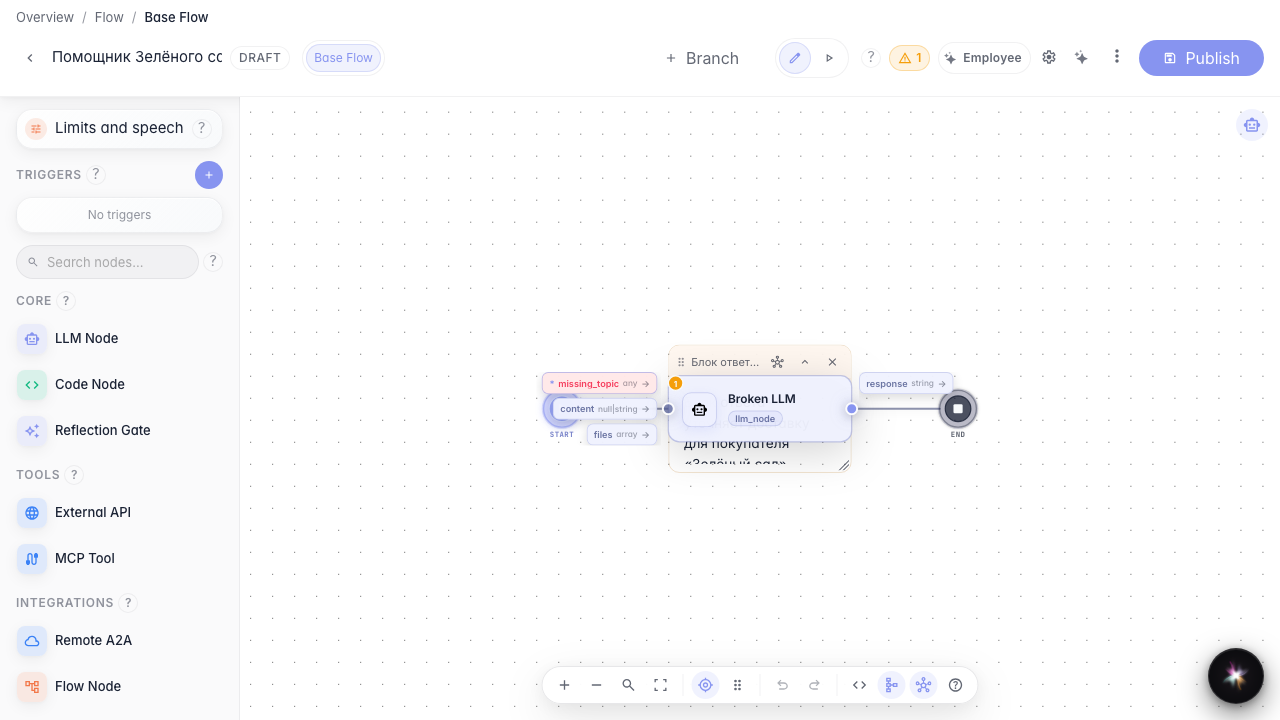
Step 4. Open the LLM block with an unknown variable
Open the LLM block whose prompt references the missing_topic variable. With data links enabled, such blocks are highlighted as problematic.
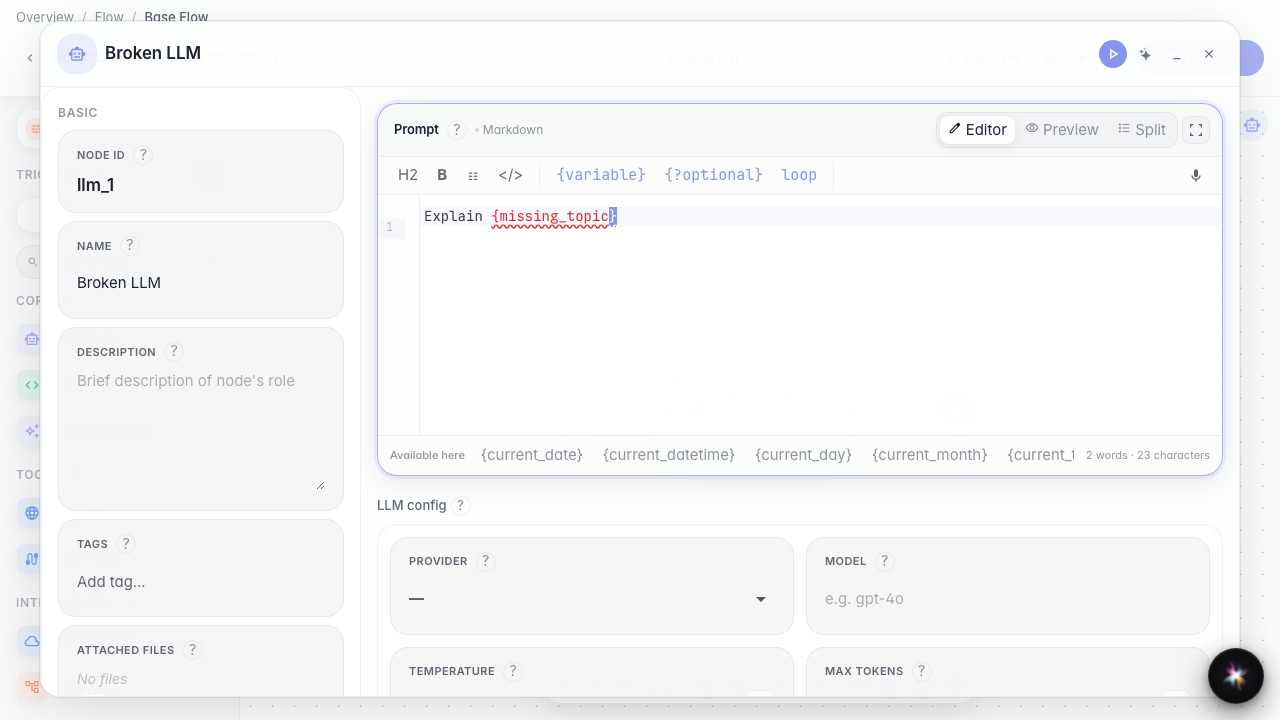
Step 5. Fix the problematic block instruction
Replace the prompt with an unknown variable by a clear instruction without curly braces that the agent can follow.
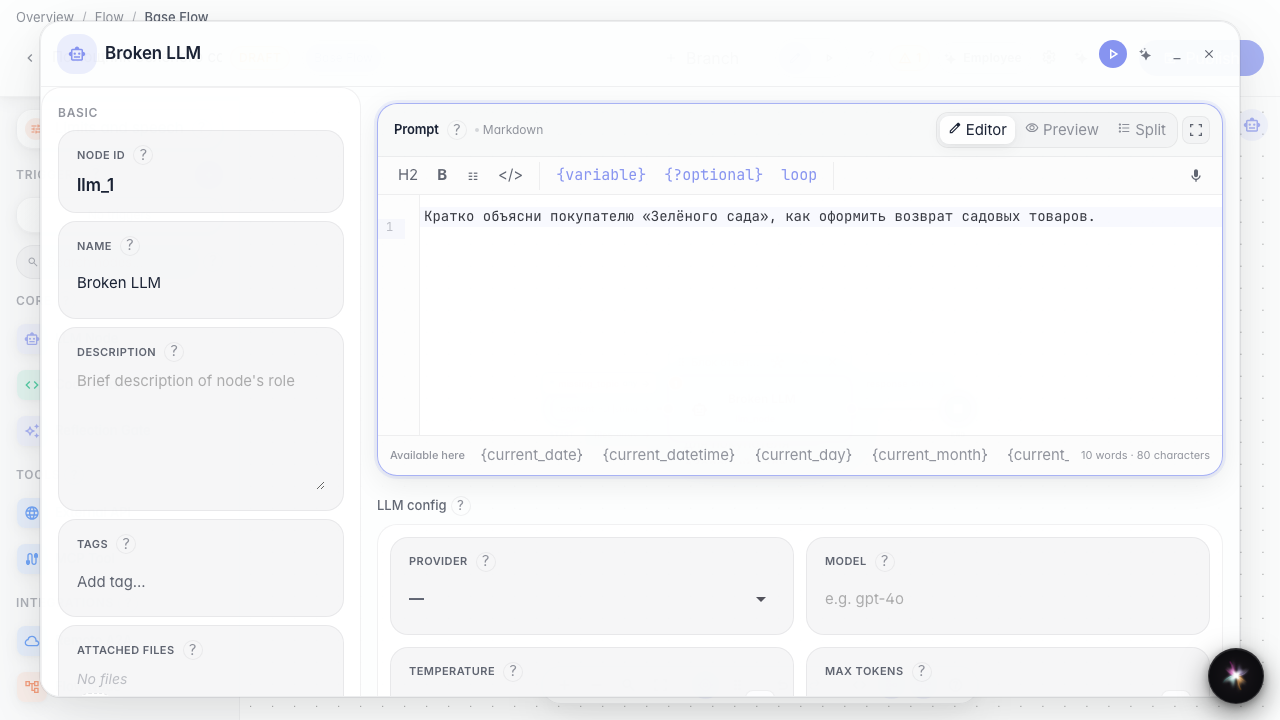
Step 6. Publish and confirm warnings are gone
Result demonstration. Publish the draft — the prompt no longer references a missing variable.
Summary. You can now annotate the graph with notes, show data links, and fix problematic blocks for Green Garden.