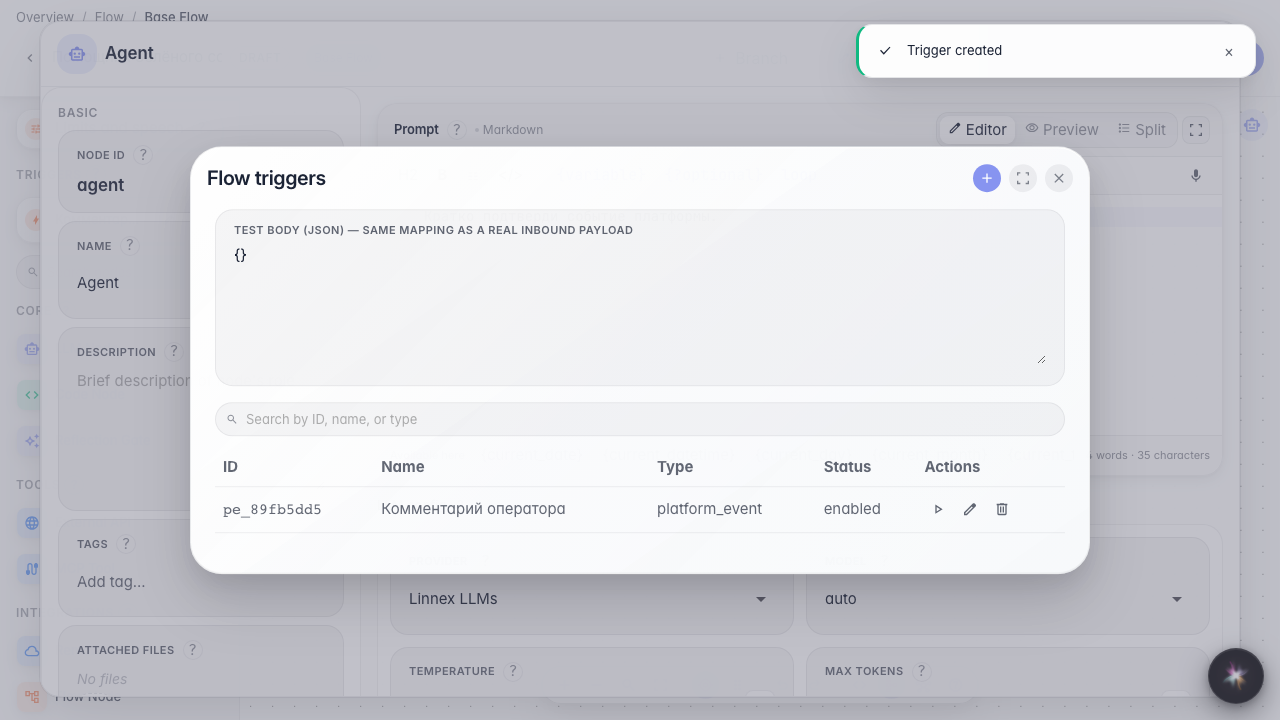
Run the agent on a platform event with a filter
What for: the agent reacts only to matching events from other services (CRM, tasks, comments).
Problems it solves: without a filter the flow would fire on every event of that type — a field condition narrows the subscription to useful cases.
Result: a platform event trigger with a comment-role condition is saved.
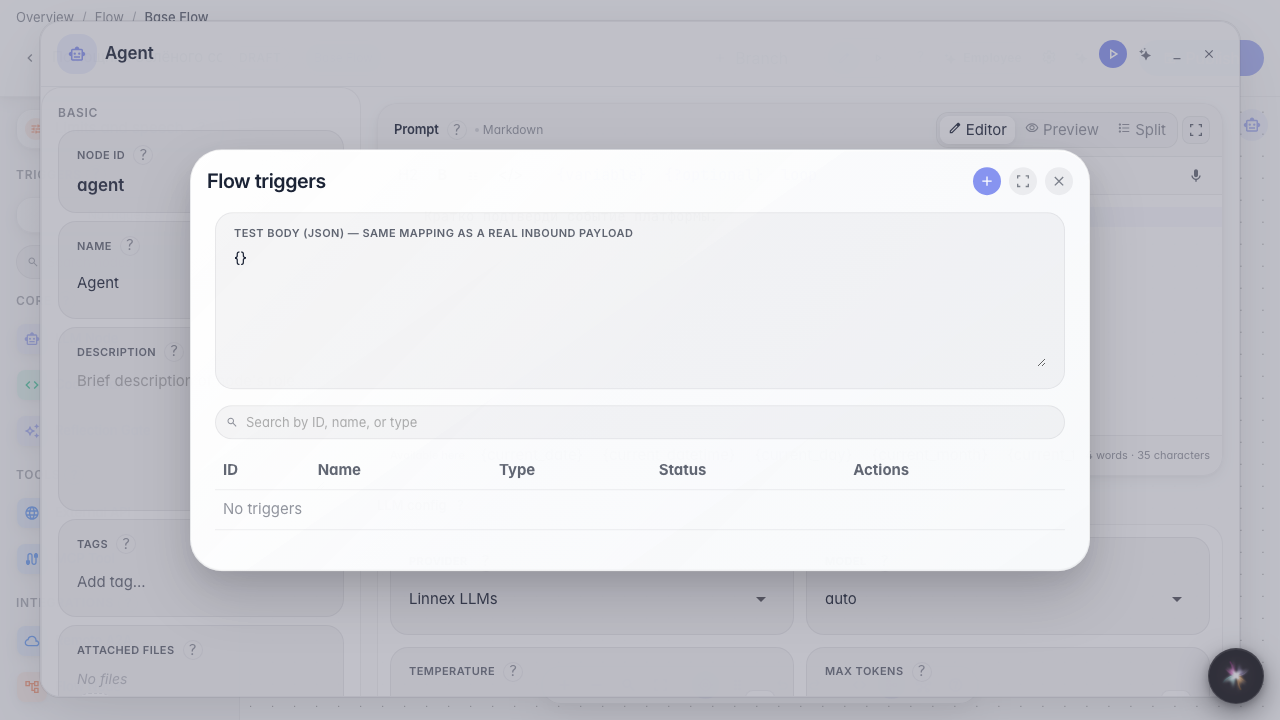
Step 1. Open the triggers list
In the editor menu choose Triggers. A platform event connects the agent to actions in other services without a separate webhook.
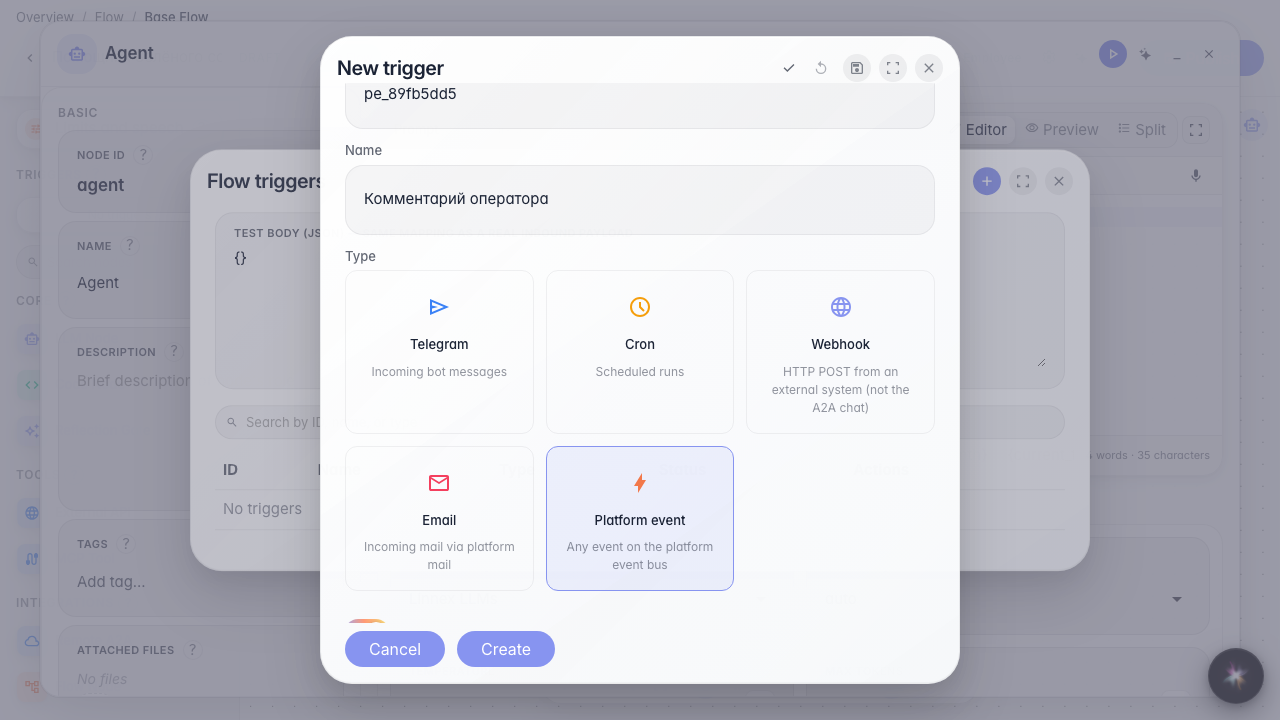
Step 2. Choose Platform event and set the name
This type listens to the event catalog (CRM, tasks, mail, and more). Set an id and a name such as Operator comment. Next pick the exact event type.

Step 3. Pick the event type and a filter condition
Event type comes from the catalog (autocomplete list). A filter row is field / operator / value: the field comes from the event catalog, the operator is equals / not equals / contains, and the value might be the operator role. With no conditions the agent fires on every event of that type.
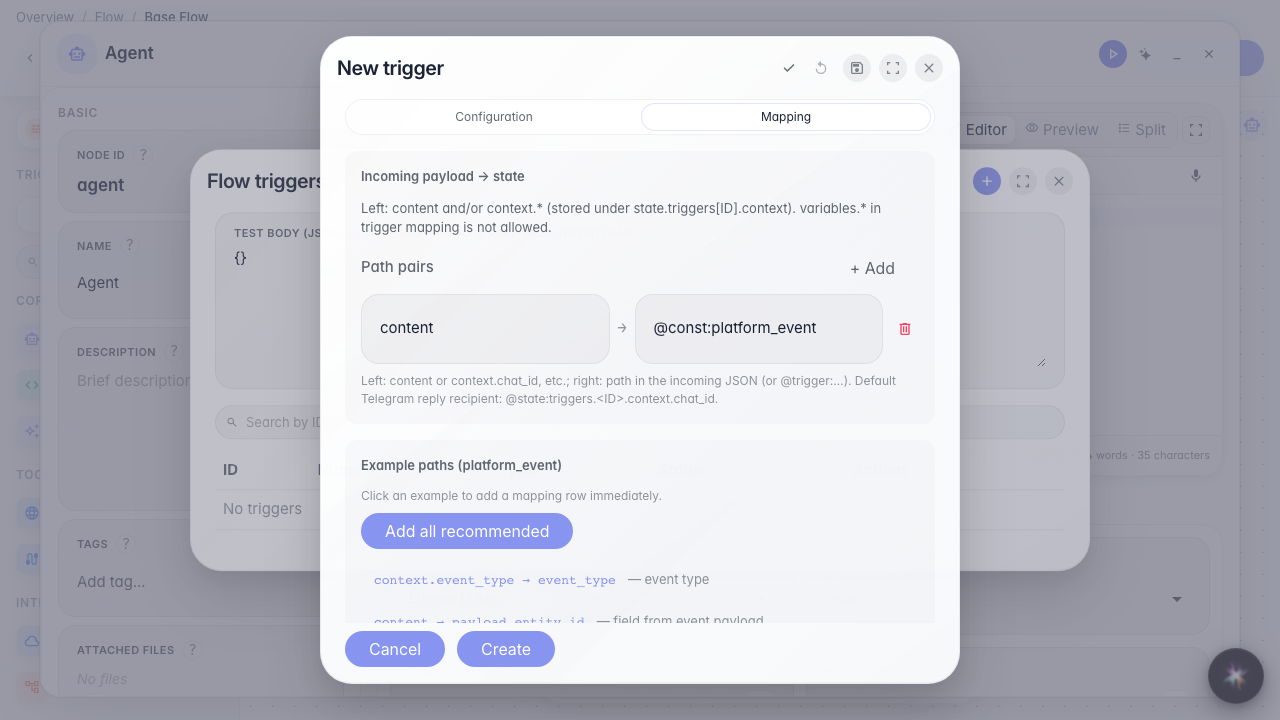
Step 4. Check the sample payload on Mapping
The sample shows the event envelope: type, company, and useful payload fields. Path examples help pass the right data into the agent content.
Step 5. Save the trigger and find it in the list
Result demonstration. Operator comment is in the list — the agent reacts only when a work item gets a comment with role operator.
Summary. You can subscribe to a platform event and narrow it with a filter.