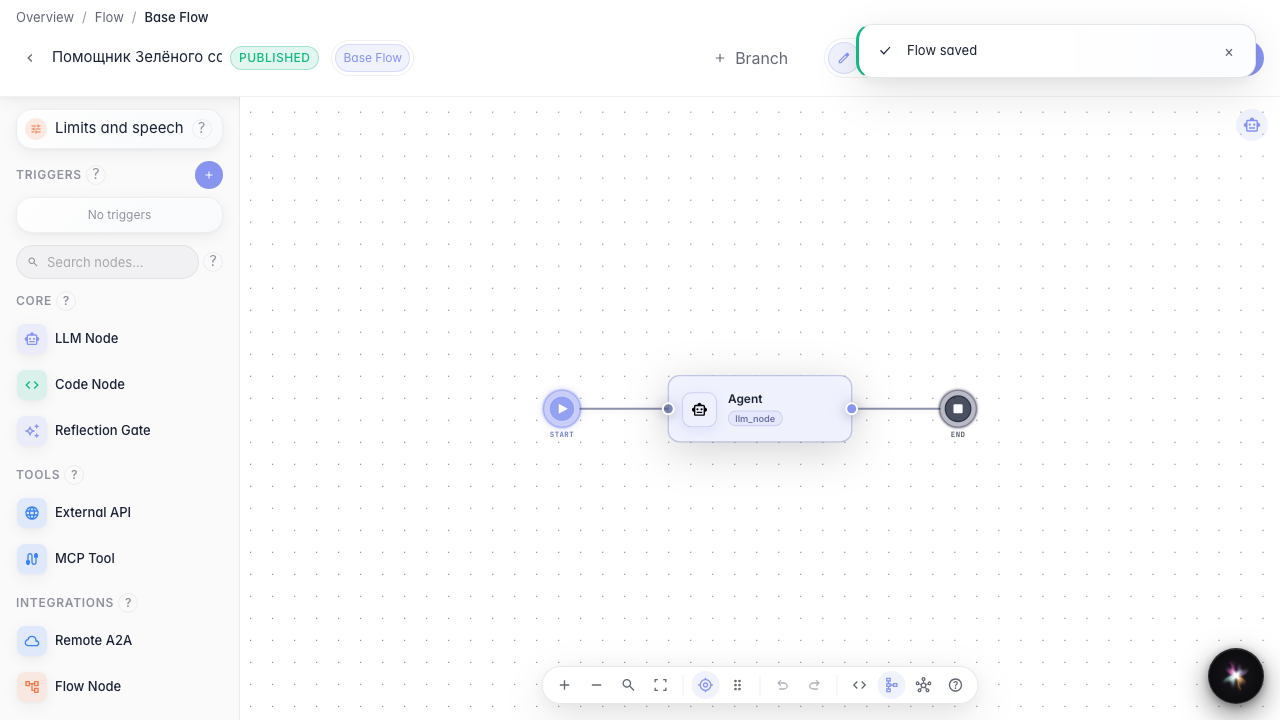
Chat settings for customers
What for: this guide helps you control whether customers see Skill activations in chat.
Problems it solves: procedure chips distract customers or, conversely, are needed for transparency — the toggle lives in chat settings.
Result: the Skill activation visibility setting is toggled and verified in chat.
Step 1. Enable Skill activation chips
In agent settings open chat options and enable Skill activation chips. Customers will see chips for loaded procedures.
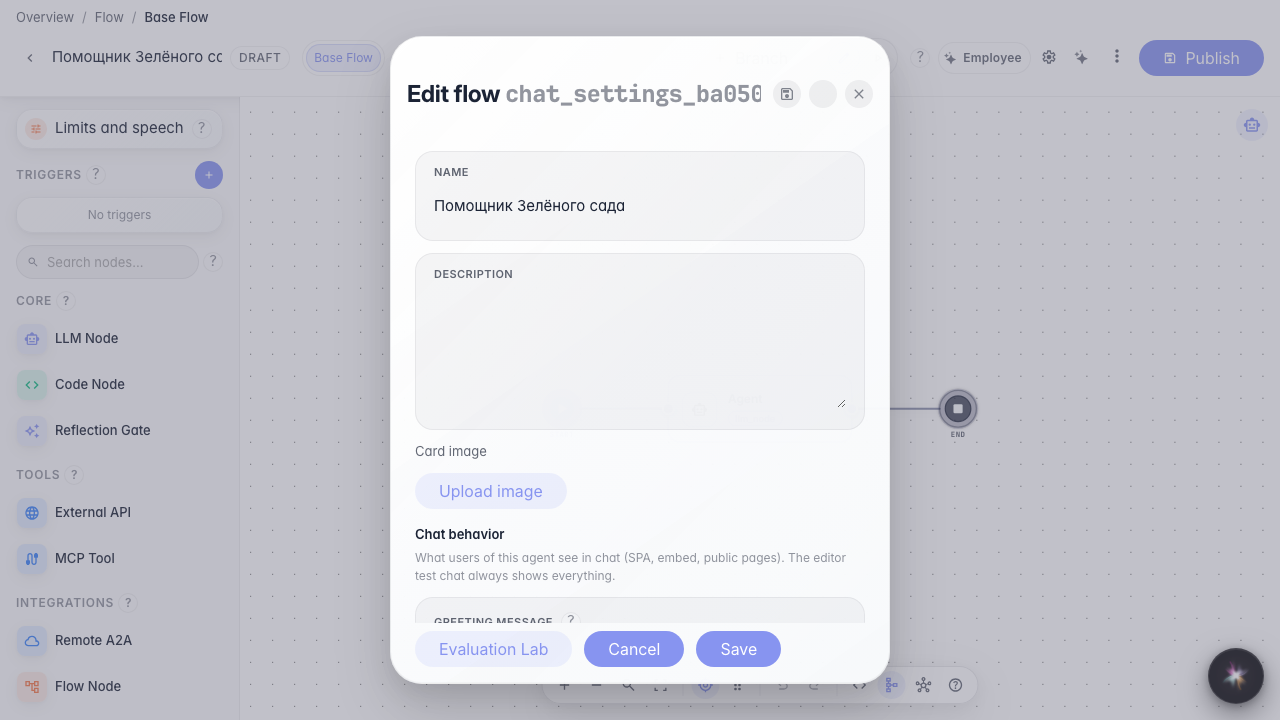
Step 2. Save and publish the agent
Save the card and publish the draft so the chat setting applies to the live version.
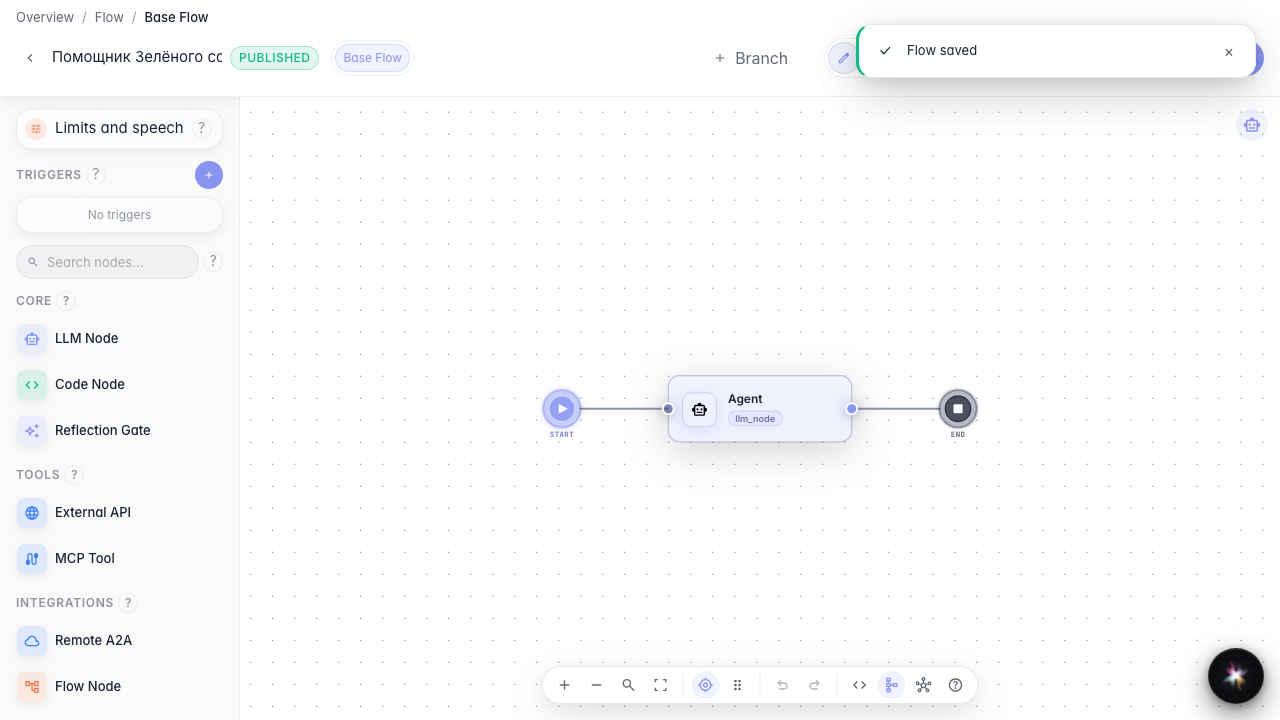
Step 3. Check chat with visible chips
Ask about a return — a Skill activation chip appears in the feed so the customer sees which procedure ran.
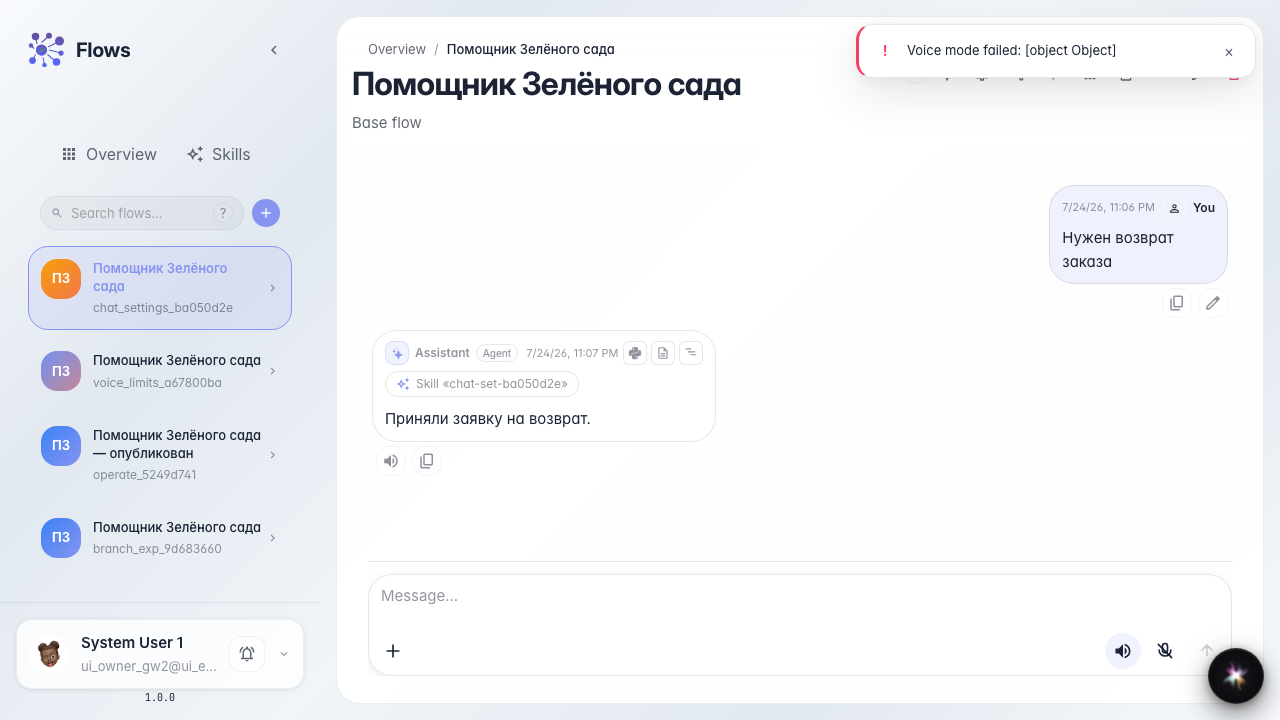
Step 4. Disable chips and publish again
Result demonstration. Turn off Skill activation chips and publish — customer chat hides procedure chips.
Summary. You can toggle Skill activation visibility in chat settings.