Sync: @ mention in a channel
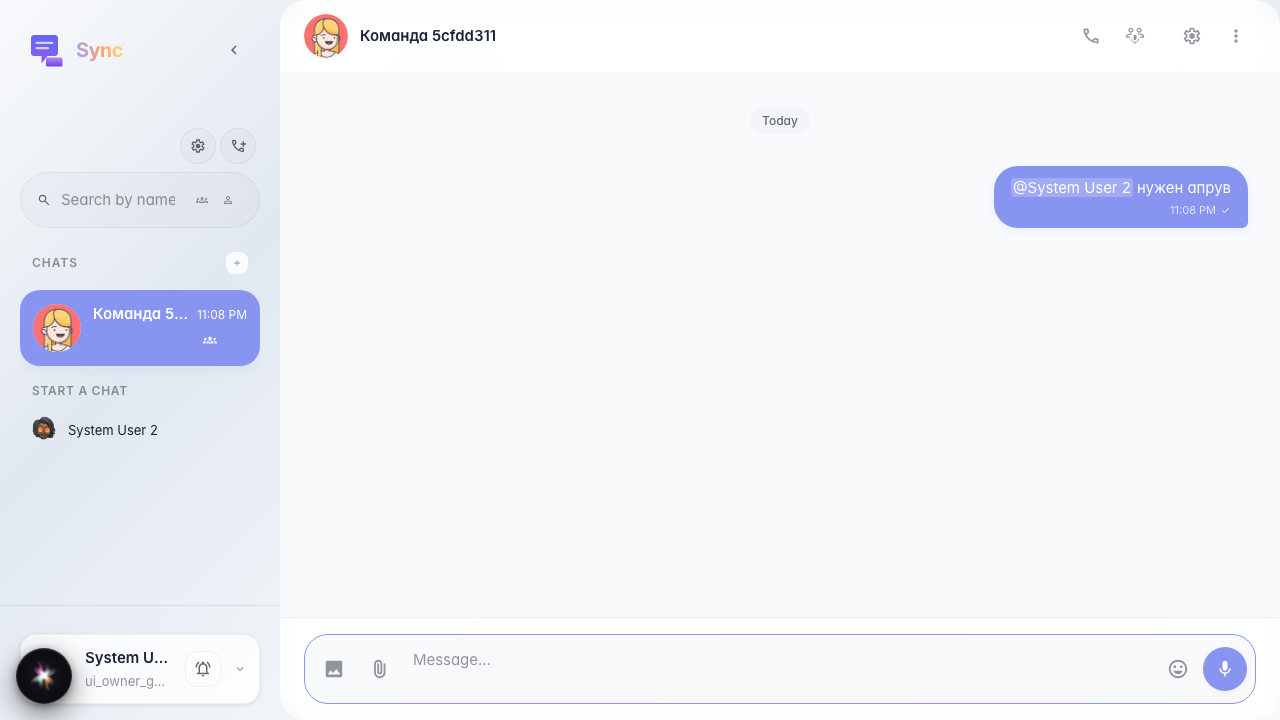
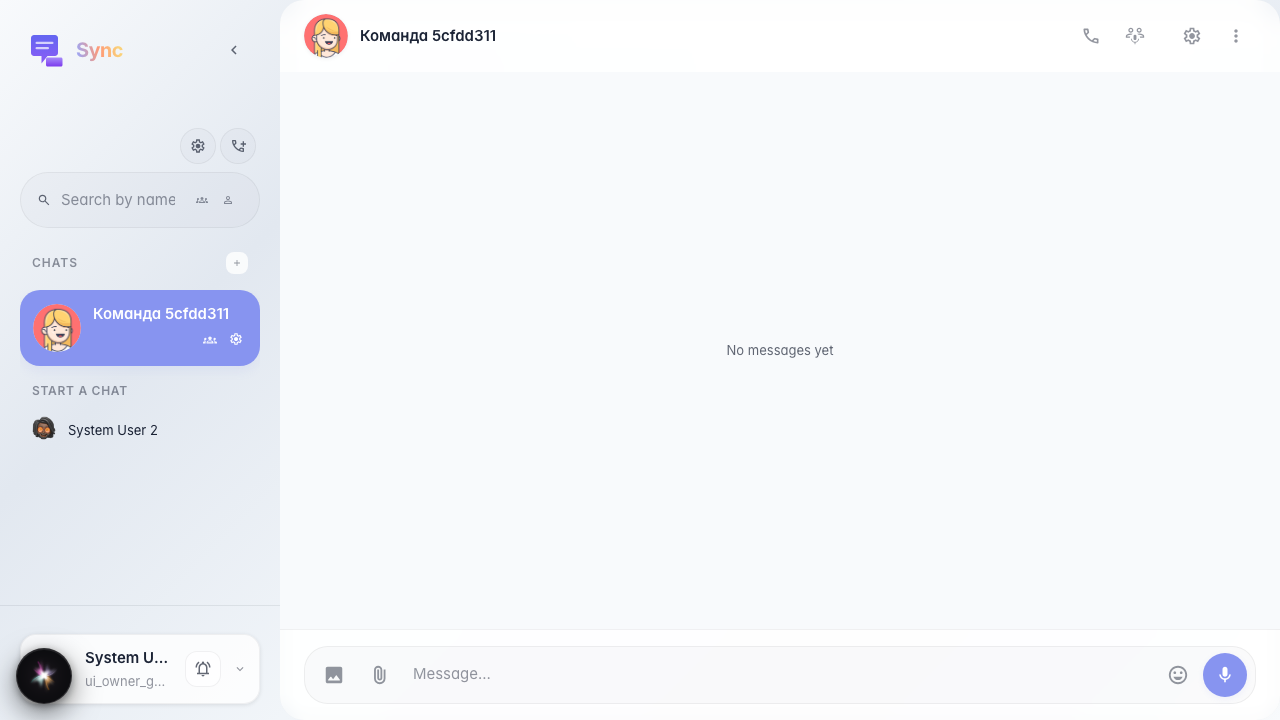
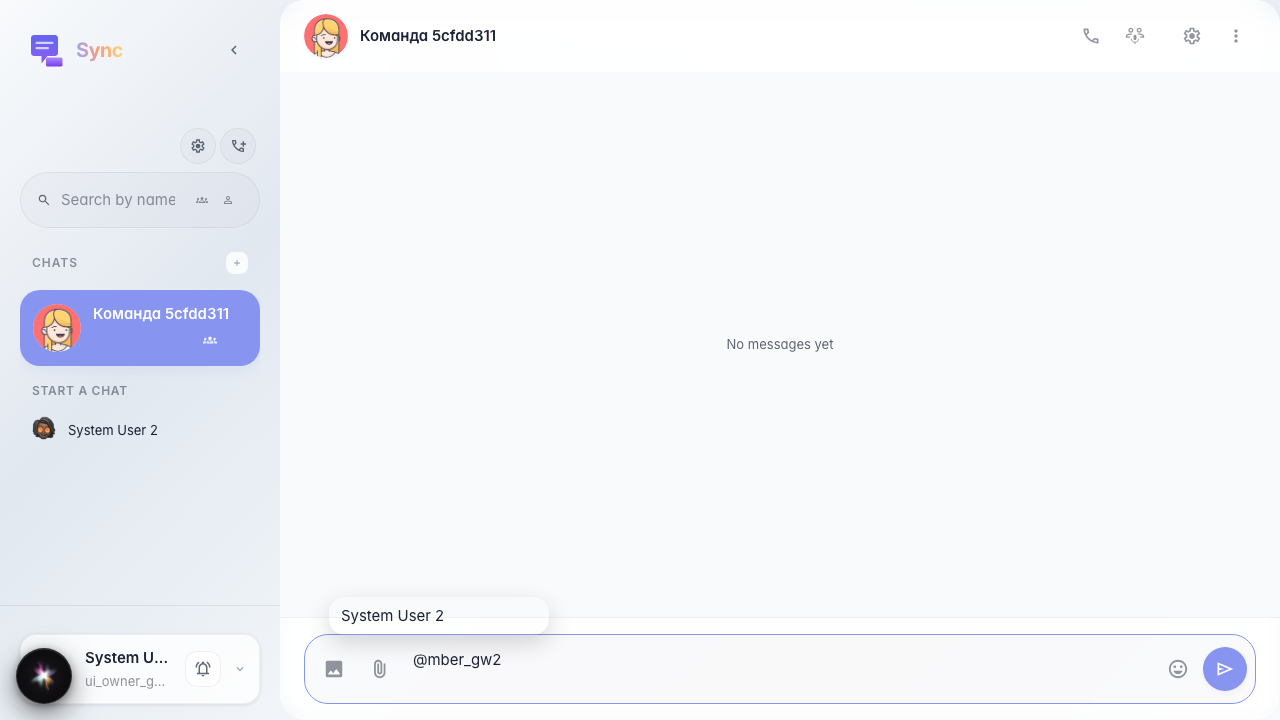
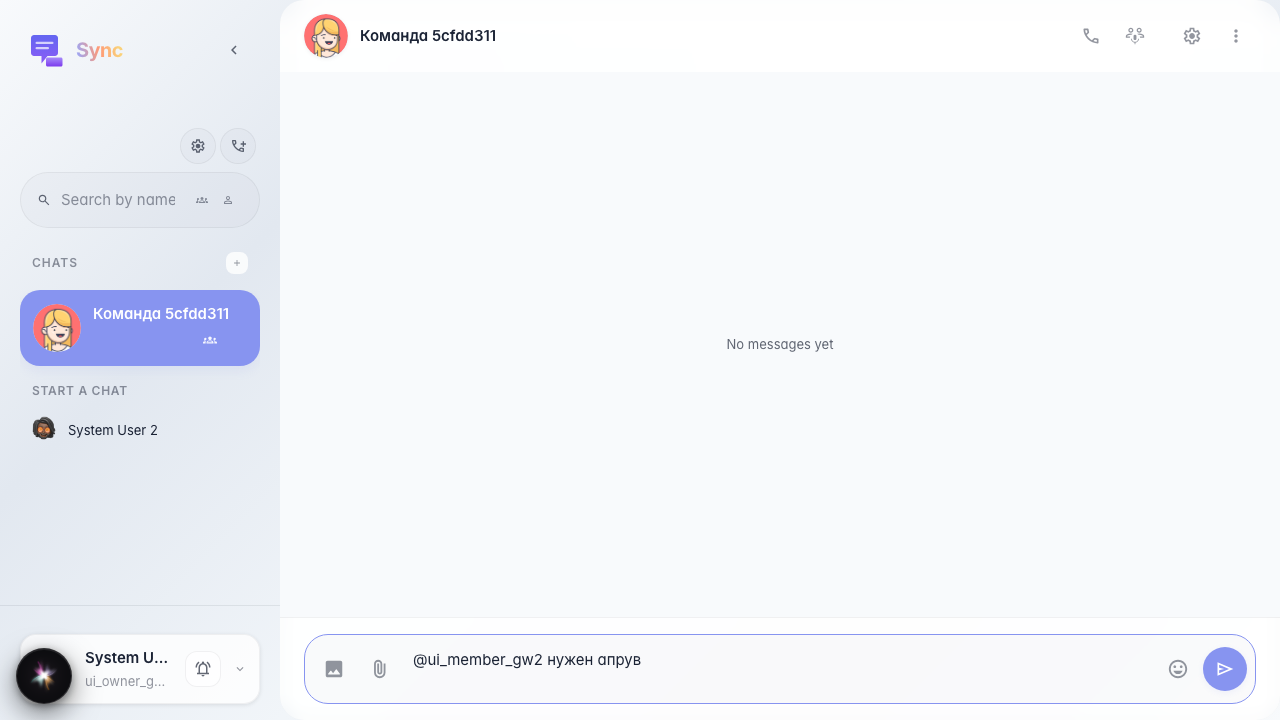
A channel is created and a second company member is added via API. After «@» in the composer a member list opens; selecting one inserts @user_id; the bubble shows the name from company members, not the raw id.
Step 1. Channel with two members opened
Step 2. Popup with member list
Step 3. Member selected, text appended
Step 4. Message with mention in the feed