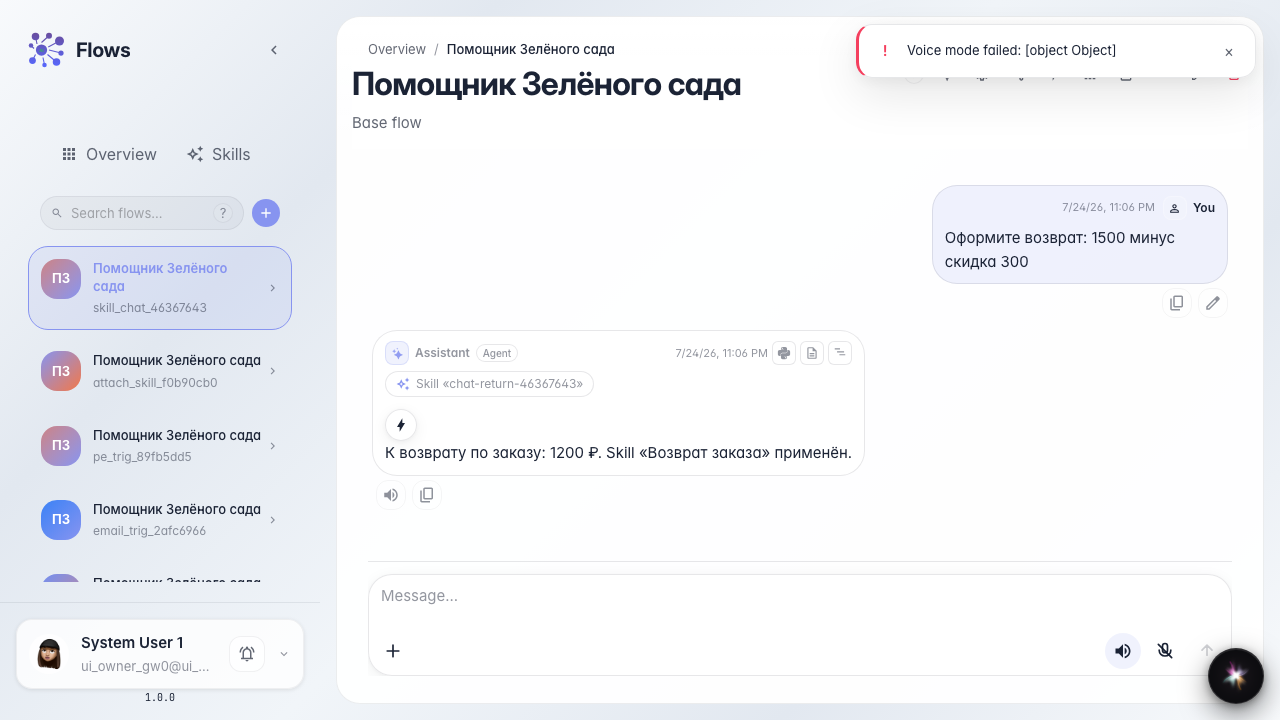
A Skill unlocks in chat
What for: this guide shows how chat reveals that the agent loaded a Skill and used its tools.
Problems it solves: it is unclear whether the procedure ran and where the calculator in the reply came from.
Result: the chat shows a Skill load chip and a reply with the calculation.
Step 1. Open the agent chat
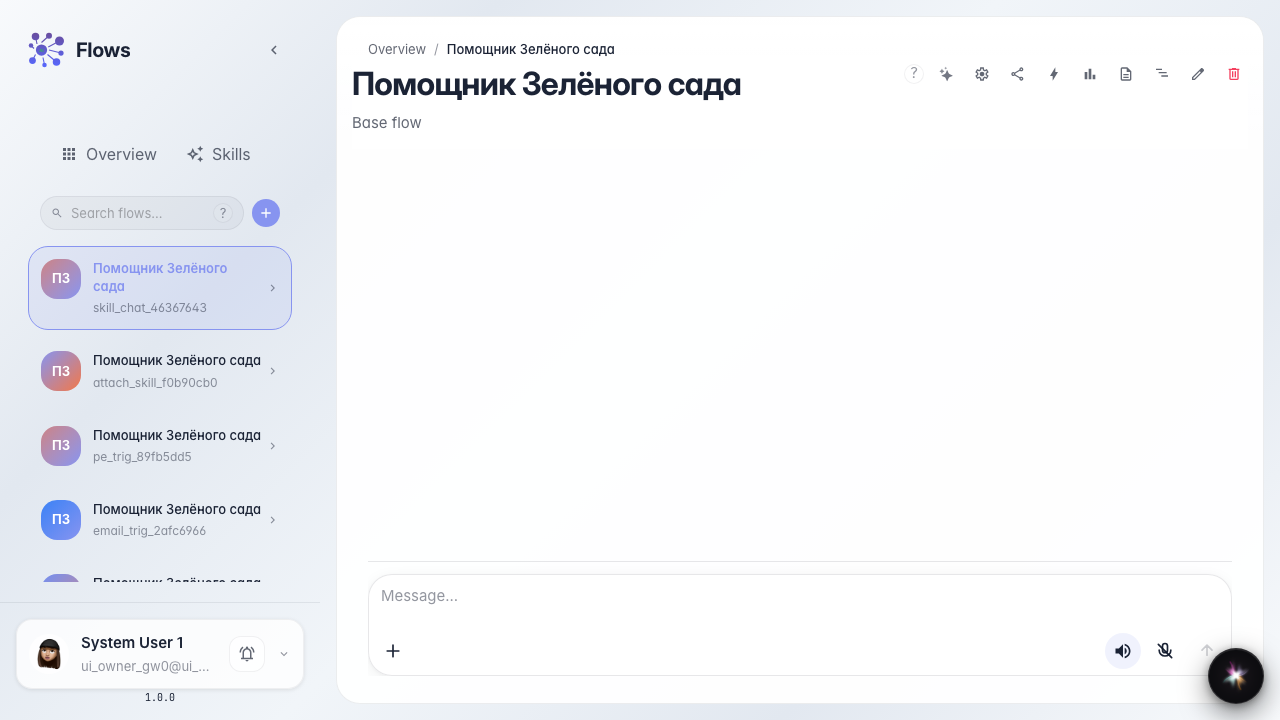
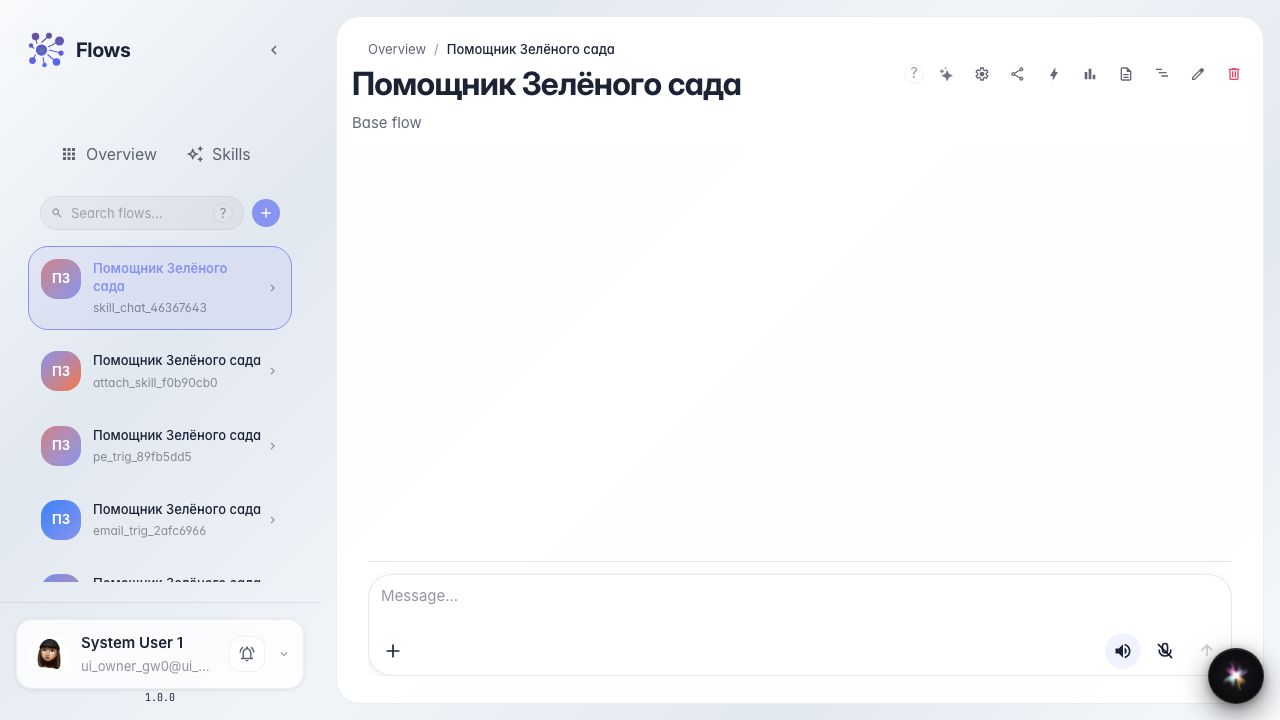
Open the Green Garden Assistant chat. The Skill is already attached — the customer just asks about a return.
Step 2. Prepare the reply check
The agent loads the procedure first, then calculates. Skill load chips can be hidden in chat settings (a separate guide).
Step 3. Send a question and see the Skill chip
Ask about a return with amounts. The feed shows a chip that the agent loaded the Order return Skill.
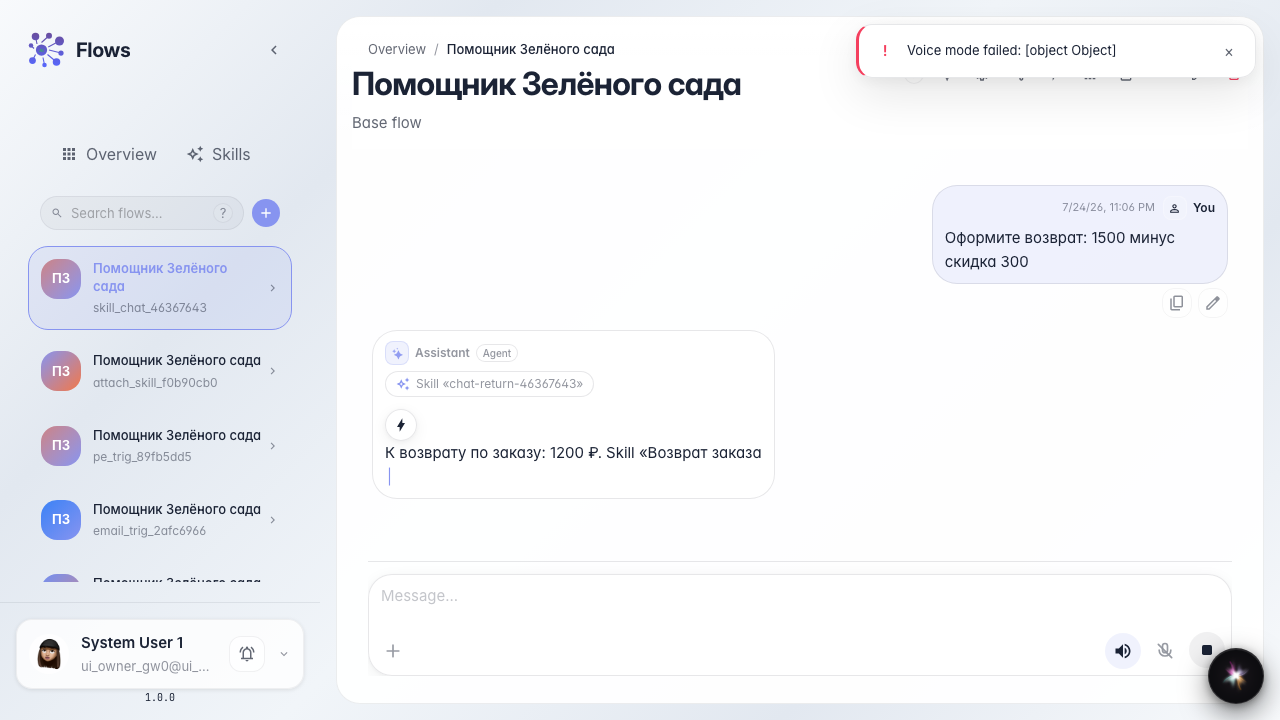
Step 4. Check the reply with the calculation
Result demonstration. The reply shows the amount after calculator — the procedure and unlocked tool ran in one dialog.
Summary. You can see Skill activation in chat and the unlocked tool result.