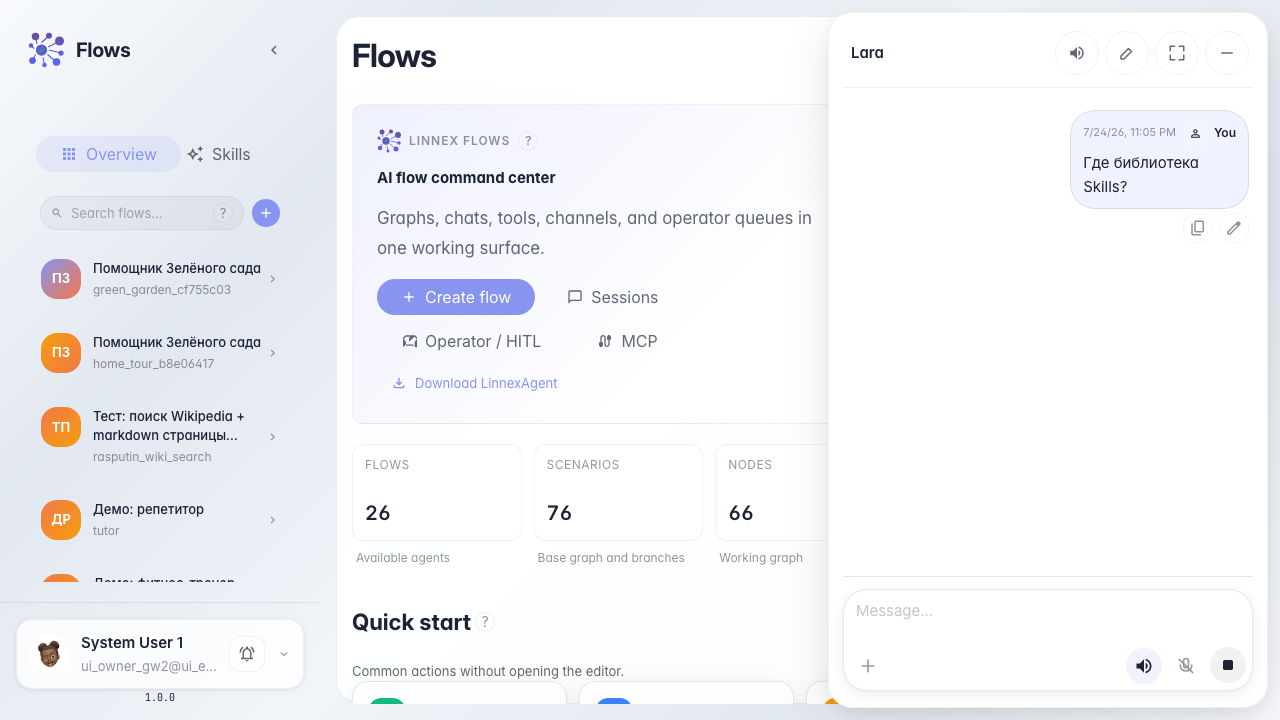
Chat with Lara — the platform assistant
What for: this guide helps you ask Lara how the platform works without configuring your own agent.
Problems it solves: a beginner does not know where to get help about Flows and services.
Result: you get a Lara reply in chat.
Step 1. Open the Flows home page
Start from Flows home. From here open chat and launch the built-in Lara platform assistant.
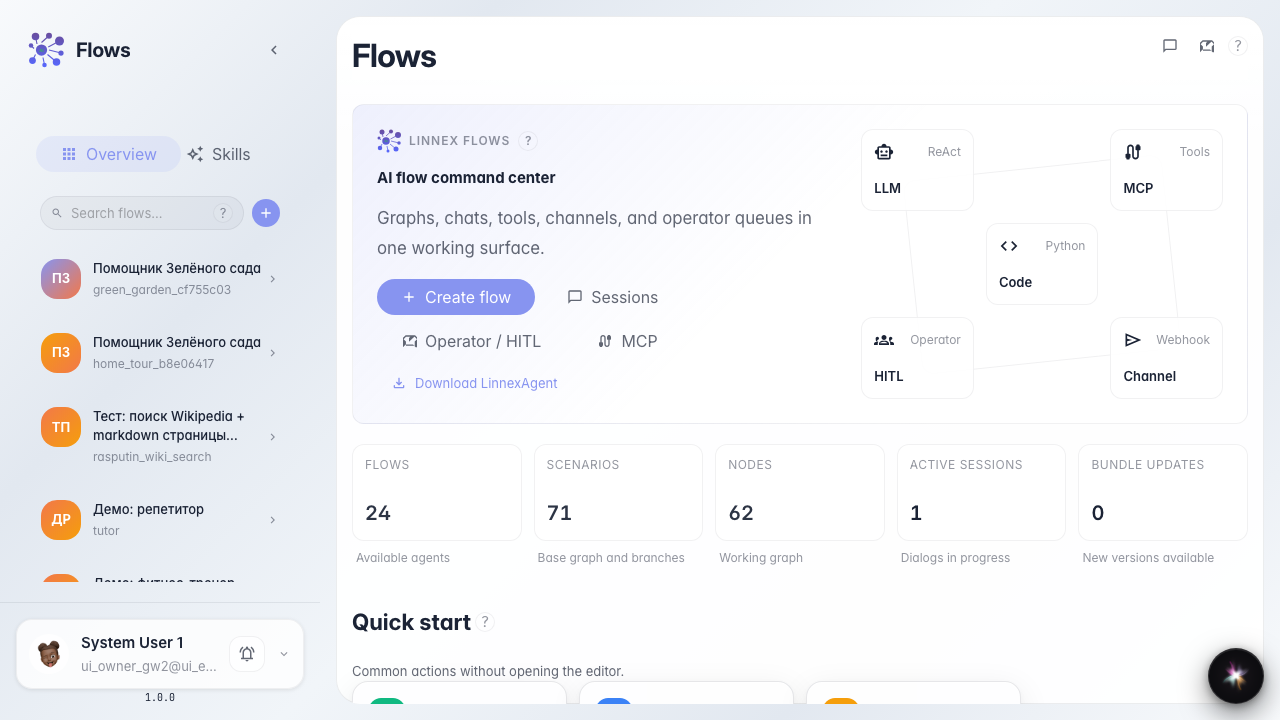
Step 2. Open Lara chat from the header
Open Flows chat and click the Lara button (AI icon in the header). The built-in platform assistant opens — it answers product questions, not store orders.
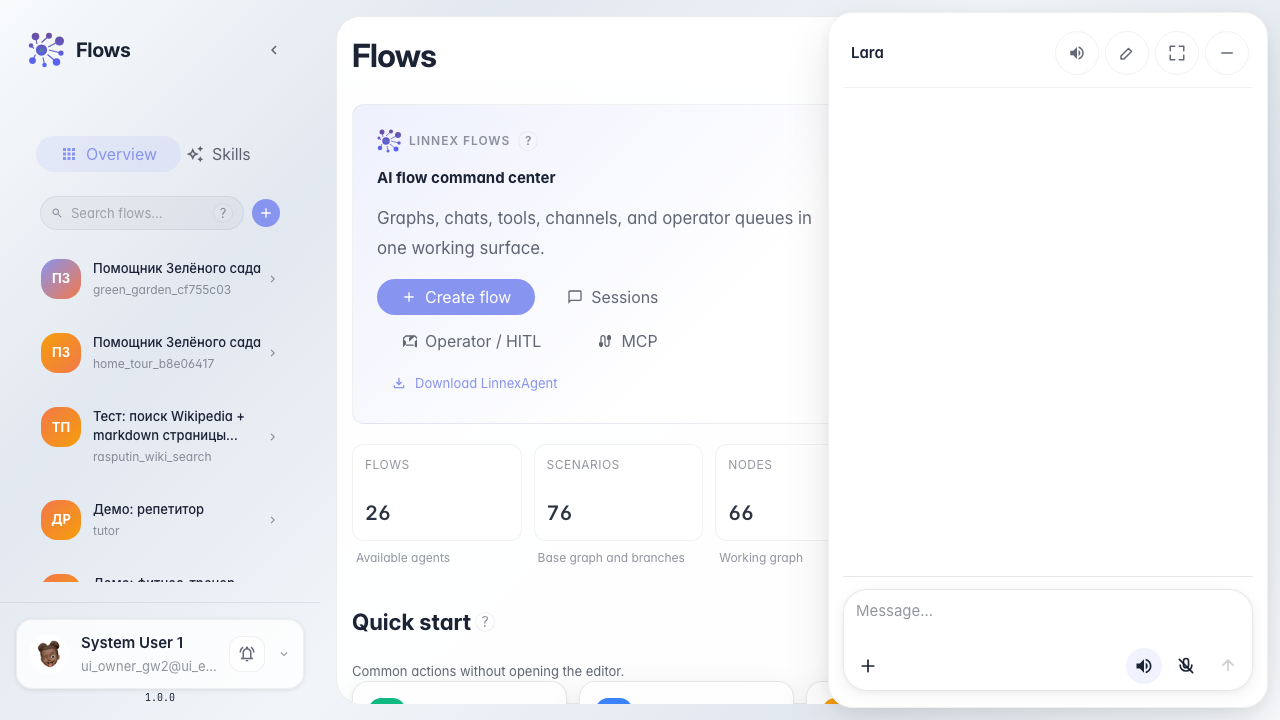
Step 3. Prepare a platform question
Ask a simple question, for example about Skills. Lara replies in the platform assistant drawer.
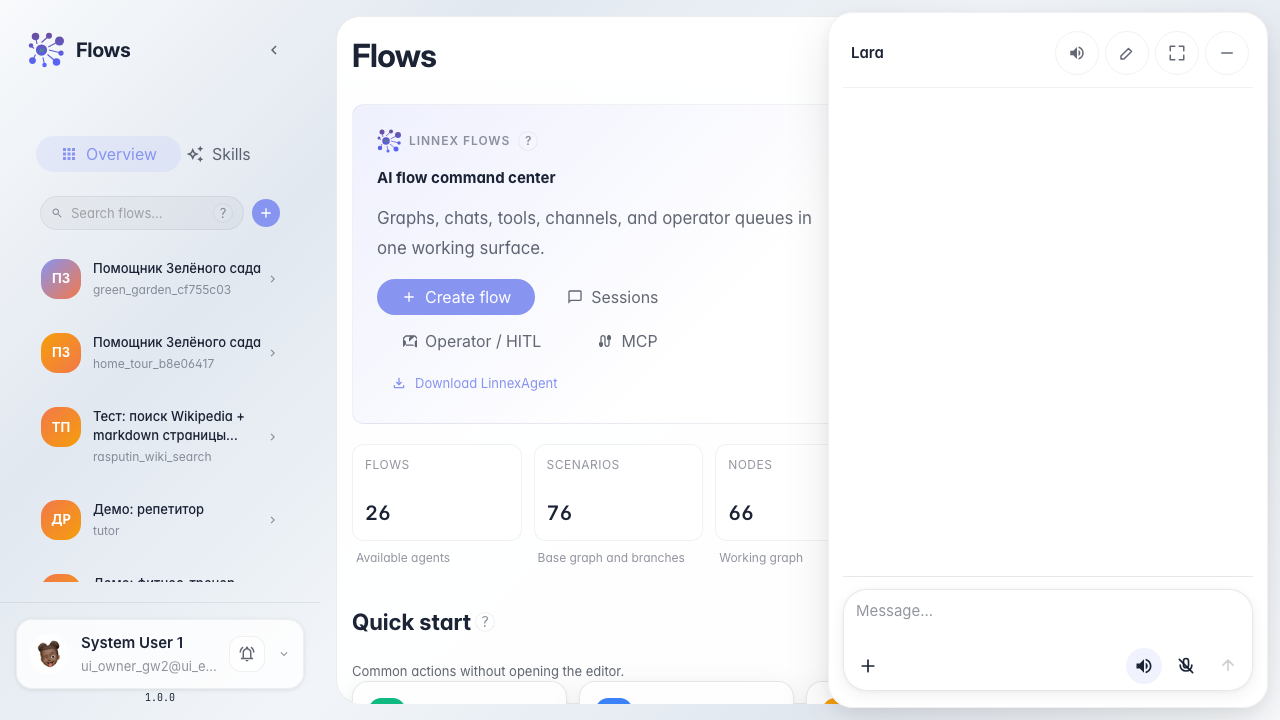
Step 4. Read Lara's reply
Result demonstration. The drawer shows Lara's reply about Skills — the platform assistant works.
Summary. You can open Lara and ask platform questions.