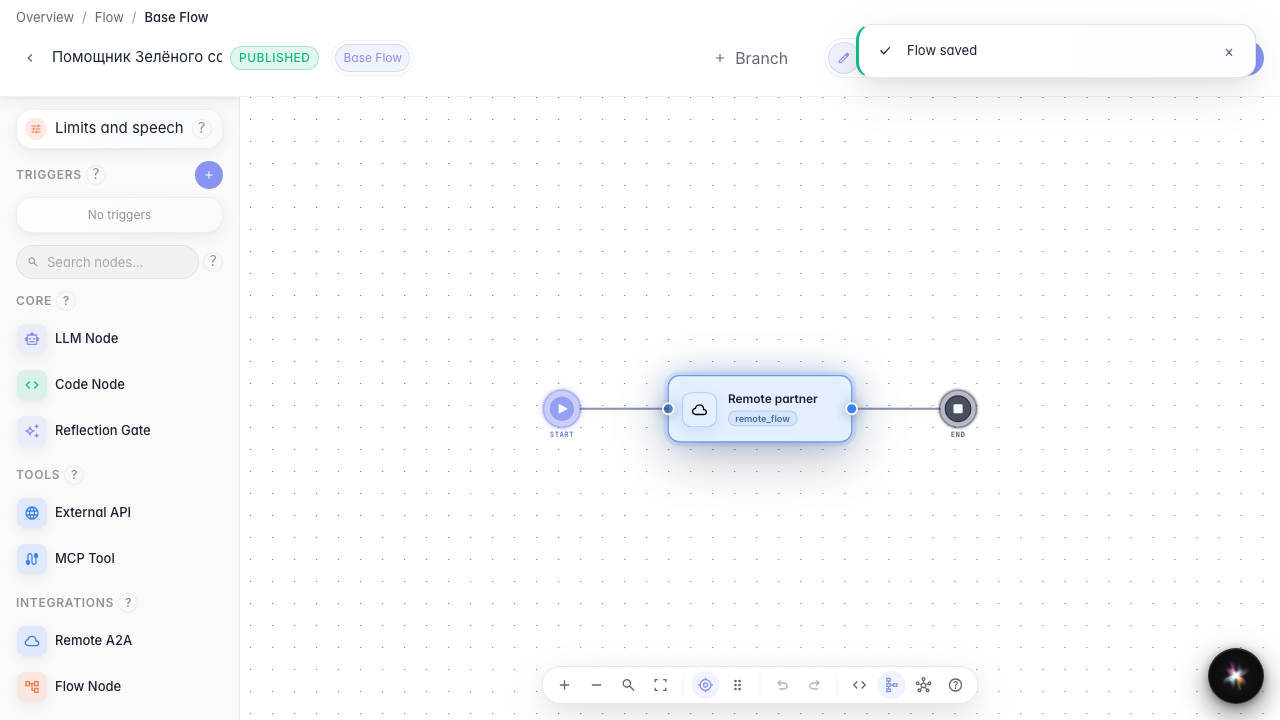
Call a remote agent
What for: this guide connects a partner agent over the A2A protocol.
Problems it solves: some scenarios live with another provider and you need to call their remote agent from your graph.
Result: a remote agent node with URL and branch.
Step 1. Add a remote agent node
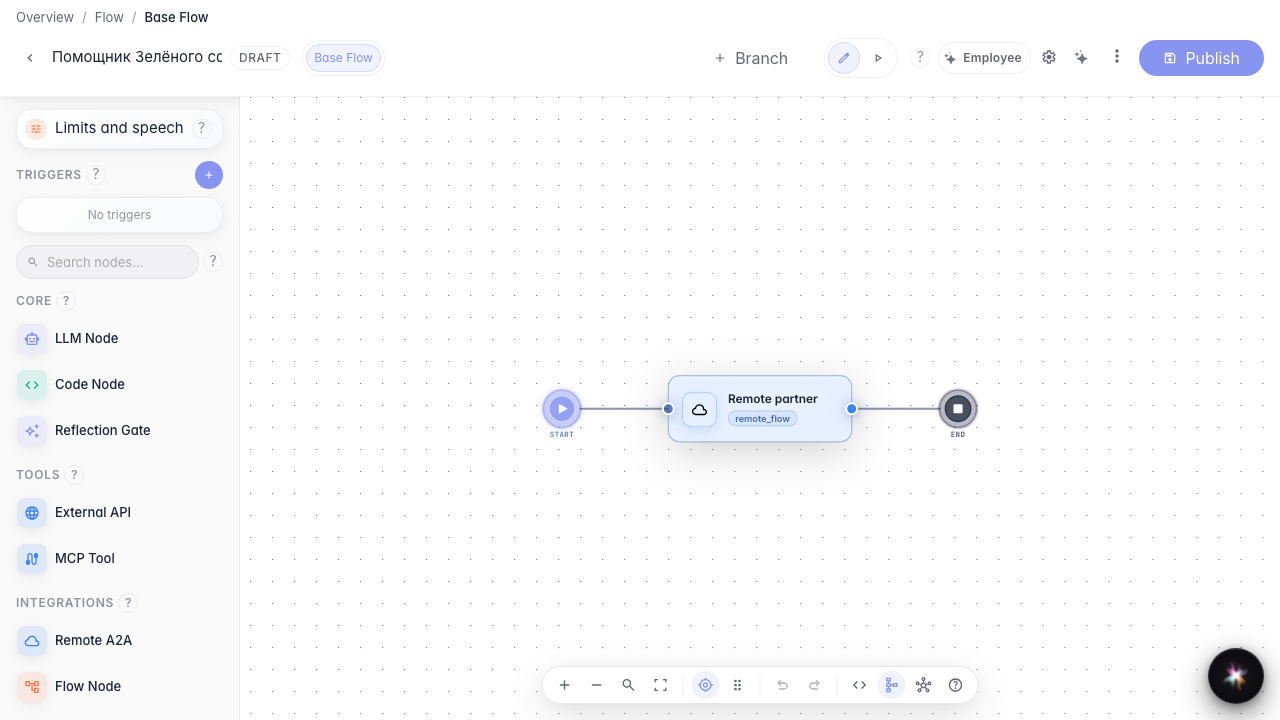
Drag a Remote agent node and open its settings. It calls another company's agent by URL or identifier.
Step 2. Set the partner agent address
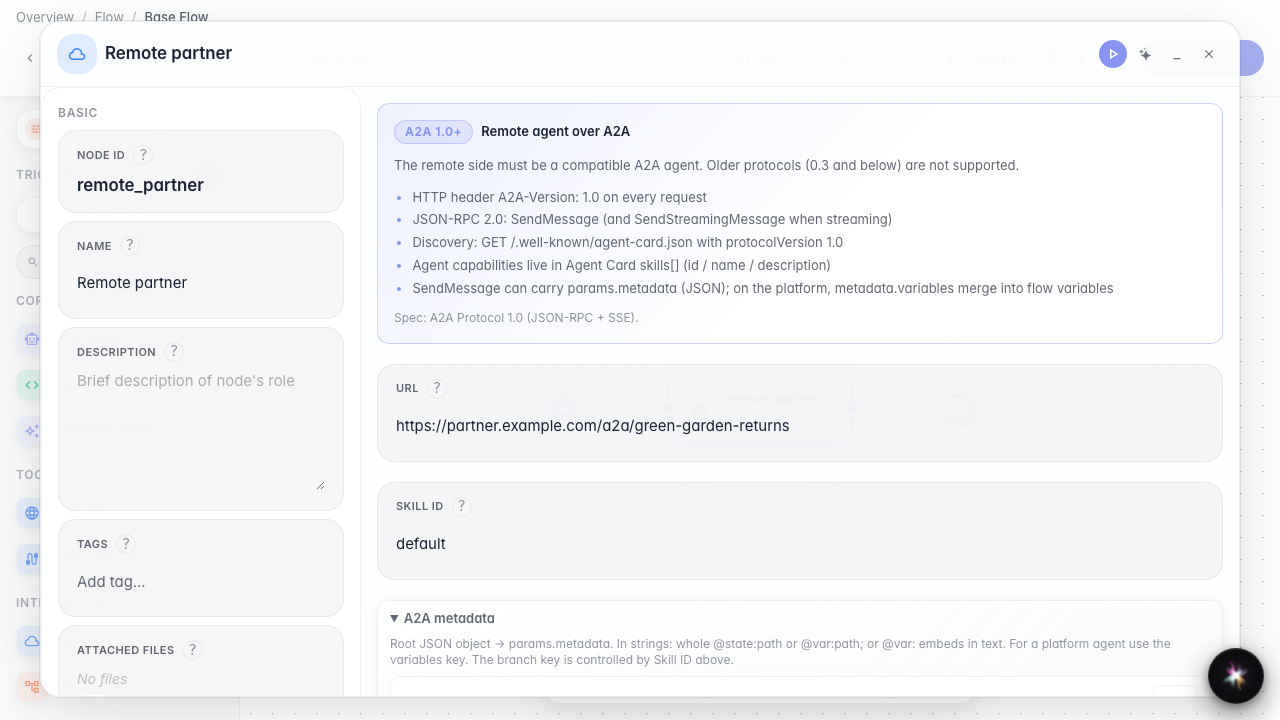
In URL mode enter the partner agent address and branch if needed. Your agent then knows where to forward the customer request.
Step 3. Review the address before publishing
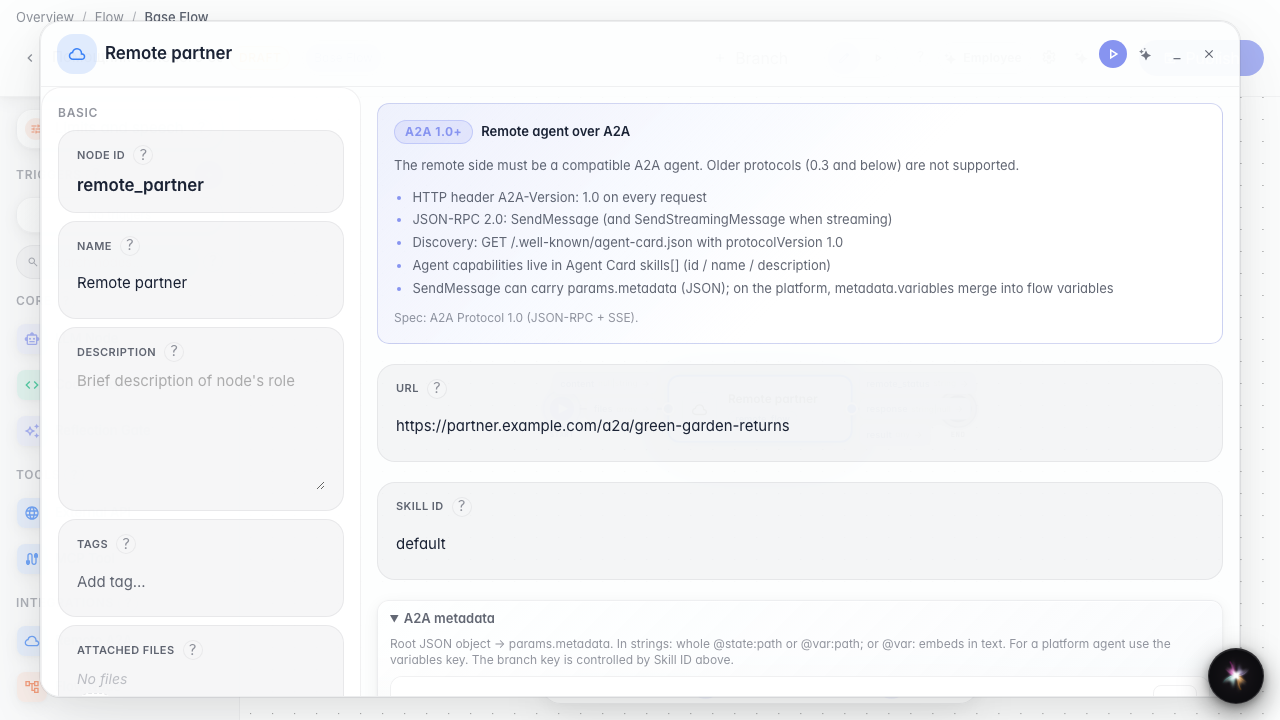
Reopen the node and confirm the partner URL is in the draft — the graph is ready to delegate requests to an external agent.
Step 4. Publish the remote agent call
Result demonstration. The remote agent node is saved with the URL — the graph is ready to delegate requests to a partner.
Summary. You can add a remote_flow node and configure an external agent call over A2A.