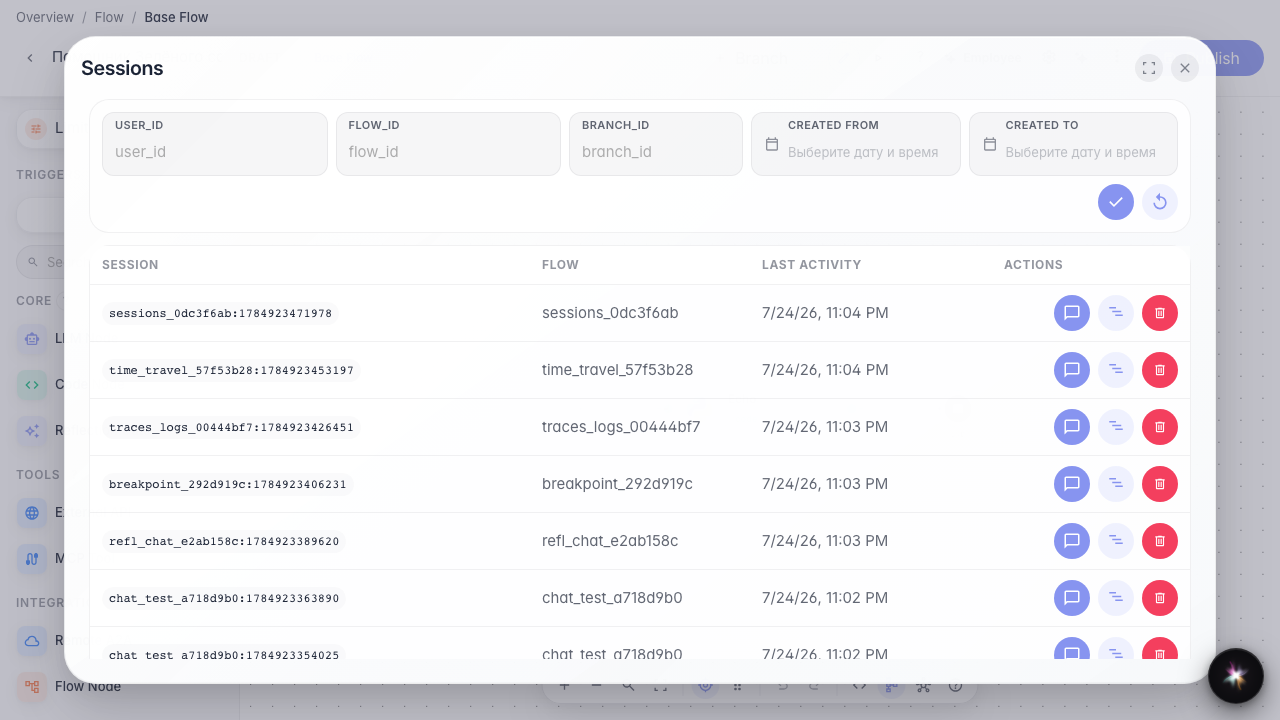
Find and resume past sessions
What for: this guide helps you find a past customer dialog and return to it from the editor.
Problems it solves: after several test runs the needed conversation is lost and it is unclear where to look.
Result: the sessions list is open from the editor and shows a recent dialog.
Step 1. Create a test dialog
Open the Green Garden Assistant chat and send a message. This creates a session you can later find in the past dialogs list.
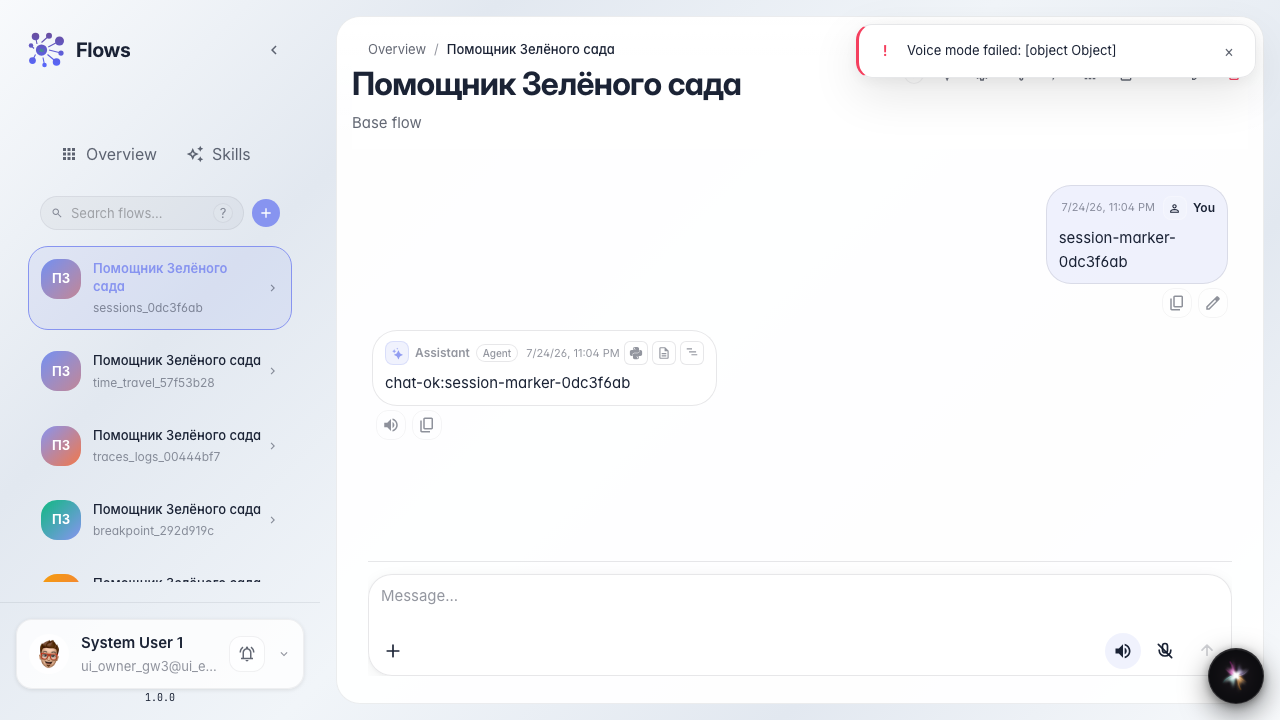
Step 2. Open the agent in the editor
Go to the same agent editor. The sessions list is available from the overflow menu in the header.

Step 3. Open the sessions list
In the ⋯ menu choose Sessions. A table of past dialogs opens with last activity dates.
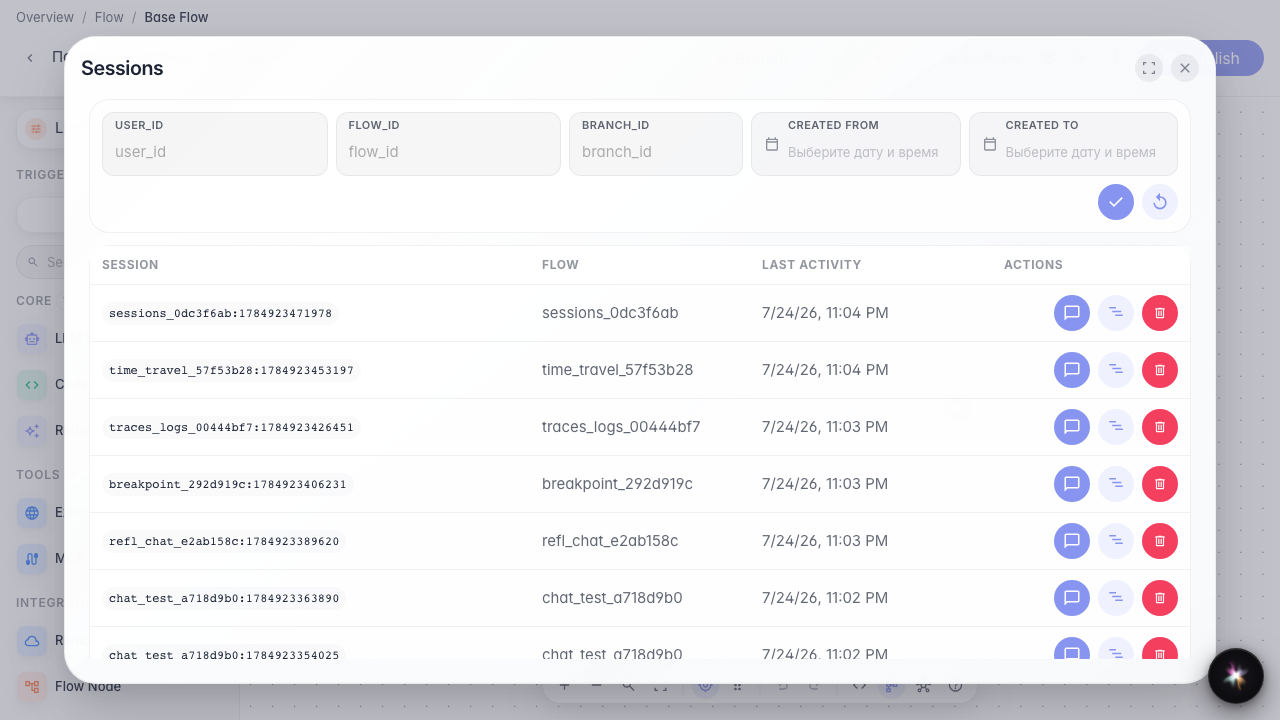
Step 4. Find the recent dialog in the table
Result demonstration. The table has at least one row with recent activity — your test session was saved and you can reopen it.
Summary. You can now find past Green Garden dialogs and return to them from the editor.